
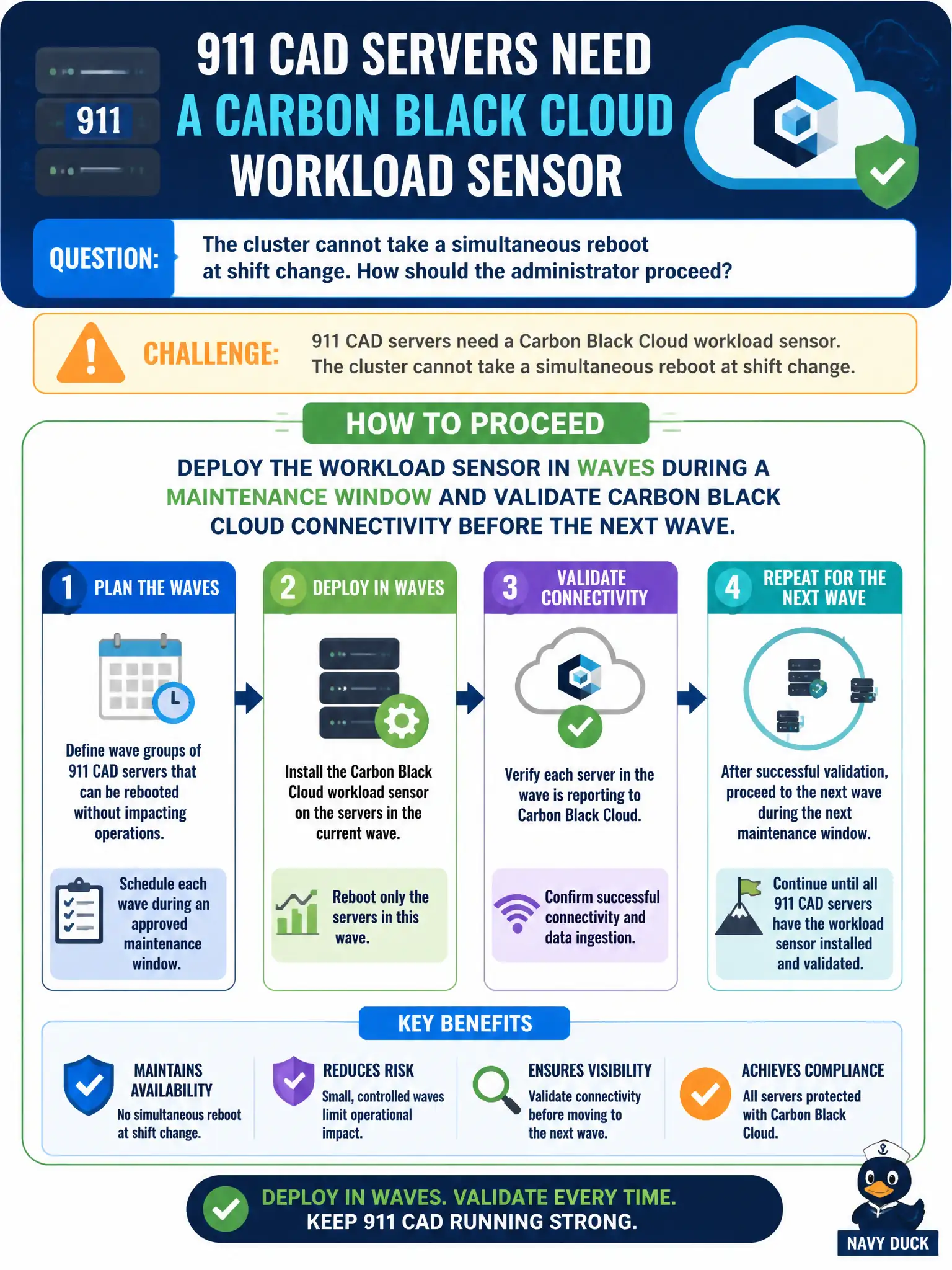
911 CAD servers need a Carbon Black Cloud workload sensor. The cluster cannot take a simultaneous reboot at shift change. How should the administrator proceed?
Select an answer to reveal the explanation.
Short Explanation
CAD is the 911 switchboard—you do not yank every headset at once to install a new mic. Wave the workload sensor in a maintenance window and prove cloud check-in before the next row. Mass reboot at shift change, and swapping the whole cluster for NSX Service Insertion, are how outages get made.
Full Explanation
911 CAD servers need a Carbon Black Cloud workload sensor, but the cluster cannot take a simultaneous reboot at shift change. Deploy the workload sensor in waves during a maintenance window and validate Carbon Black Cloud connectivity before the next wave—you do not yank every headset at once to install a new mic. Enabling NSX-T Service Insertion on all CAD VMs at once instead of a sensor fails by concept because Service Insertion is not a drop-in replacement for the CBC workload sensor requirement and mass-enabling it still risks change collision. Pushing the sensor to the entire CAD cluster during the busiest incident window fails because peak incident load is the worst time for agent and potential reboot impact. Rebooting every CAD node together so the sensor driver loads in one change window fails because simultaneous reboot is exactly the outage pattern public safety forbade. Exam caveat: CAD CBC workload rollout is waved in maintenance windows with connectivity validation between waves—not Service Insertion substitution, not peak-hour mass push, not simultaneous cluster reboot. Operational check: schedule waves, deploy to wave one, confirm cloud check-in and CAD health, proceed to the next wave only after validation, and keep a rollback contact on the 911 change bridge. Align maintenance windows with dispatch supervisors so sensor reboots never land on shift change.