
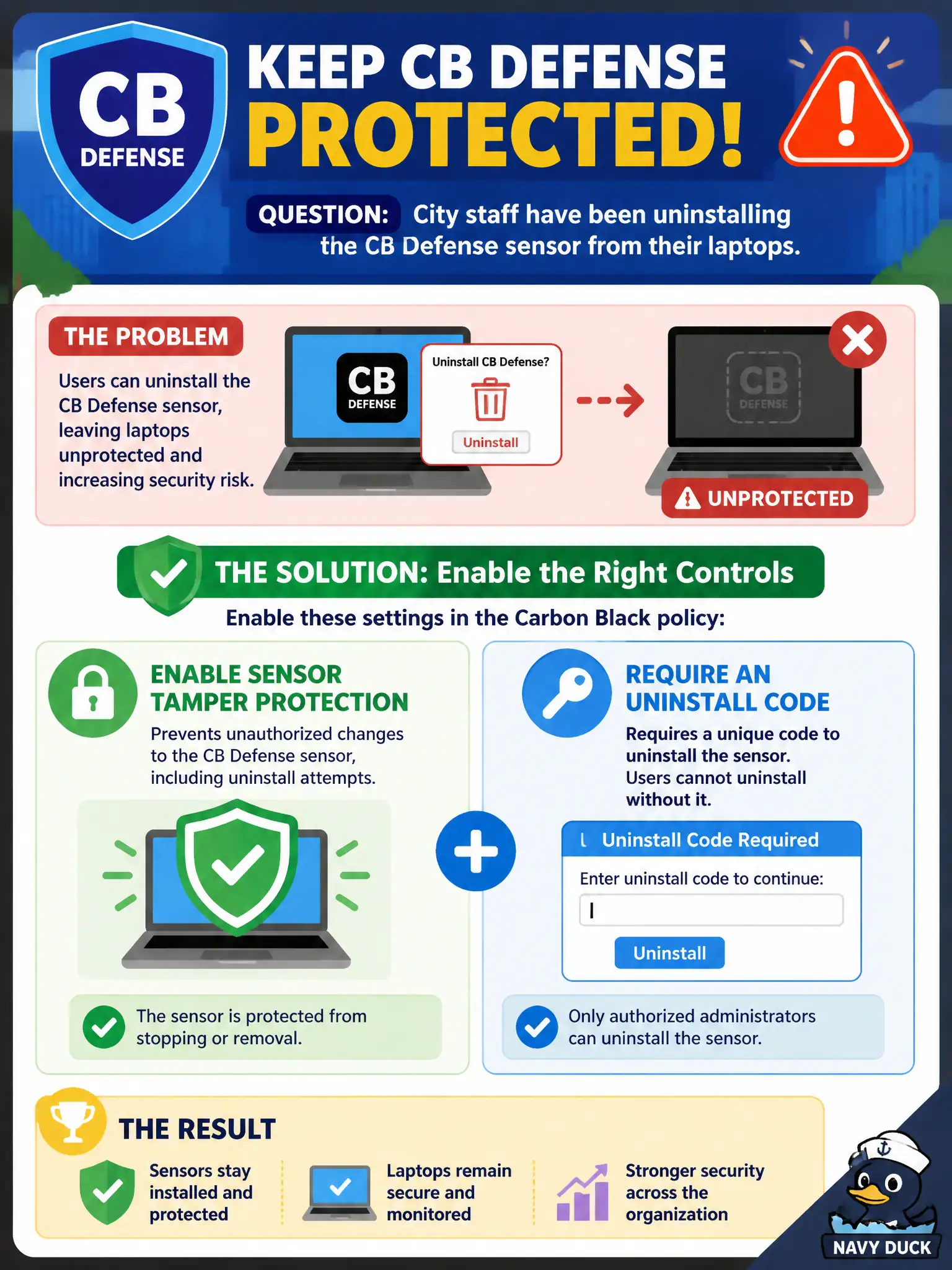
City staff have been uninstalling the CB Defense sensor from their laptops. Which control should the administrator enable?
Select an answer to reveal the explanation.
Short Explanation
Hiding the installer under a plant is not a control. Tamper protection and an uninstall code are the policy lock that keeps staff from yanking the sensor. Changing NSX Manager admins or swapping every laptop for a Chromebook misses the actual CBC setting.
Full Explanation
City staff have been uninstalling the CB Defense sensor from their laptops. Enable sensor tamper protection and require an uninstall code in the Carbon Black policy—hiding the installer under a plant is not a control. Hiding the sensor executable in an unmarked folder on the desktop fails by concept because obscurity is not tamper protection and staff with admin rights can still remove the agent. Removing local admin rights only from NSX-T Manager, leaving Windows users unchanged, fails because NSX Manager admin rights are unrelated to Windows users uninstalling CBC on laptops. Converting every laptop to a Chromebook so the Windows sensor cannot be removed fails because fleet replacement is not the CBC policy control and Chromebooks are a different management path. Exam caveat: stop unauthorized uninstall with CBC tamper protection and uninstall code requirements—not hiding binaries, NSX Manager admin changes, or forced Chromebook migration. Operational check: enable tamper protection and uninstall code on the staff policy, attempt uninstall without the code and confirm failure, document break-glass uninstall for helpdesk, and reinstall on machines already stripped. Combine with least-privilege local admin reduction on Windows where civic policy allows.