
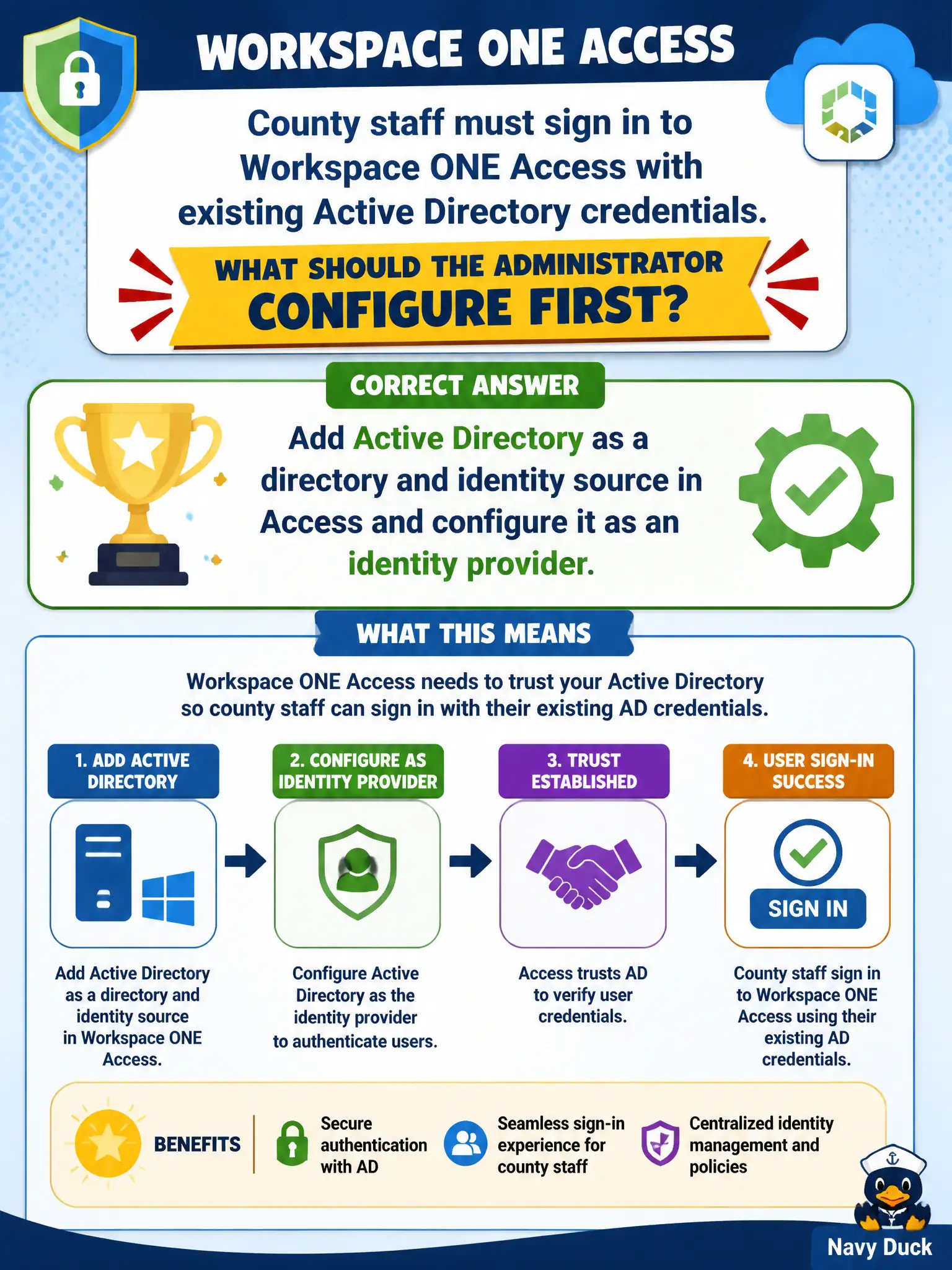
County staff must sign in to Workspace ONE Access with existing Active Directory credentials. What should the administrator configure first?
Select an answer to reveal the explanation.
Short Explanation
Access needs a phone book before it can check badges. Add AD as the directory and identity source, then as the IdP, so county staff keep the passwords they already have. A Carbon Black org key is sensor registration, and NSX Manager LDAP is not the Access workforce IdP.
Full Explanation
County staff must sign in to Workspace ONE Access with existing Active Directory credentials. First add Active Directory as a directory and identity source in Access and configure it as an identity provider—Access needs a phone book before it can check badges. Creating a Carbon Black Cloud organization and pointing Access at the org API key fails by concept because CBC org API keys register sensors; they are not workforce identity providers for Access. Binding NSX-T Manager LDAP as the only Access identity provider without a directory fails because NSX Manager LDAP is not the Access workforce IdP pattern for county staff SSO. Disabling Access and having staff authenticate only to the UEM enrollment URL with local accounts fails because that abandons Access SSO and forces local accounts instead of existing AD credentials. Exam caveat: staff AD login to Access starts with AD directory plus IdP configuration in Access—not CBC API keys, NSX Manager LDAP-as-Access-IdP, or disable-Access local enrollment. Operational check: configure AD directory and IdP, test staff login with existing AD credentials to an Access application, confirm CBC/NSX were not used as IdP substitutes, and document connector/network prerequisites. Coordinate AD service accounts and LDAPS requirements with county directory services before go-live.