
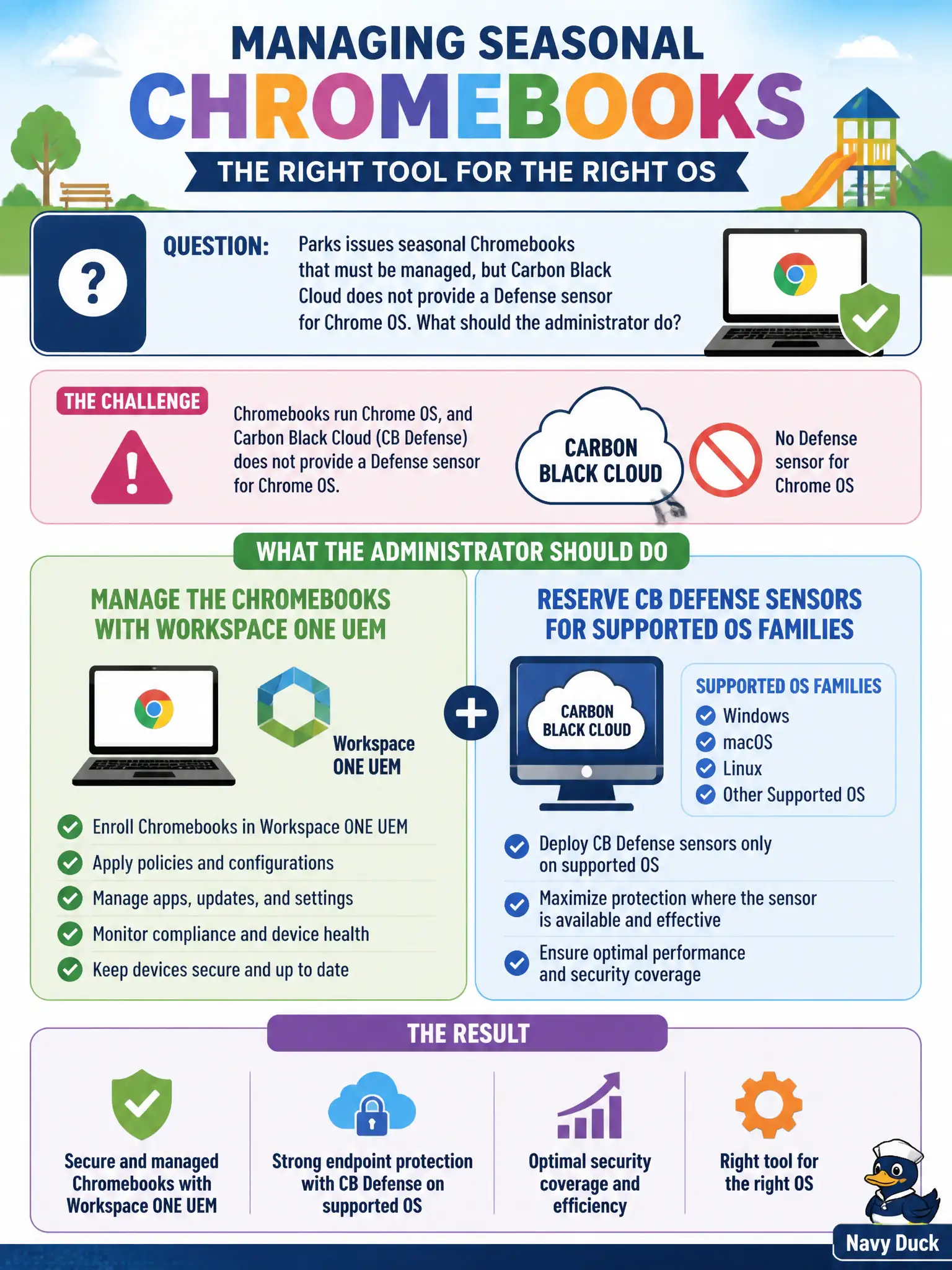
Parks issues seasonal Chromebooks that must be managed, but Carbon Black Cloud does not provide a Defense sensor for Chrome OS. What should the administrator do?
Select an answer to reveal the explanation.
Short Explanation
Not every civic gadget takes the same lock. Chromebooks go in UEM; CB Defense sensors stay on the OS families that actually ship an agent. Wrapping a Windows MSI in Crostini or pointing NSX GI at a Chromebook is wishful plumbing, and UEM can enroll Chrome OS.
Full Explanation
Parks issues seasonal Chromebooks that must be managed, but Carbon Black Cloud does not provide a Defense sensor for Chrome OS. Manage the Chromebooks with Workspace ONE UEM and reserve CB Defense sensors for supported OS families—not every civic gadget takes the same lock. Force-installing the Windows MSI through Chrome OS Linux as a supported sensor path fails by concept because Crostini or Linux containers are not a supported CBC Defense path for Chrome OS management. Treating NSX Guest Introspection on vCenter as the Chromebook EDR fails because GI targets hypervisor guests, not Chromebooks in the field. Skipping device management because Chromebooks cannot enroll in Workspace ONE UEM either fails because Chrome OS can enroll in UEM; skipping management abandons the seasonal fleet. Exam caveat: Chromebooks → UEM management; CB Defense → supported OS families only—not Windows MSI in Crostini, not NSX GI as Chromebook EDR, not skip-all-management. Operational check: enroll a seasonal Chromebook in UEM, assign profiles/apps as required, confirm no CBC Defense sensor is expected for Chrome OS, and document supported OS list for CBC separately. Issue return checklists so season-end Chromebooks unenroll cleanly from UEM.