
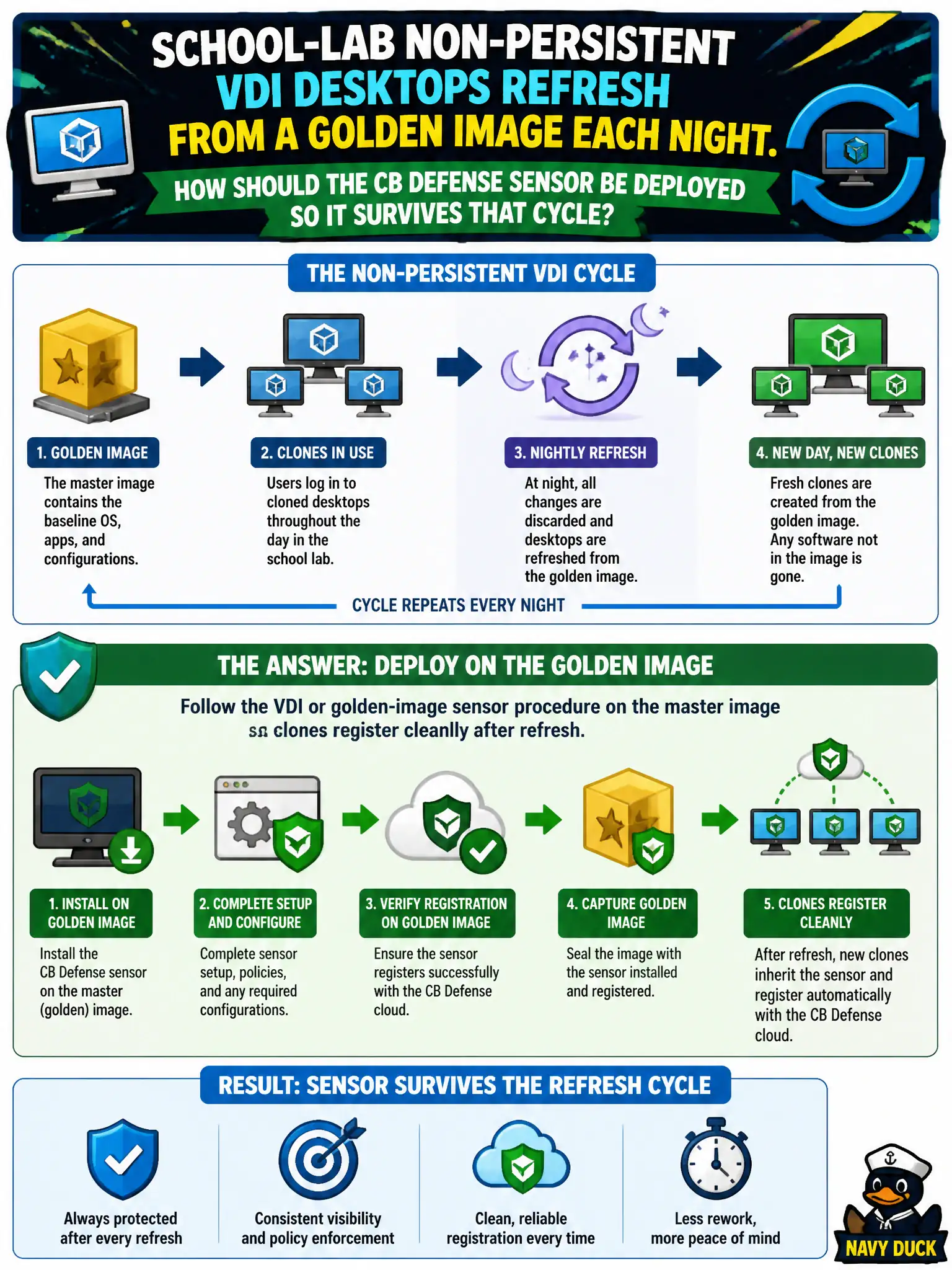
School-lab non-persistent VDI desktops refresh from a golden image each night. How should the CB Defense sensor be deployed so it survives that cycle?
Select an answer to reveal the explanation.
Short Explanation
Non-persistent labs are like a stack of laminated hall passes—you print from a master, you do not Sharpie a unique ID on the master and photocopy it. Use the VDI/golden-image sensor prep so each clone registers fresh. Installing after login vanishes at refresh, and cloning one live sensor ID collides in the console.
Full Explanation
School-lab non-persistent VDI desktops refresh from a golden image each night. Follow the VDI or golden-image sensor procedure on the master image so clones register cleanly after refresh—non-persistent labs are like a stack of laminated hall passes printed from a master, not a unique ID Sharpied onto the master and photocopied. Installing the sensor inside a disposable desktop after the student logs on fails by concept because that install vanishes at nightly refresh and never becomes durable protection. Disabling the sensor on VDI pools and using NSX distributed IDS as the laptop EDR fails because NSX IDS is network detection and does not replace CBC Endpoint Standard on the desktop image. Sealing a unique production sensor ID into the golden image and cloning it unchanged to every desktop fails because cloned live sensor IDs collide in the Carbon Black console and break registration. Exam caveat: non-persistent VDI CBC deploy uses the documented golden-image/VDI sensor preparation so each clone registers fresh—not post-login install, not NSX IDS substitution, not cloning one production sensor ID. Operational check: prepare the master per VDI sensor guidance, refresh a pool, confirm each clone checks in with a distinct registration, and verify no shared production sensor ID was sealed into the image. Version the golden-image CBC build in the school VDI runbook so overnight refreshes stay consistent.