
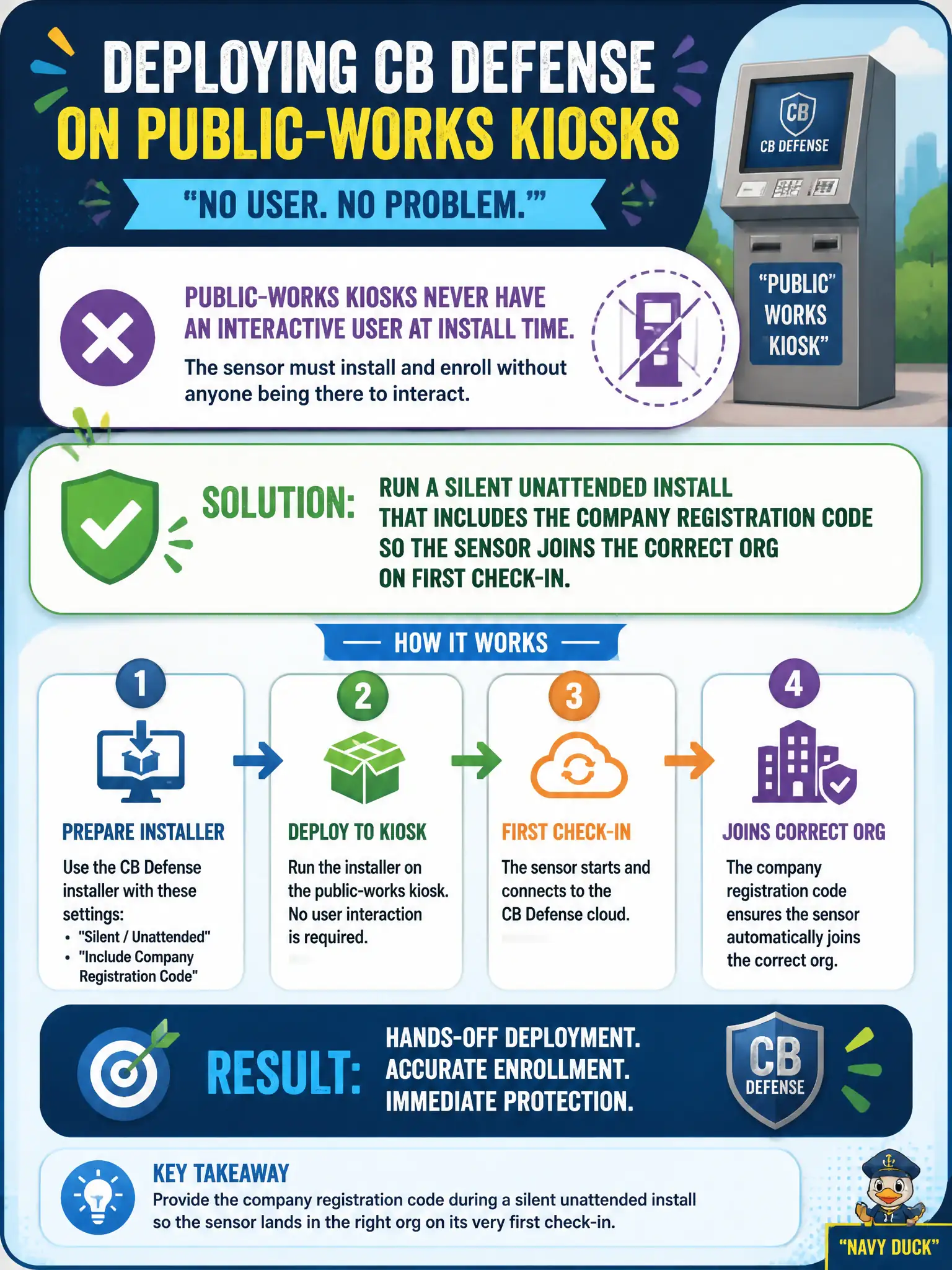
Public-works kiosks never have an interactive user at install time. How should the administrator deploy the CB Defense sensor?
Select an answer to reveal the explanation.
Short Explanation
A kiosk is a vending machine, not a staff laptop—nobody is standing there to click Next. Silent install plus the company registration code checks the sensor into the right org by itself. A wizard, an NSX thumbprint, or Guest Introspection will not register those boxes in Carbon Black Cloud.
Full Explanation
Public-works kiosks never have an interactive user at install time. Run a silent unattended install of the CB Defense sensor that includes the company registration code so the sensor joins the correct org on first check-in—a kiosk is a vending machine, not a staff laptop with someone ready to click Next. Leaving the GUI wizard on the kiosk desktop for the next staff member to click through fails by concept because unattended kiosks may sit for weeks without an interactive installer completing registration. Registering each kiosk by pasting an NSX-T Manager thumbprint into the sensor fails because NSX Manager certificates are unrelated to Carbon Black Cloud company registration codes. Skipping registration and relying on Guest Introspection to appear in the Carbon Black console fails because Guest Introspection does not enroll CBC sensors into the cloud org. Exam caveat: headless kiosk deployment uses silent install plus company registration code—not GUI wizards, NSX thumbprints, or GI registration. Operational check: silently install with the registration code on a lab kiosk image, confirm the device appears in the correct CBC org and sensor group without user interaction, and remove wizard-based steps from the kiosk build checklist. Store the company registration code in the public-works secrets vault and rotate it per civic credential policy.