
City inspectors' Windows laptops should land in the Carbon Black Inspectors sensor group on first check-in, based on Active Directory OU. What must be in place before mass deployment?
Select an answer to reveal the explanation.
Short Explanation
First check-in is like assigning a new inspector a radio channel the moment the radio powers on—you program the channel list before you hand out radios. Sensor-group criteria on the OU do that. NSX groups and Access uninstall mappings are other products; waiting to drag devices later leaves a window on the wrong policy.
Full Explanation
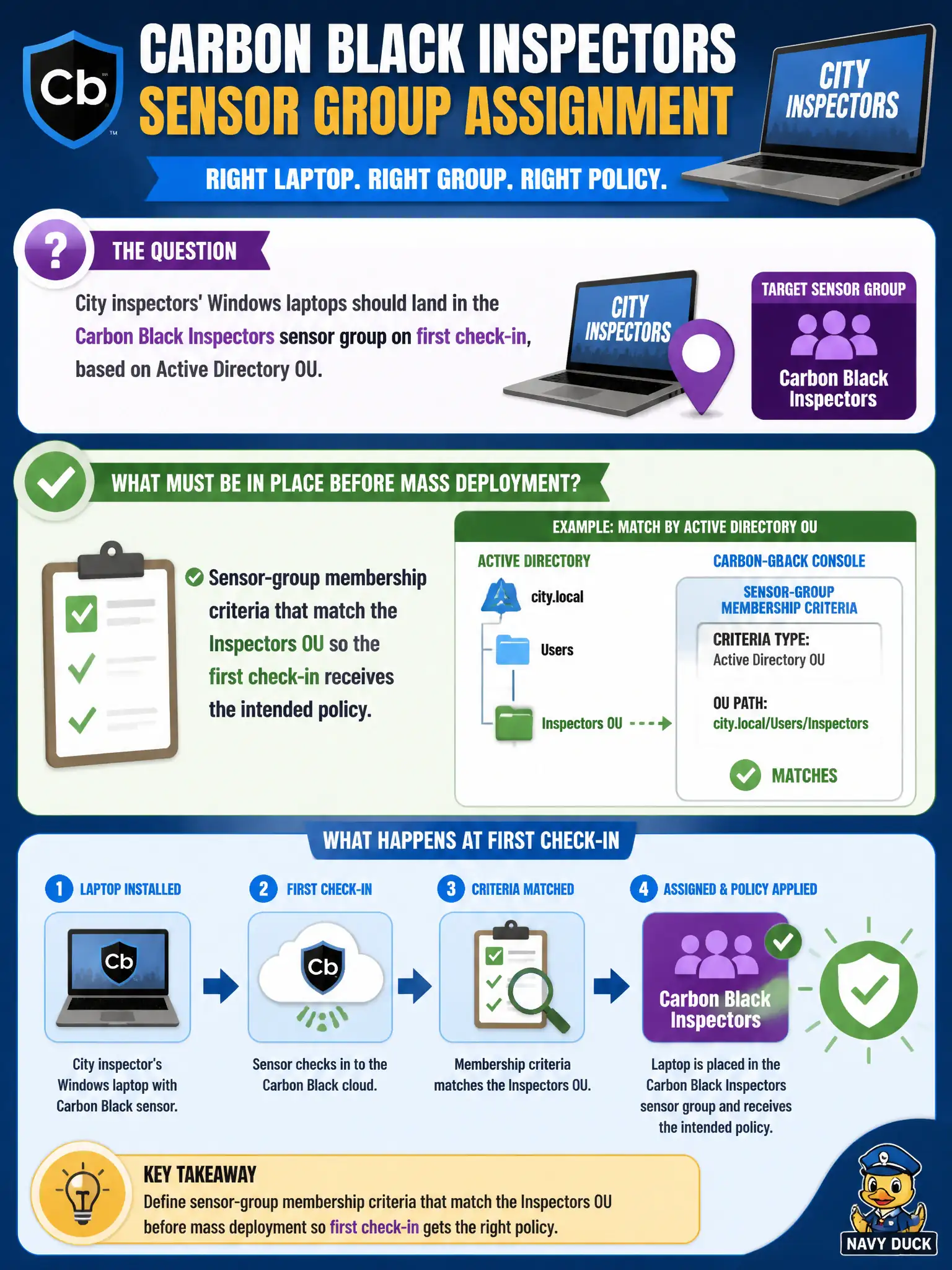
City inspectors' Windows laptops should land in the Carbon Black Inspectors sensor group on first check-in based on Active Directory OU. Put sensor-group membership criteria that match the Inspectors OU in place before mass deployment so the first check-in receives the intended policy—like programming radio channels before handing radios out. An NSX-T security group named Inspectors that Carbon Black reads as a sensor group fails by concept because NSX security groups are not CBC sensor-group criteria. A Workspace ONE Access policy that maps OU to a CB uninstall code fails because Access policies govern SSO and do not assign CBC sensor groups or uninstall codes from OU. Manual console moves after every laptop reports in, claiming criteria cannot be set in advance, fails because criteria-based assignment is exactly how first check-in automation works and manual moves do not scale. Exam caveat: pre-create CBC sensor-group criteria on AD OU before mass deploy—not NSX group name myths, Access uninstall mapping, or manual post-check-in moves as the design. Operational check: configure Inspectors OU criteria on the sensor group, enroll a pilot laptop in that OU, confirm first check-in lands in Inspectors with the intended policy, then proceed with mass deployment. Coordinate AD OU accuracy with HR so inspectors are not left in a generic staff OU that matches the wrong CBC group.