
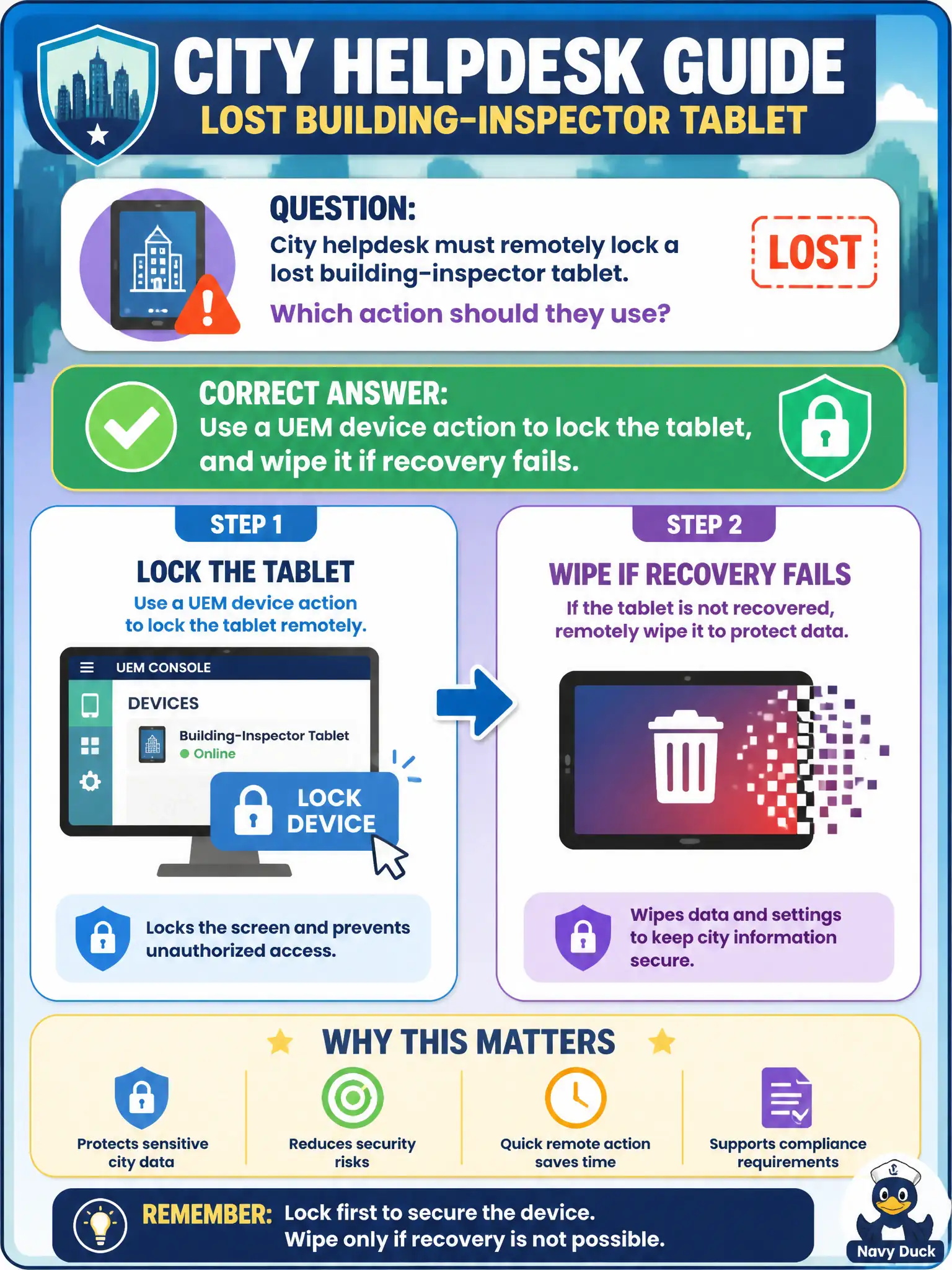
City helpdesk must remotely lock a lost building-inspector tablet. Which action should they use?
Select an answer to reveal the explanation.
Short Explanation
A lost tablet needs an MDM remote lock, like a panic button on the device itself. UEM lock or wipe is that button. Blocking last week’s DHCP address in NSX does not freeze the screen in an inspector’s truck.
Full Explanation
City helpdesk must remotely lock a lost building-inspector tablet. Use a UEM device action to lock the tablet, and wipe it if recovery fails—an MDM panic button on the device itself. Publishing an NSX-T distributed firewall deny-any for the tablet’s last DHCP address fails by concept because blocking last week’s address does not freeze the screen in an inspector’s truck and DHCP leases change. Isolating the tablet in Carbon Black Cloud and assuming that locks the screen fails because CBC isolate is network containment for sensors, not an MDM screen lock on a UEM-managed tablet. Disabling only the inspector’s Access account and leaving the tablet unlocked fails because killing SSO does not lock the local device UI or protect offline data on the tablet. Exam caveat: lost managed devices use UEM lock (then wipe if needed)—not NSX deny on old DHCP, not CBC isolate-as-lock, not Access disable alone. Operational check: issue a UEM lock to a test tablet and confirm the screen locks, review wipe as the escalation if recovery fails, and verify helpdesk runbooks do not list NSX DHCP deny as the primary lost-device action. Require ticket evidence of lock before wipe for inspector devices that may hold offline inspection notes.