
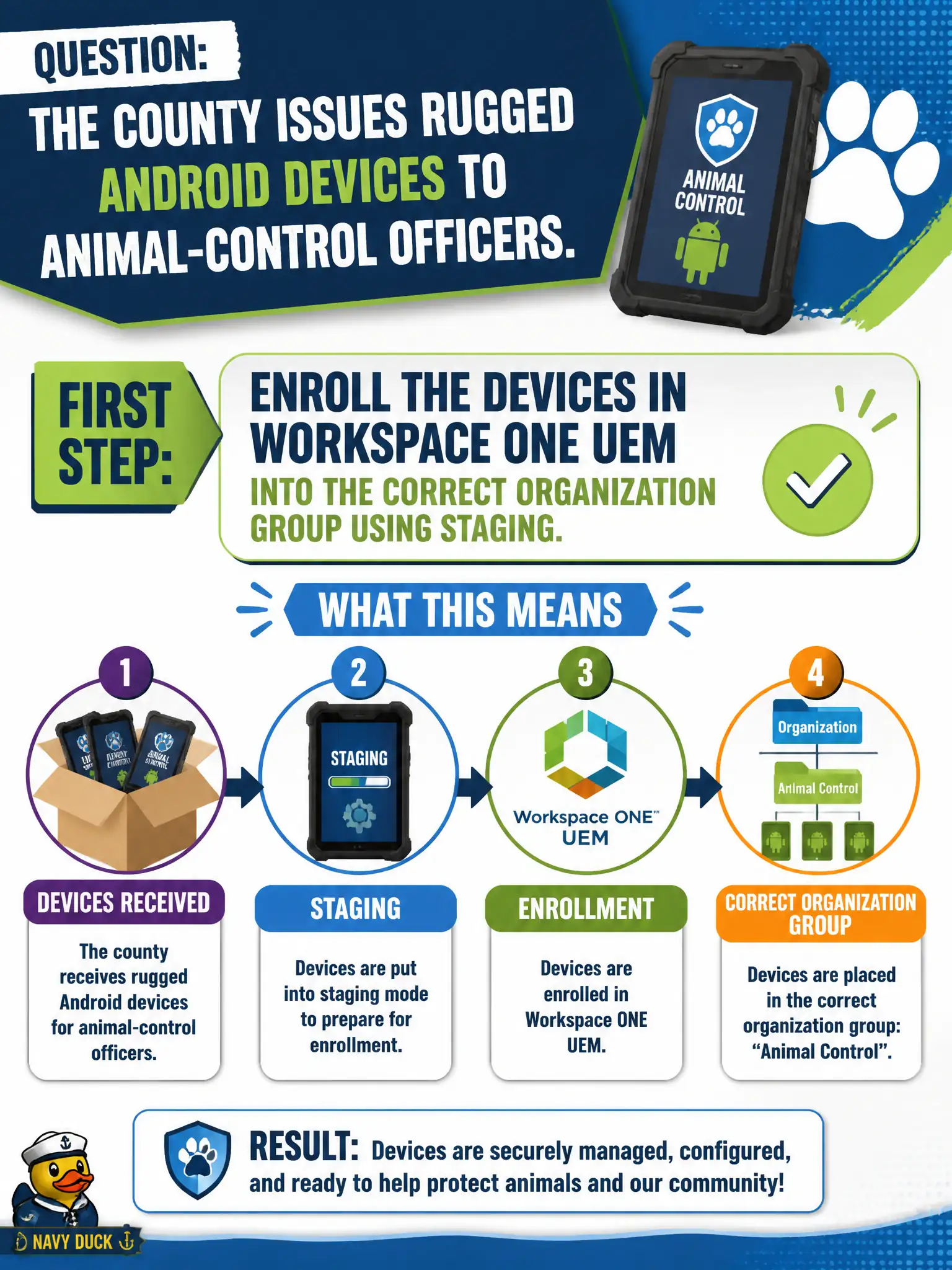
The county issues rugged Android devices to animal-control officers. What is the first Workspace ONE endpoint-management step?
Select an answer to reveal the explanation.
Short Explanation
Endpoint management starts when the phone joins UEM in the right organization group, like checking a radio out of the right cage. A Carbon Black sensor alone is EDR, not MDM. Access IdPs authenticate users; they do not enroll Android.
Full Explanation
The county issues rugged Android devices to animal-control officers. The first Workspace ONE endpoint-management step is to enroll the devices in Workspace ONE UEM into the correct organization group using staging—endpoint management starts when the phone joins UEM in the right cage, like checking a radio out correctly. Installing only a Carbon Black Cloud sensor and skipping UEM enrollment fails by concept because a sensor alone is EDR, not MDM enrollment, profiles, or Hub management. Adding the phones as NSX-T virtual machines and applying a security policy fails because physical Android phones are not NSX VMs and NSX policy is not MDM enrollment. Creating a Workspace ONE Access identity provider for Animal Control and treating that IdP as MDM fails because Access IdPs authenticate users; they do not enroll Android devices into UEM. Exam caveat: Workspace ONE endpoint management begins with UEM enrollment into the correct OG (often via staging)—not CBC-only, not NSX VM metaphors, not Access IdP-as-MDM. Operational check: stage-enroll a rugged Android into the Animal Control OG, confirm it appears managed in UEM, verify profiles or apps can assign, and confirm CBC or Access was not used as a substitute for enrollment. Document staging credentials and OG paths so field IT does not enroll officers into a generic county OG by mistake.