
Library Windows PCs should auto-enroll through well-known MDM or drop-ship provisioning. What should the administrator enable?
Select an answer to reveal the explanation.
Short Explanation
Windows auto-enroll is a well-known MDM handshake into UEM, not a Guest Introspection agent. Turn on Windows enrollment in UEM so drop-shipped library PCs join on first boot. GI is for NSX guest security, not MDM enrollment.
Full Explanation
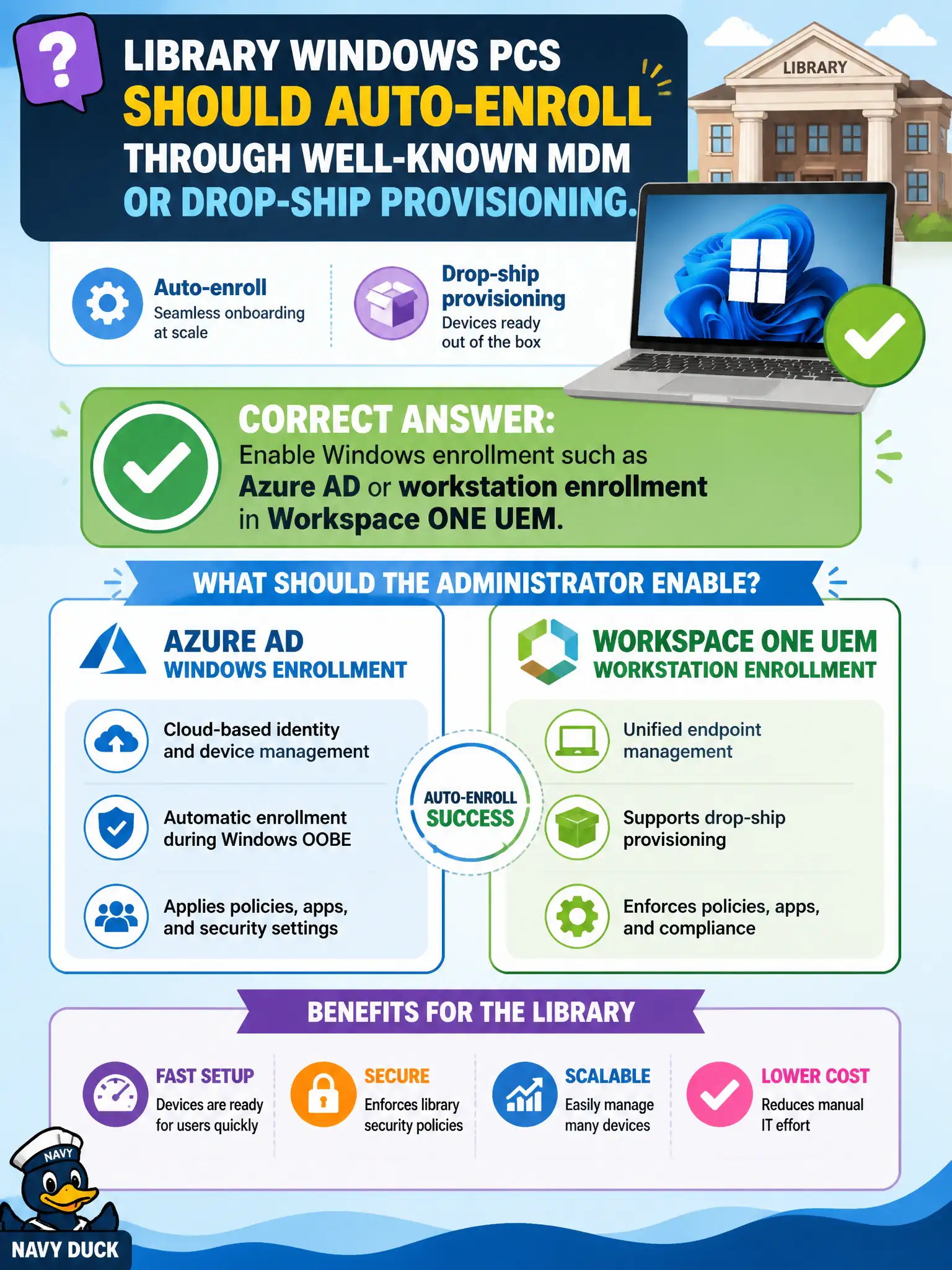
Library Windows PCs should auto-enroll through well-known MDM or drop-ship provisioning. Enable Windows enrollment such as Azure AD or workstation enrollment in Workspace ONE UEM—a well-known MDM handshake into UEM, not a Guest Introspection agent. Installing Guest Introspection agents in VMware Tools so NSX can enroll the PCs fails by concept because GI is for NSX guest security features, not Windows MDM enrollment into UEM. Deploying only Carbon Black Cloud sensors through a GPO and skipping MDM fails because CBC sensors are EDR agents, not Workspace ONE enrollment. Creating a Workspace ONE Access network range named Auto-Enroll and expecting PCs to join UEM fails because Access network ranges classify auth sources; they do not enroll Windows into UEM. Exam caveat: Windows auto-enroll is configured in UEM (Azure AD/workstation enrollment paths)—not GI, not CBC-only, not Access network-range naming tricks. Operational check: enable the Windows enrollment method in UEM, drop-ship or image a library PC, confirm it auto-enrolls on first setup, and verify GI/CBC/Access were not treated as the enrollment mechanism. Coordinate library imaging with the enrollment token or Azure join settings so offline first-boot still completes MDM when connectivity returns.