
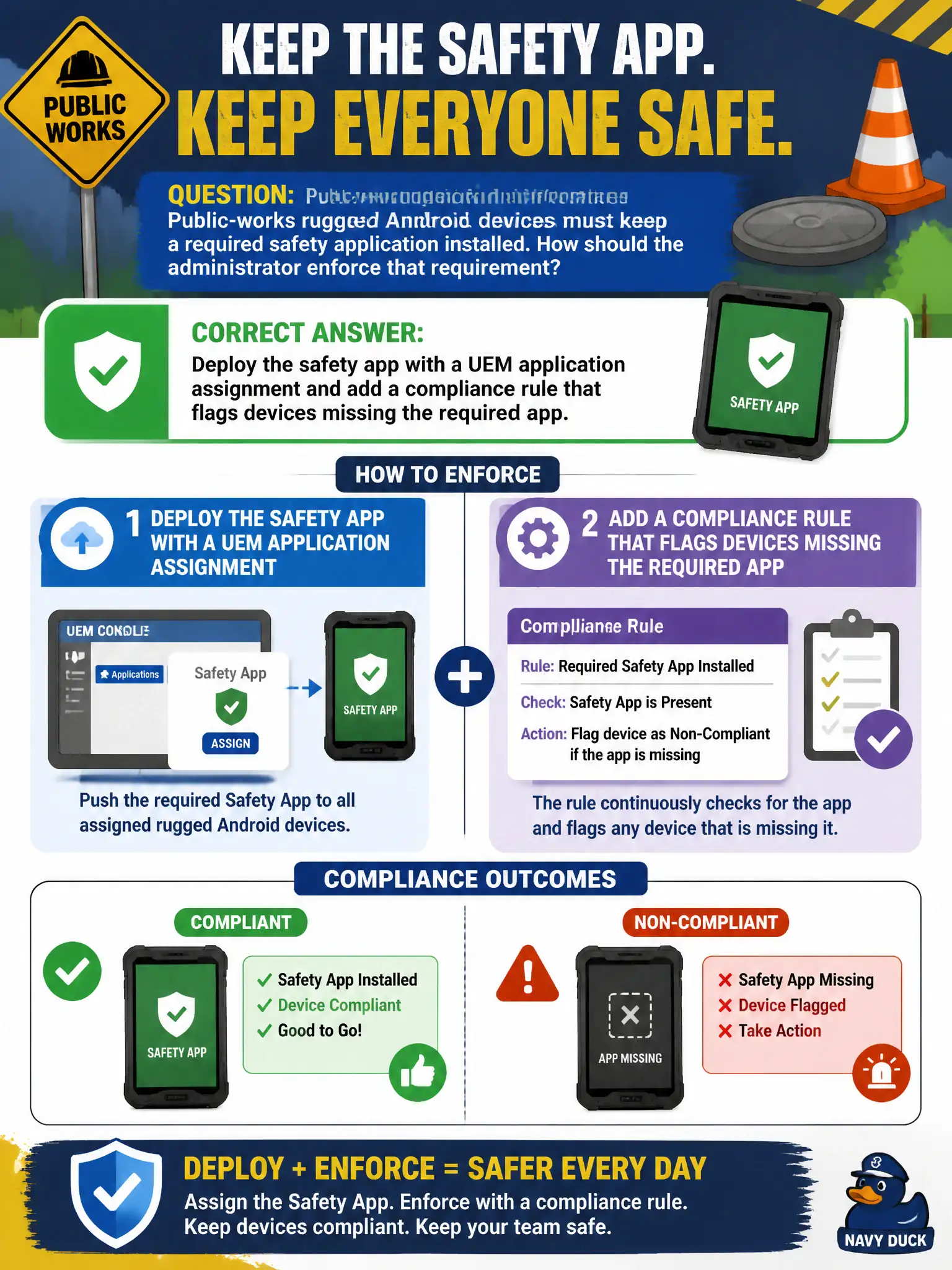
Public-works rugged Android devices must keep a required safety application installed. How should the administrator enforce that requirement?
Select an answer to reveal the explanation.
Short Explanation
Required apps are a packing list, not a malware watchlist. UEM installs the safety app and a compliance rule yells if it is missing. Carbon Black watches processes; NSX does not sideload APKs onto a rugged phone.
Full Explanation
Public-works rugged Android devices must keep a required safety application installed. Deploy the safety app with a UEM application assignment and add a compliance rule that flags devices missing the required app—required apps are a packing list, not a malware watchlist. Creating a Carbon Black Cloud watchlist for the safety APK hash and treating a miss as a sensor outage fails by concept because watchlists hunt processes; they do not install or continuously require an Android package via MDM. Tagging devices in an NSX-T security group named SafetyApp and relying on DFW to install the package fails because distributed firewall never sideloads APKs onto rugged phones. Putting the APK URL in a Workspace ONE Access authentication method so Hub fetches it during SSO fails because Access auth methods are identity factors, not application deployment. Exam caveat: required-app enforcement is UEM app assignment plus compliance for missing apps—not CBC watchlists, NSX tags, or Access authentication methods. Operational check: assign the safety app to the public-works Android group, remove it from a test device, confirm compliance flags the miss, and reinstall via Hub or assignment. List the required safety package name and version in the public-works device baseline so field refreshes keep the compliance rule accurate.