
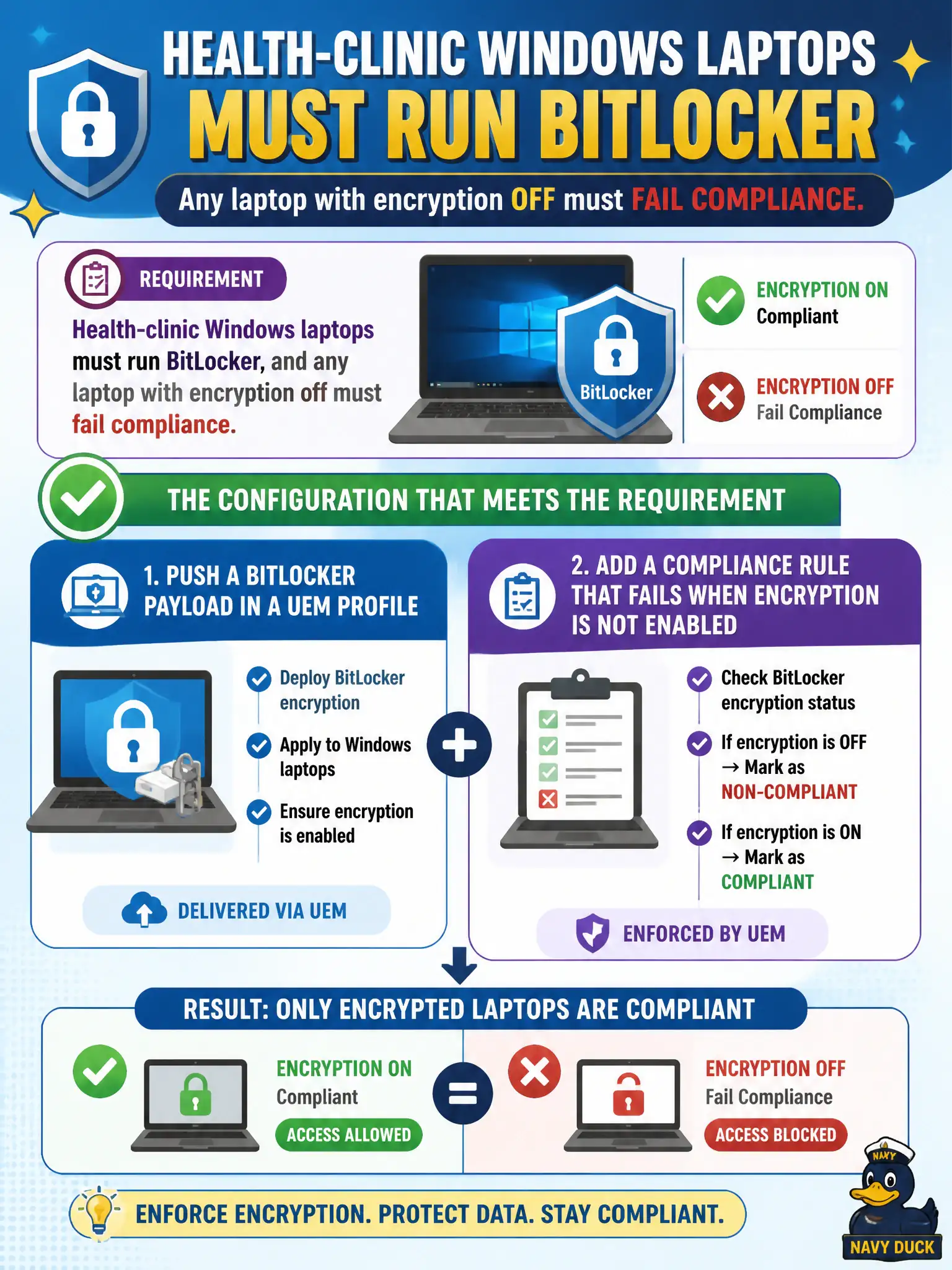
Health-clinic Windows laptops must run BitLocker, and any laptop with encryption off must fail compliance. Which configuration meets that requirement?
Select an answer to reveal the explanation.
Short Explanation
Disk encryption is a lock on the laptop lid, not a tag on a virtual NIC. UEM pushes the BitLocker payload and compliance fails the device if encryption is off. NSX micro-segmentation never turns BitLocker on, and FileVault is a Mac control.
Full Explanation
Health-clinic Windows laptops must run BitLocker, and any laptop with encryption off must fail compliance. Push a BitLocker payload in a UEM profile and add a compliance rule that fails when encryption is not enabled—disk encryption is a lock on the laptop lid, not a tag on a virtual NIC. Creating an NSX-T security group based on a BitLocker tag and using micro-segmentation to encrypt the disk fails by concept because NSX micro-segmentation never turns BitLocker on; it only mediates network paths. Enabling FileVault on the Windows laptops through a Carbon Black Cloud sensor setting fails because FileVault is a macOS encryption control and CBC is not the BitLocker payload engine. Requiring Mobile SSO in Workspace ONE Access so Access encrypts the volume during authentication fails because Access SSO does not encrypt Windows volumes. Exam caveat: BitLocker enablement and encryption compliance are UEM profile plus compliance rule—not NSX tags, not FileVault, not Access SSO. Operational check: deploy the BitLocker profile to clinic laptops, confirm encryption enables, turn encryption off on a lab image if possible and confirm compliance fails, and verify NSX was not used as the encryption control. Escrow recovery keys per clinic policy and note the compliance action in the public-health endpoint standard.