
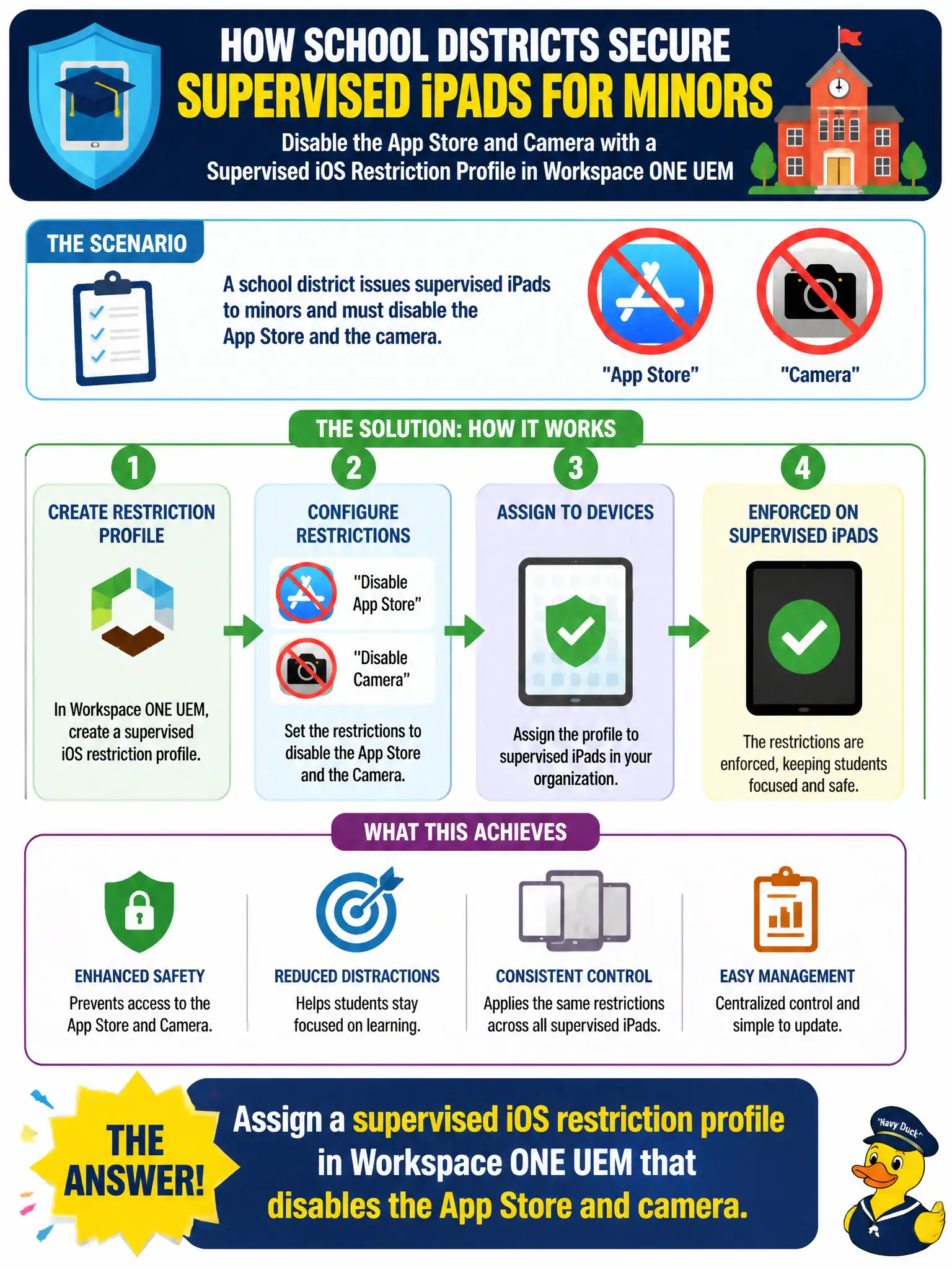
A school district issues supervised iPads to minors and must disable the App Store and the camera. Which control places those device restrictions?
Select an answer to reveal the explanation.
Short Explanation
Device restrictions are like a sticker on the iPad itself, not a password at the library door. App Store and camera locks live in a UEM restriction profile on supervised iPads. Access only decides who can sign in to apps; it cannot hide the camera button.
Full Explanation
A school district issues supervised iPads to minors and must disable the App Store and the camera. Assign a supervised iOS restriction profile in Workspace ONE UEM that disables those features—device restrictions are a sticker on the iPad itself, not a password at the library door. Creating a Workspace ONE Access authentication policy that rejects Mobile SSO unless the user is in the Students group fails by concept because Access decides who can sign in to apps; it cannot hide the camera button or remove the App Store from the home screen. Adding an NSX-T identity firewall rule that drops traffic tagged App Store from the student VLAN fails because network drops do not implement iOS MDM restriction payloads and do not disable the camera hardware feature. Creating a Carbon Black Cloud permission policy that blocks camera.sys on those iPads fails because CBC permissions target Windows-style process paths and are not the iOS supervised restriction control plane. Exam caveat: App Store and camera locks on supervised iOS are UEM restriction profile payloads; Access, NSX, and Carbon Black are the wrong planes for those device UI and feature switches. Operational check: assign the supervised restriction profile to the student smart group, confirm App Store and camera are disabled on a test supervised iPad, and verify Access SSO policy was not used as a substitute for the restriction payload. Record supervision and restriction profile versions in the district minor-device standard so auditors see MDM—not network ACL—enforces camera and store controls.