
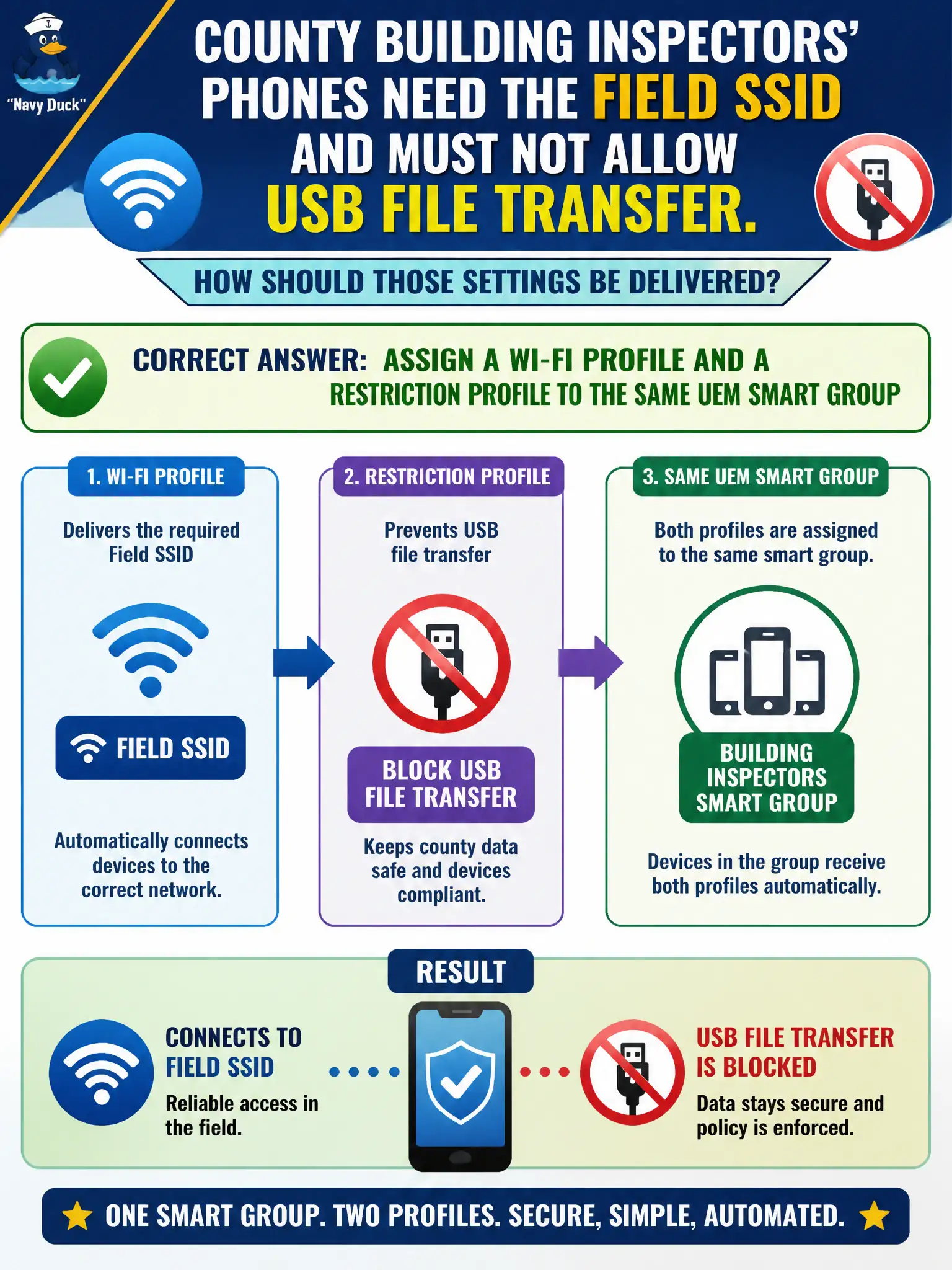
County building inspectors' phones need the field SSID and must not allow USB file transfer. How should those settings be delivered?
Select an answer to reveal the explanation.
Short Explanation
Profiles deliver the settings; the smart group is the mailing list. Hand inspectors a Wi-Fi profile and a USB-restriction profile on the same group—compliance is a different tool.
Full Explanation
County building inspectors' phones need the field SSID and must not allow USB file transfer. Assign a Wi-Fi profile and a restriction profile to the same UEM smart group—profiles deliver the settings; the smart group is the mailing list. Compliance is a different tool. Creating a UEM compliance policy only fails by concept because compliance evaluates posture and takes actions; it does not push Wi-Fi payloads or USB restriction settings by itself. Putting both settings in a Workspace ONE Access authentication method fails because Access methods govern SSO factors, not device Wi-Fi or USB restriction payloads. Enabling Carbon Black Cloud device control and skipping UEM profiles fails because CBC device control is endpoint USB policy on Windows sensors, not the UEM mobile profile path for inspector phones' field SSID and USB file-transfer restriction. Exam caveat: deliver Wi-Fi and restriction settings with UEM profiles to a smart group; do not substitute compliance-only, Access methods, or CBC for those payloads. Operational check: assign both profiles to the inspectors smart group, join the field SSID on a test phone, confirm USB file transfer is restricted, and verify compliance was not used as the delivery vehicle. Version the Wi-Fi and restriction profiles in the county inspector handbook so seasonal field SSID changes stay in the Wi-Fi profile, not ad-hoc device settings.