
Public-works rugged tablets run a GPS tool that Carbon Black Cloud still blocks after an event-reporting exclusion is added. Which change actually lets the tool run?
Select an answer to reveal the explanation.
Short Explanation
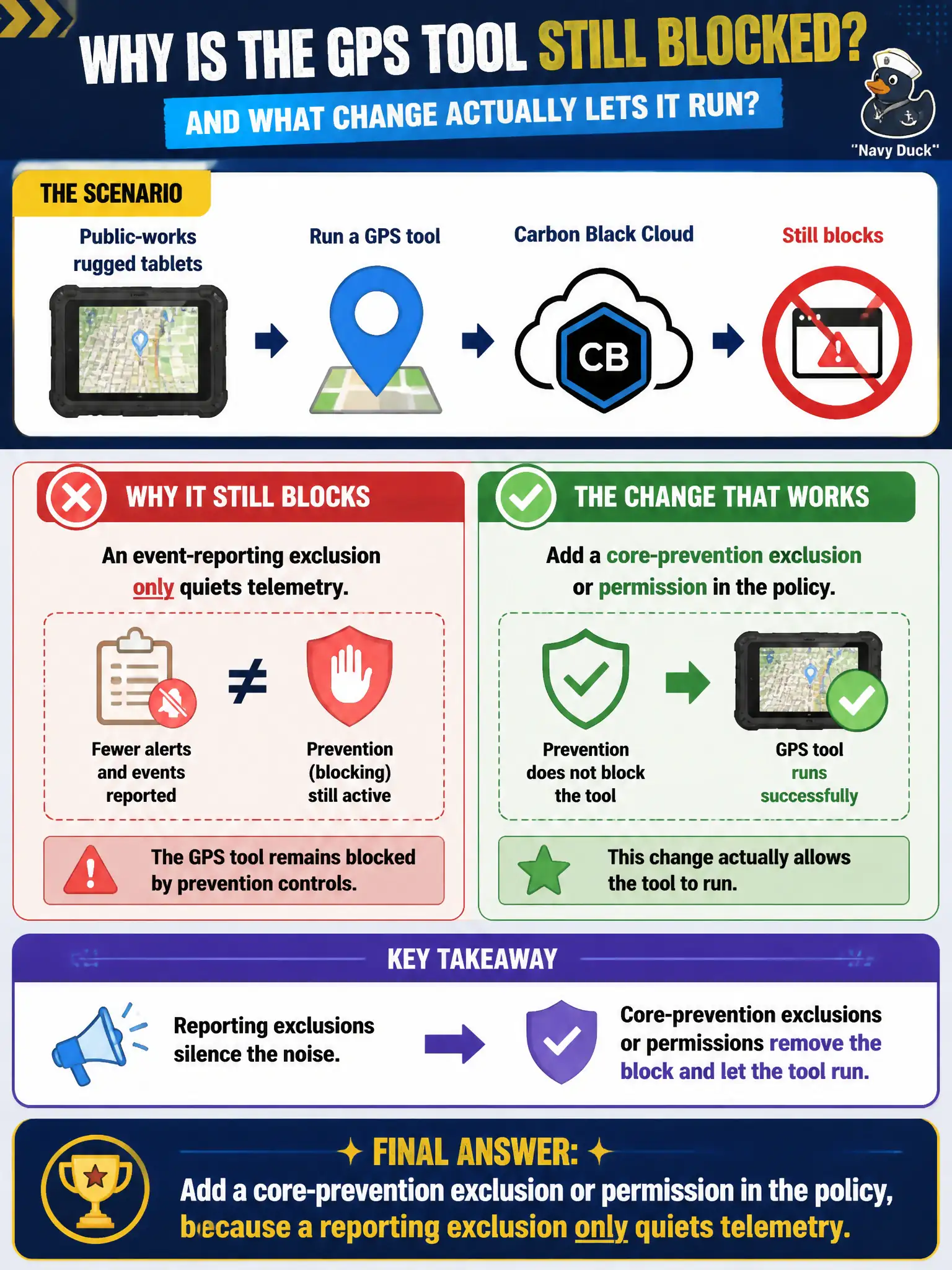
A reporting exclusion is a mute button, not a hall pass. If GPS is still getting tackled, put a core-prevention exclusion or permission in the policy so the process is allowed to run.
Full Explanation
Public-works rugged tablets run a GPS tool that Carbon Black Cloud still blocks after an event-reporting exclusion is added. Add a core-prevention exclusion or permission in the policy, because a reporting exclusion only quiets telemetry—a mute button, not a hall pass. Adding another event-reporting exclusion for parent explorer.exe fails by concept because more reporting mutes still do not change the prevention action that terminates or blocks the GPS tool. Muting the alert in the console while leaving prevention unchanged fails because silencing notifications does not allow the blocked process to run. Moving the tablets to a watchlist so prevention is skipped fails because watchlists are for hunting, not for granting execution under Endpoint Standard. Exam caveat: reporting exclusions ≠ prevention exclusions/permissions; only core-prevention or reputation/permission changes allow a blocked tool to run. Operational check: apply a prevention permission or exclusion for the GPS binary or publisher, confirm the tool runs on a rugged tablet, and verify alerts are not merely muted while blocks continue. Document the GPS permission in the public-works CBC policy notes so field firmware updates that change hashes get a controlled review.