
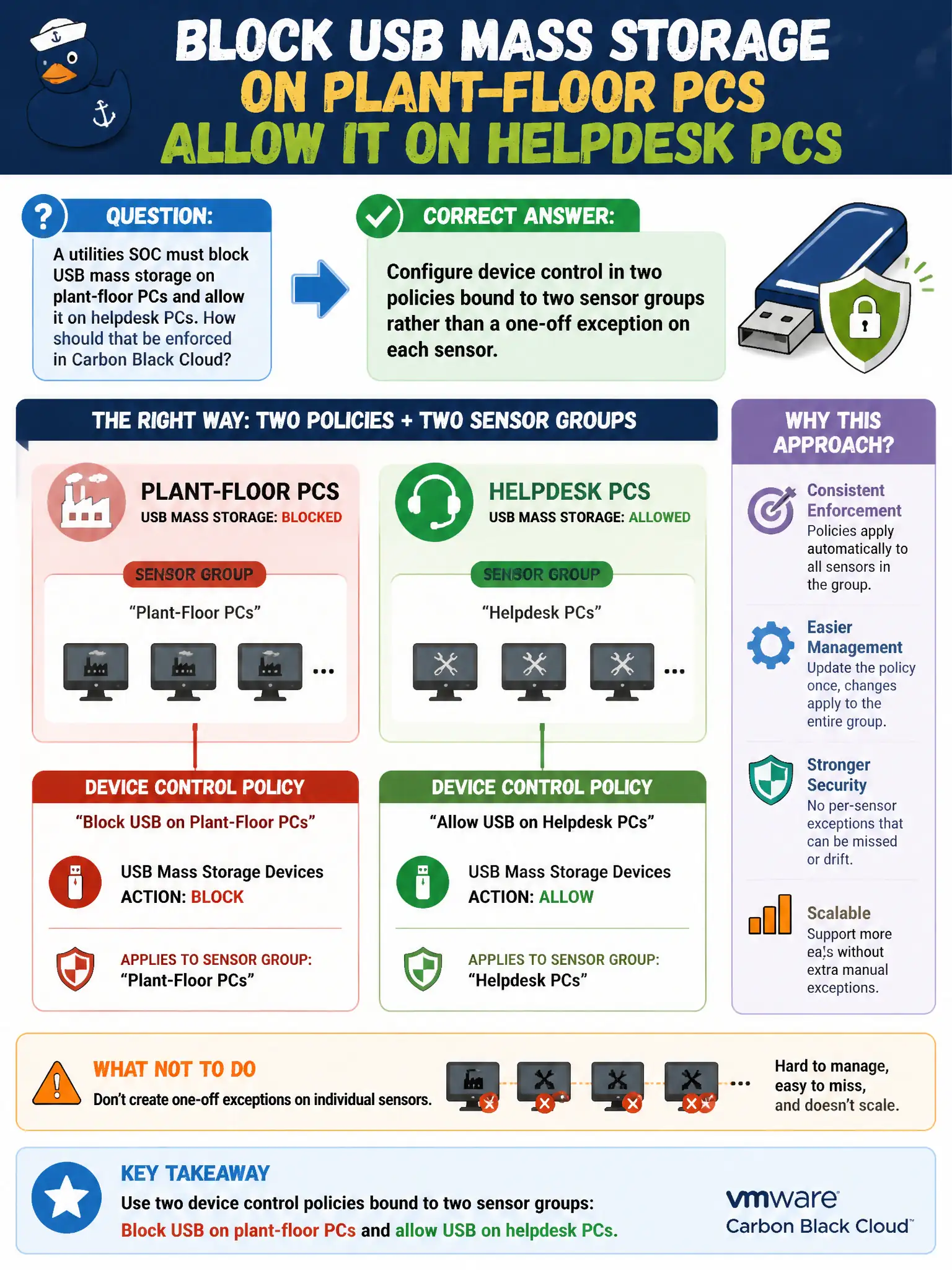
A utilities SOC must block USB mass storage on plant-floor PCs and allow it on helpdesk PCs. How should that be enforced in Carbon Black Cloud?
Select an answer to reveal the explanation.
Short Explanation
USB policy is a group membership card, not a sticky note on each PC. Two sensor groups, two policies with device control set differently—done.
Full Explanation
A utilities SOC must block USB mass storage on plant-floor PCs and allow it on helpdesk PCs. Configure device control in two policies bound to two sensor groups rather than a one-off exception on each sensor—USB policy is a group membership card, not a sticky note on each PC. Setting device control once on the Standard policy and ignoring plant-floor grouping fails by concept because one Standard setting cannot both block and allow USB for different populations. Using NSX-T gateway firewall to block USB at the T0 edge fails because gateway firewall mediates IP flows, not USB mass-storage attachment on the endpoint. Asking each operator to disable USB in Windows Device Manager after every reboot fails because local manual changes are not durable managed control and do not scale. Exam caveat: CBC device control is a policy setting applied through sensor groups—not NSX T0, not per-reboot Device Manager, not one Standard for opposite intents. Operational check: assign plant-floor and helpdesk groups to their policies, plug a USB stick into each population, confirm block versus allow, and ensure Standard is not the sole USB control. Capture group criteria for plant versus helpdesk in the utility EDR standard before contractor season adds more floor PCs.