
A county is adding a new statewide SAML identity provider and must keep the current IdP online during migration. How should the administrator cut over?
Select an answer to reveal the explanation.
Short Explanation
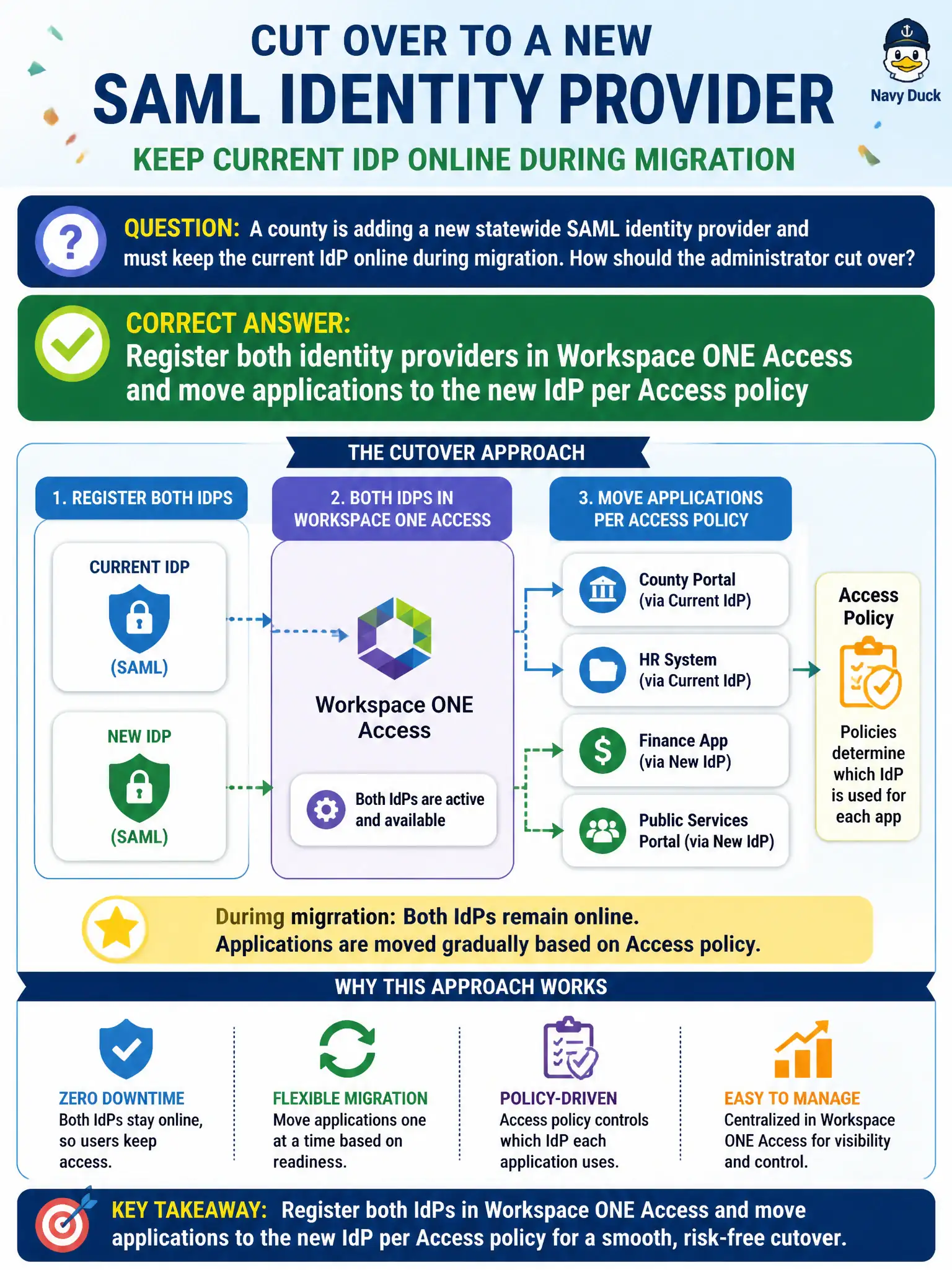
Do not slam the old badge reader on day one. Keep both IdPs in Access and walk each app across in policy.
Full Explanation
When a county adds a new statewide SAML identity provider and must keep the current IdP online during migration, the administrator should register both identity providers in Workspace ONE Access and move applications to the new IdP per Access policy. Treat dual IdP registration as keeping both badge printers online while each department switches, application by application. Deleting the old IdP on day one and pointing every app at the new metadata immediately fails by concept because a big-bang cutover risks county-wide SSO outage during migration. Using NSX-T load balancing to hairpin SAML between the two IdPs fails because load balancing TCP sessions is not SAML federation cutover control. Duplicating Carbon Black Cloud orgs, one per identity provider, fails because CBC org structure is not Workspace ONE Access IdP migration. Exam caveat: Access can host multiple IdPs so cutover is per application policy while the old IdP stays online. Operational check: register the statewide IdP alongside the current IdP, migrate apps in waves via Access policies, validate SSO after each wave, decommission the old IdP only when empty, and document the dual-IdP window in the county identity runbook.