
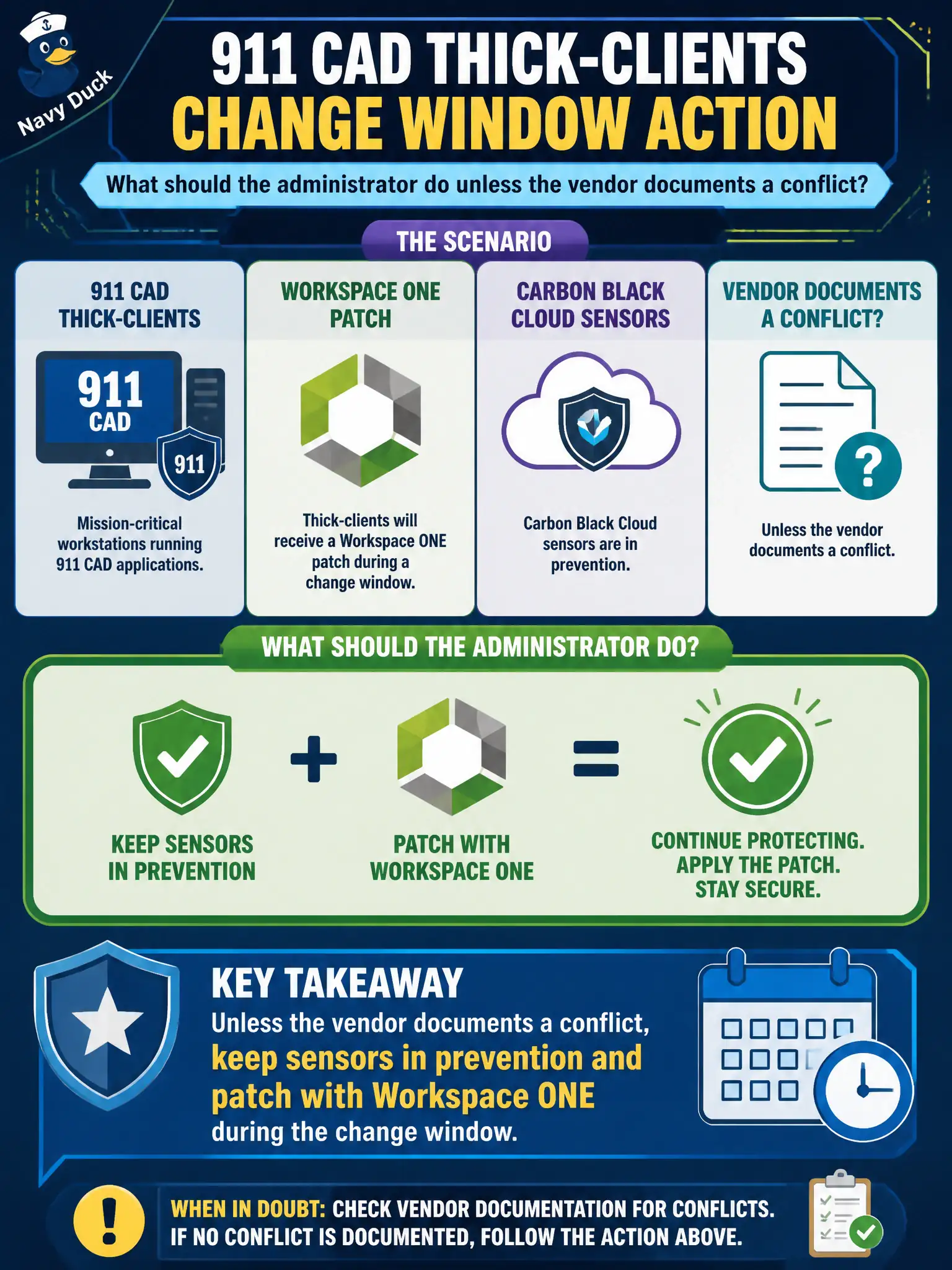
911 CAD thick-clients will receive a Workspace ONE patch during a change window. Carbon Black Cloud sensors are in prevention. What should the administrator do unless the vendor documents a conflict?
Select an answer to reveal the explanation.
Short Explanation
Patch night is not a free pass to turn off the building alarm. Keep Carbon Black Cloud in prevention and let Workspace ONE do the CAD patch in the window.
Full Explanation
When 911 CAD thick-clients will receive a Workspace ONE patch during a change window and Carbon Black Cloud sensors are in prevention, the administrator should keep sensors in prevention and patch with Workspace ONE during the change window unless the vendor documents a conflict. Treat prevention-on during patching as leaving the dispatch guards on duty while approved maintenance runs. Switching all CAD sensors to global bypass for the entire change weekend fails by concept because global bypass removes prevention across CAD without a documented vendor conflict. Uninstalling Carbon Black Cloud until the patch job reports success fails because uninstall leaves CAD unprotected and is not a patch prerequisite. Moving CAD VMs to the Distributed Firewall exclusion list so the patch can download fails because DFW exclusion is unrelated to UEM patch download and removes micro-segmentation. Exam caveat: unless a vendor conflict is documented, keep CBC in prevention while UEM patches CAD in the change window. Operational check: confirm no vendor conflict advisory, keep sensors in prevention, run the UEM patch in the change window, verify CAD health and sensor status, and reject blanket bypass or uninstall proposals.