
A public-health line-of-business application conflicts with one Windows KB. How should the administrator handle the exclusion?
Select an answer to reveal the explanation.
Short Explanation
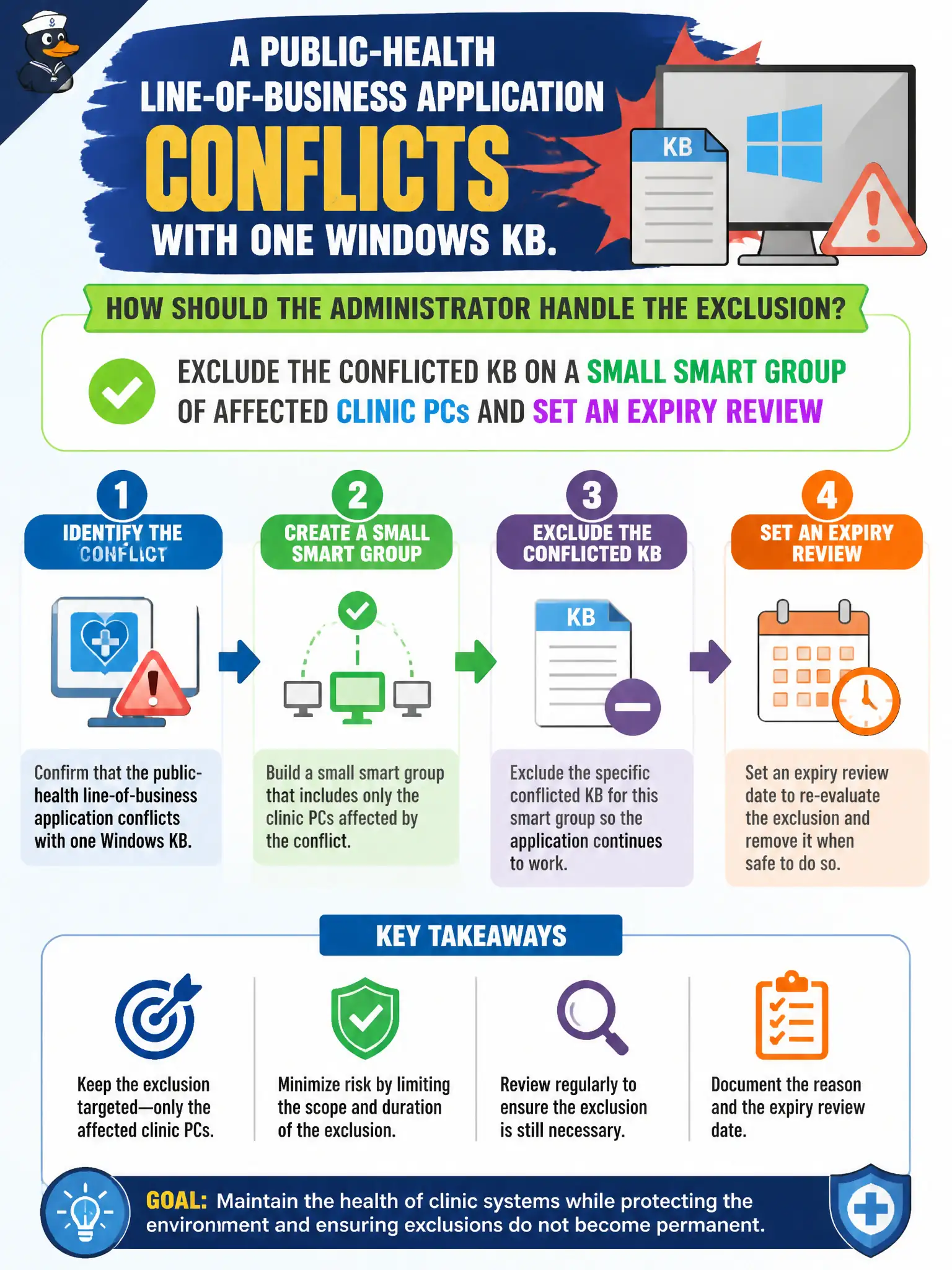
One cranky clinic app is not a county-wide hall pass. Exclude that KB on a small smart group and put a review date on it.
Full Explanation
When a public-health line-of-business application conflicts with one Windows KB, the administrator should exclude the conflicted KB on a small smart group of affected clinic PCs and set an expiry review. Treat the exclusion as a temporary clinic exception badge for one KB on one carefully scoped group, with a calendar reminder to revisit when the vendor ships a fixed build. Excluding that KB from every enrolled county device with no review date fails by concept because tenant-wide everlasting exclusion over-widens residual risk far beyond the conflicting application. Disabling Workspace ONE patch management tenant-wide until the vendor ships a fix fails because turning off patch management abandons security updates for the entire tenant. Placing the clinic VLAN on the Distributed Firewall exclusion list instead of excluding the KB fails because Distributed Firewall exclusion is not a managed, time-bounded KB exception and removes overlay firewalling. Exam caveat: KB exclusions are scoped to the affected smart group with expiry review; tenant-wide exclusions, disabling patch management, and DFW exclusion lists are wrong. Operational check: create a small clinic smart group, exclude only the conflicted KB with an expiry review date, monitor for vendor fix, remove the exclusion when safe, and document the exception in the public-health patch register.