
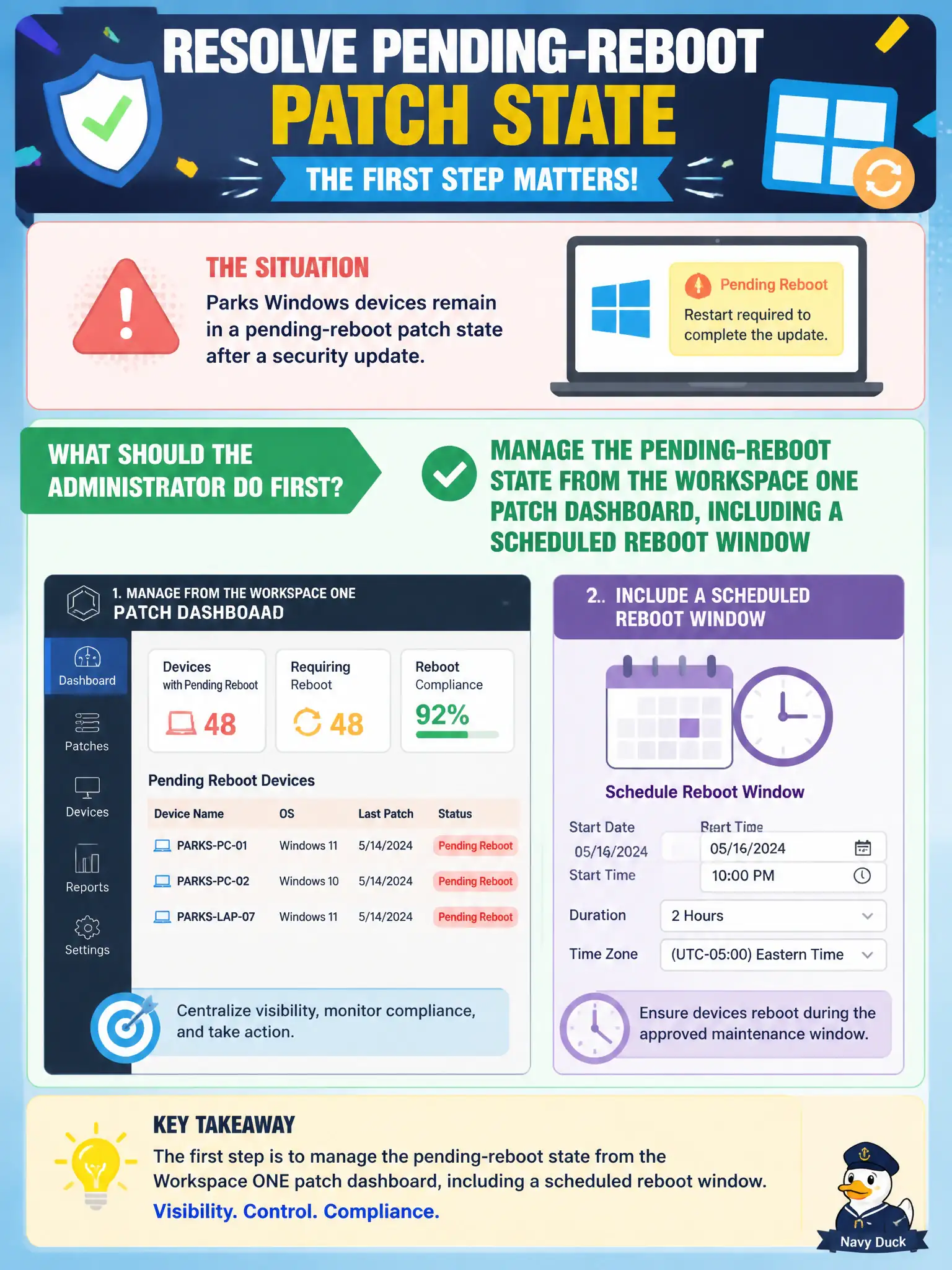
Parks Windows devices remain in a pending-reboot patch state after a security update. What should the administrator do first?
Select an answer to reveal the explanation.
Short Explanation
Pending reboot is a sticky note on the laptop, not a reason to wipe the parks fleet. Use the patch dashboard and a reboot window.
Full Explanation
When Parks Windows devices remain in a pending-reboot patch state after a security update, the administrator should first manage the pending-reboot state from the Workspace ONE patch dashboard, including a scheduled reboot window. Treat pending reboot as carts waiting in the parks garage for an approved restart slot so the security update can finish, not as a cue for wipe, quarantine, or firewall exclusion. Enterprise-wiping every pending-reboot device to force a clean enrollment fails by concept because wipe is destructive overkill for a pending reboot and destroys local user state unnecessarily. Setting Carbon Black Cloud to quarantine all pending-reboot endpoints fails because quarantine is incident response for compromised hosts, not routine patch reboot management. Adding pending-reboot devices to the NSX-T Distributed Firewall exclusion list fails because exclusion does not complete the reboot and removes Distributed Firewall enforcement. Exam caveat: pending-reboot is managed from the UEM patch dashboard with a scheduled reboot window as the first action. Operational check: identify pending-reboot devices in UEM, schedule an approved reboot window, confirm devices leave pending-reboot and report compliant, and avoid wipe, CBC quarantine, or DFW exclusion as first responses.