
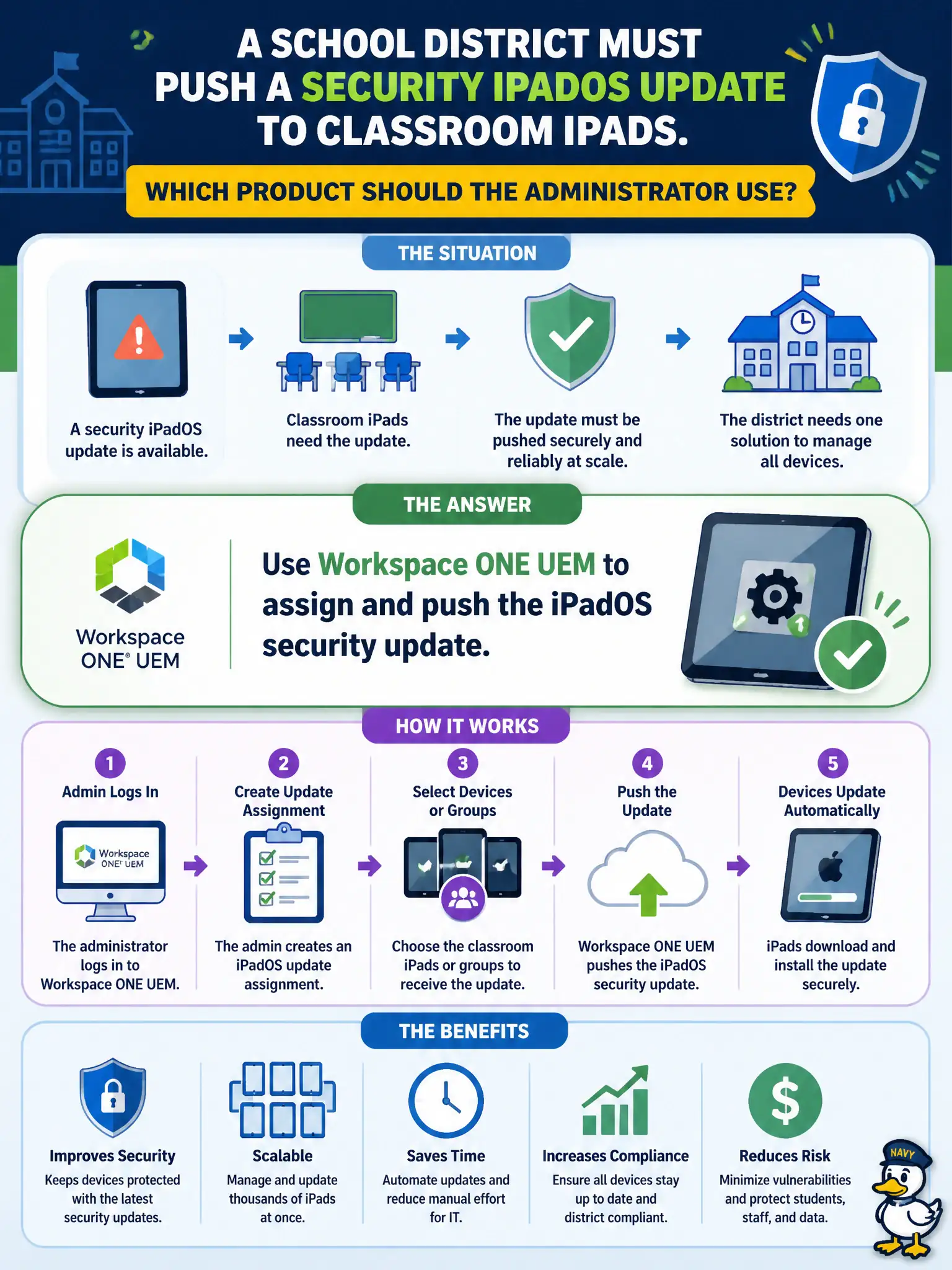
A school district must push a security iPadOS update to classroom iPads. Which product should the administrator use?
Select an answer to reveal the explanation.
Short Explanation
Classroom iPads get OS updates from Workspace ONE, not from a Carbon Black Cloud sensor that is not the Apple MDM channel. Push the iPadOS update from UEM.
Full Explanation
A school district pushing a security iPadOS update to classroom iPads should use Workspace ONE UEM to assign and push the iPadOS security update. Treat UEM as the classroom cart that delivers OS security updates to managed iPads at scale with enrollment and compliance reporting intact. Deploying Carbon Black Cloud sensors to the iPads and letting sensor policy apply the OS update fails by concept because Carbon Black Cloud is endpoint prevention and detection, not the iPadOS update distribution mechanism for school fleets. Publishing the iPadOS update as an NSX-T Distributed Firewall service fails because Distributed Firewall services define ports and protocols for overlay firewall rules, not mobile operating-system updates. Requiring teachers to sideload the IPSW from a USB cart fails because manual sideload is not managed, reportable Workspace ONE UEM assignment and does not scale or prove compliance. Exam caveat: iPadOS security updates are assigned and pushed with Workspace ONE UEM; CBC sensor policy, DFW services, and USB IPSW sideload are not the operational path. Operational check: assign the iPadOS security update via UEM to classroom smart groups, monitor install status on the UEM dashboard, remediate failed devices, and document UEM as the iPadOS patch source of record.