
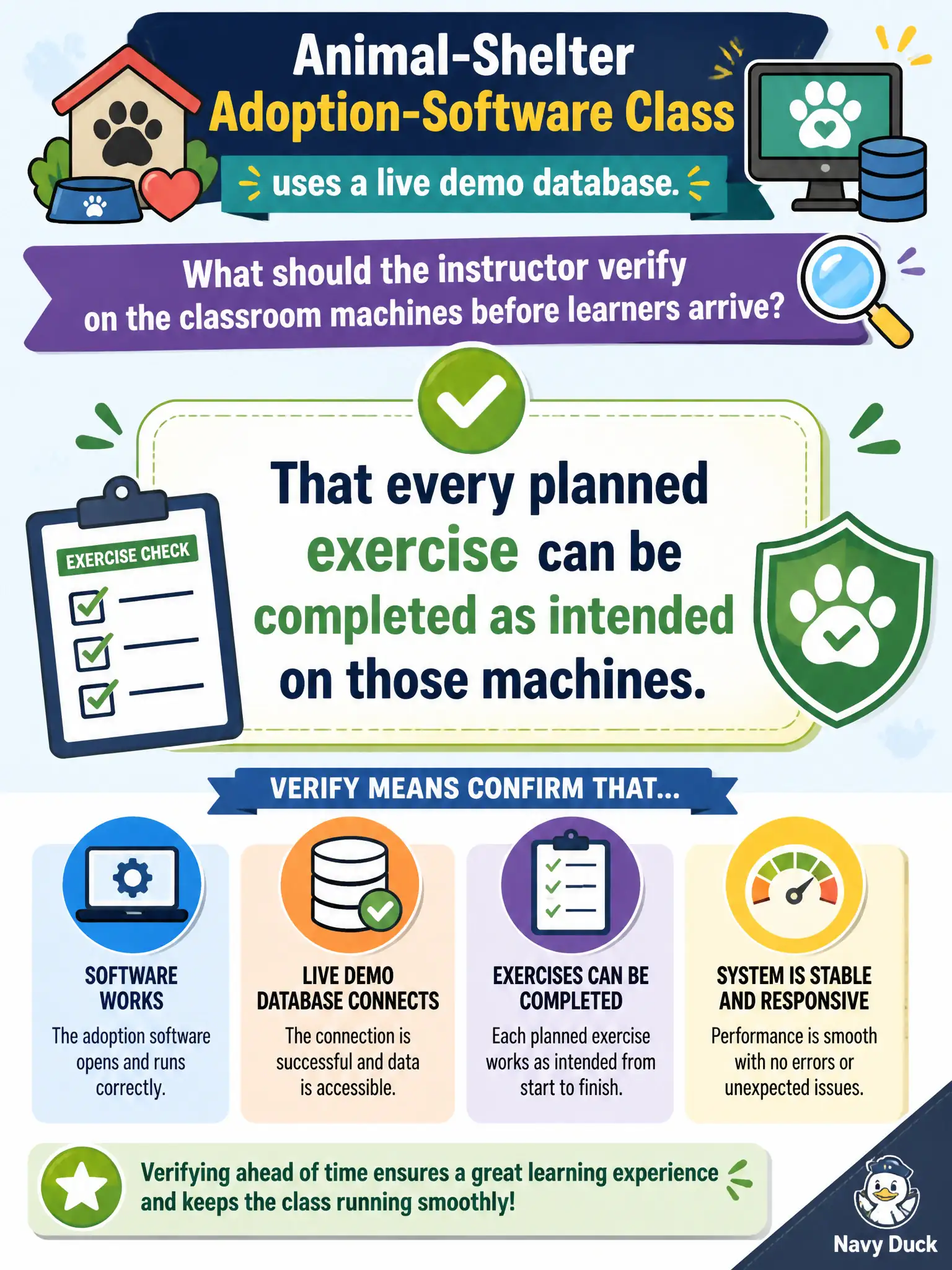
An animal-shelter adoption-software class uses a live demo database. What should the instructor verify on the classroom machines before learners arrive?
Select an answer to reveal the explanation.
Short Explanation
A lab PC that is on is not the same as a lab that works—like a kitchen with the oven light on and no heat. Run every exercise on the classroom machines before learners walk in so the demo database actually lets them finish.
Full Explanation
Classroom machines must prove planned exercises before learners arrive. An animal-shelter adoption-software class using a live demo database requires verification that every planned exercise can be completed as intended on those machines—logins, demo data, permissions, and network paths included. Checking only that power cords are plugged in while demo logins still fail celebrates electricity over instructional readiness. Relying on the shelter director to complete exercises later so class time need not prove the labs postpones validation past the learners who need it. Providing a printed screenshot deck so the live database “does not have to work” abandons designed hands-on practice without a true contingency plan framed as verification. Exam caveat: CTT+ technology checks validate task completion paths, not merely power and presence. Operational check: sit at a learner station, run each exercise end to end against the demo database, fix login or data gaps, and only then open the room. Live demo databases drift: expired passwords, empty kennels tables, broken printers for adoption receipts. Verifying every exercise on learner machines prevents a classroom of blocked clicks. CTT+ technology checks mean task-complete proofs, not power-light glances. Keep a backup snapshot or offline packet ready if the live demo still flakes after morning verification.