
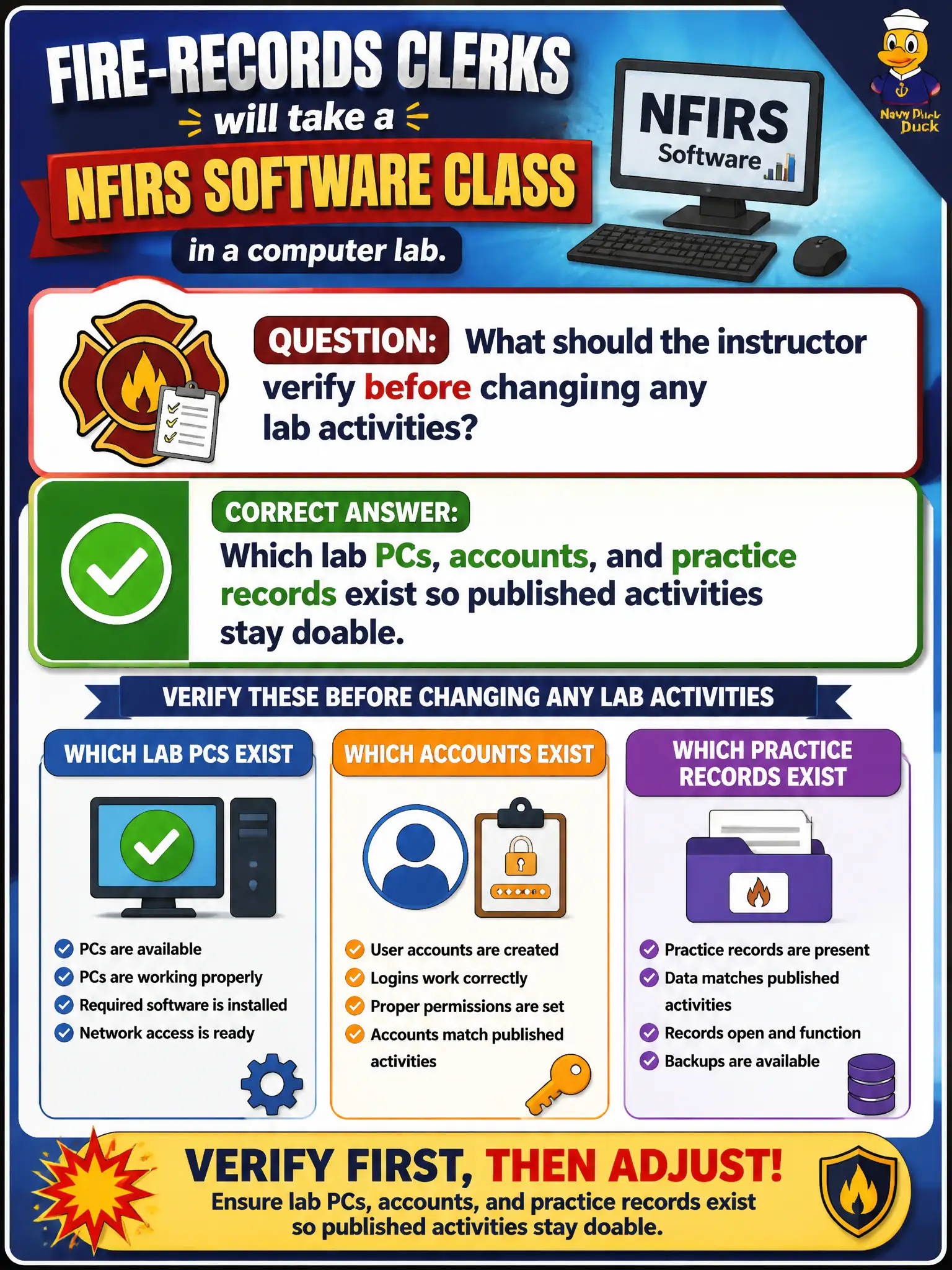
Fire-records clerks will take a NFIRS software class in a computer lab. What should the instructor verify before changing any lab activities?
Select an answer to reveal the explanation.
Short Explanation
Don't redesign the NFIRS labs until you know what the room can actually do. Check PCs, logins, and practice records first. If the lab can run the vendor activities, keep them; if not, you customize from facts, not guesses.
Full Explanation
Before changing lab activities for fire-records clerks in an NFIRS software class, the instructor must verify which lab PCs, accounts, and practice records exist so published activities remain doable. Resource reality gates customization: if the environment can run the vendor labs, keep them; if not, adapt from evidence rather than from preference. Asking whether the fire chief can rewrite vendor labs as a new curriculum confuses sponsor authority with instructional redesign and skips environment checks. Letting clerks bring personally owned laptops instead of validating the lab substitutes uncontrolled endpoints for a planned environment and introduces support and security risk. Skipping hands-on work for screenshot-only lecture abandons psychomotor practice the lab design intended. Exam caveat: CTT+ environment and logistics planning includes confirming technology and data before redesigning activities. Operational check: walk the lab, log into each planned account, open a practice NFIRS record, run one published activity end to end, and only then decide whether any lab customization is required. Civic computer labs frequently suffer stale accounts, missing practice tenants, and locked sample records; discovering that mid-demo burns trust. Environment verification is therefore a planning gate before any activity rewrite. CTT+ expects the instructor to know whether published labs are runnable as written. Log the verification results—PC IDs, account names, sample record IDs—so customization decisions are evidence-based if something still fails on class day.