
A shared-application demo of the 311 console freezes. How should the instructor handle that minor media problem?
Select an answer to reveal the explanation.
Short Explanation
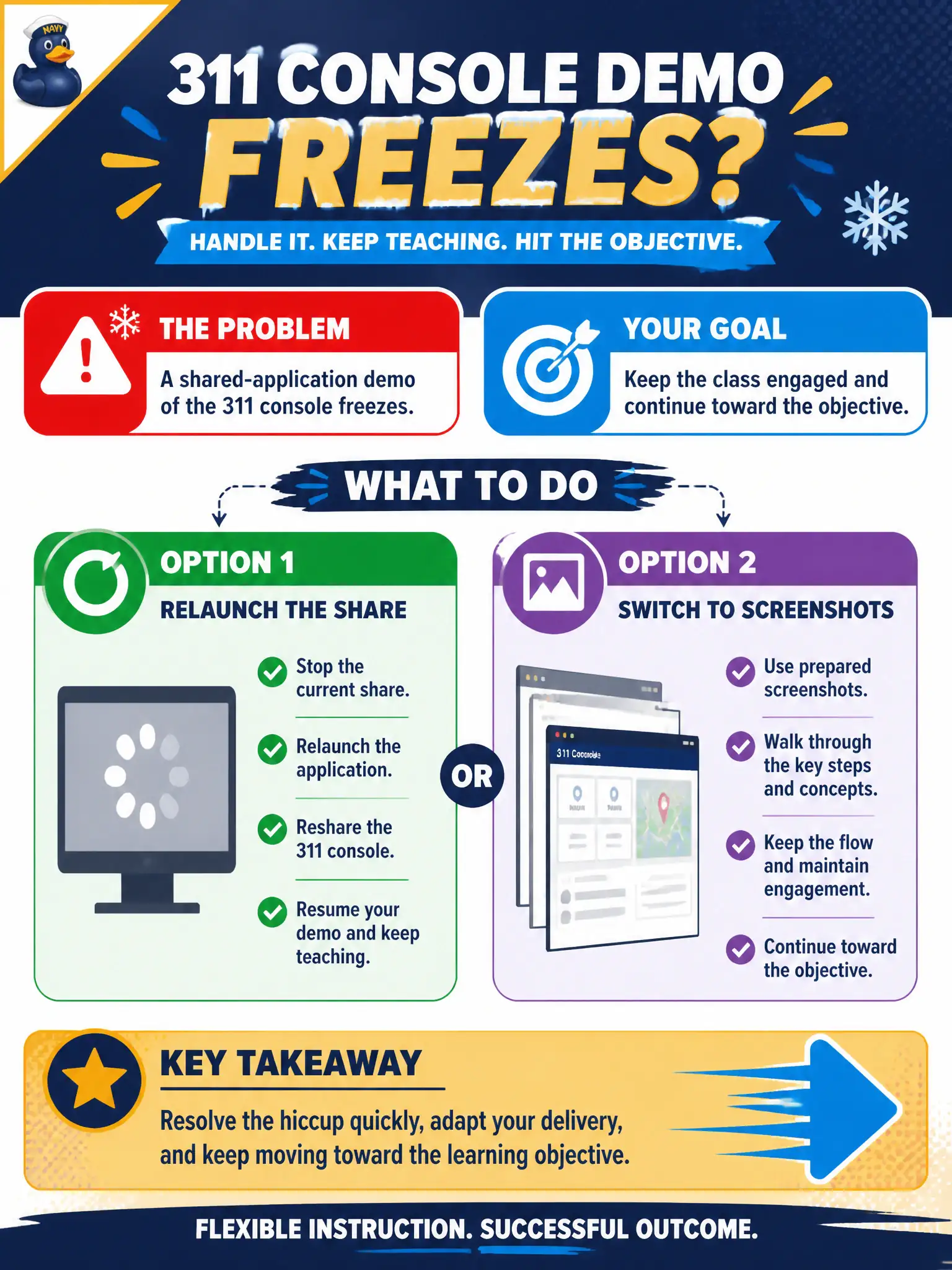
A frozen console is a hiccup, not a snow day. Relaunch the share or flip to screenshots and keep going. The ticket can wait; the 311 clicks cannot.
Full Explanation
Minor media failures call for relaunch or screenshot switch, then continue. When a shared-application demo of the 311 console freezes, the instructor should relaunch the share or switch to screenshots and continue toward the objective. Ending class and filing a vendor ticket before any further instruction abandons learners for a minor glitch. Blaming the 311 software team in front of learners models unprofessional escalation. Leaving the frozen window on screen and narrating as if it were live pretends functionality learners cannot see. Exam caveat: CTT+ distinguishes minor recoverable media issues from session-ending failures. Operational check: attempt one relaunch, fall back to prepared screenshots within two minutes, and resume the 311 objective without extended blame narratives. Frozen 311 shares are minor if screenshots exist. Relaunch or switch, then teach. Session-ending vendor tickets and public blame are disproportionate. CTT+ minor-media-failure responses emphasize continuity. Keep the screenshot set versioned with the console build so substitutes match what clerks will see after class. Maintain that civic standard in the session file so auditors and future instructors can see how design integrity was preserved under real municipal constraints.