
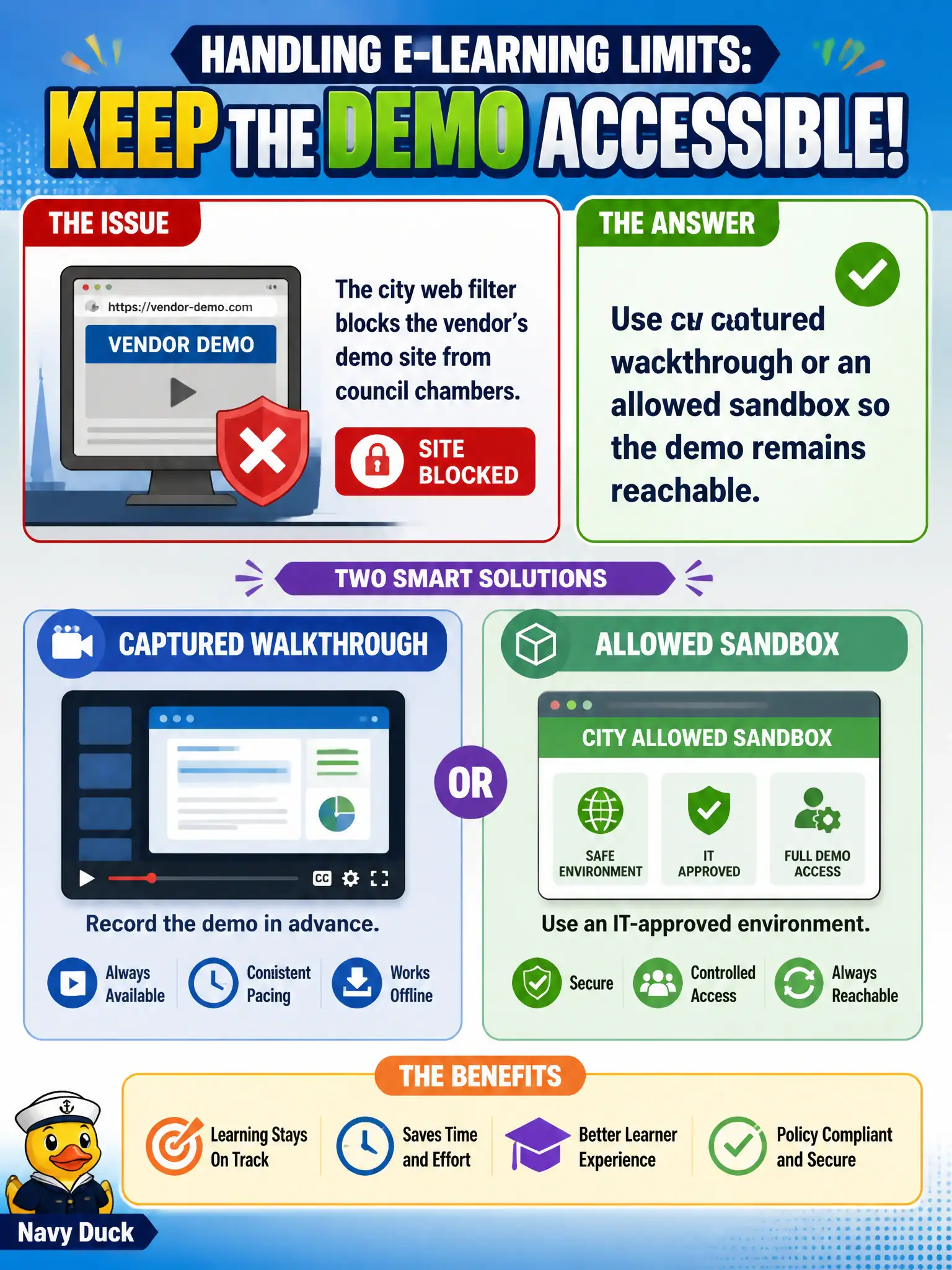
The city web filter blocks the vendor's demo site from council chambers. How should the instructor handle that e-learning limit?
Select an answer to reveal the explanation.
Short Explanation
A blocked URL is a locked door. Do not tell people to keep knocking. Show a captured walkthrough or an allowed sandbox so the clicks still happen.
Full Explanation
Blocked e-learning URLs need reachable substitutes. When the city web filter blocks the vendor’s demo site from council chambers, the instructor should use a captured walkthrough or an allowed sandbox so the demo remains reachable. Telling learners to click the blocked URL and troubleshoot each failure individually spreads failure. Asking IT mid-class to disable the entire building web filter is a disproportionate security ask and burns class time. Skipping the demo objective to lecture about a site the class cannot open abandons practice. Exam caveat: CTT+ e-learning limits are solved with alternate reachable media that still teach the clicks. Operational check: pre-test the URL from chambers, stage a sandbox or screenshot walkthrough, and verify learners can complete the demo path on the alternate. Web filters in chambers are policy, not annoyances to defeat mid-class. Captured walkthroughs or sandboxes keep demos reachable without disabling city security. CTT+ e-learning limit handling prefers reachable equivalents. Pre-clear the sandbox domain with IT if needed, or rely on offline capture that needs no filter change. Maintain that civic standard in the session file so auditors and future instructors can see how design integrity was preserved under real municipal constraints.