
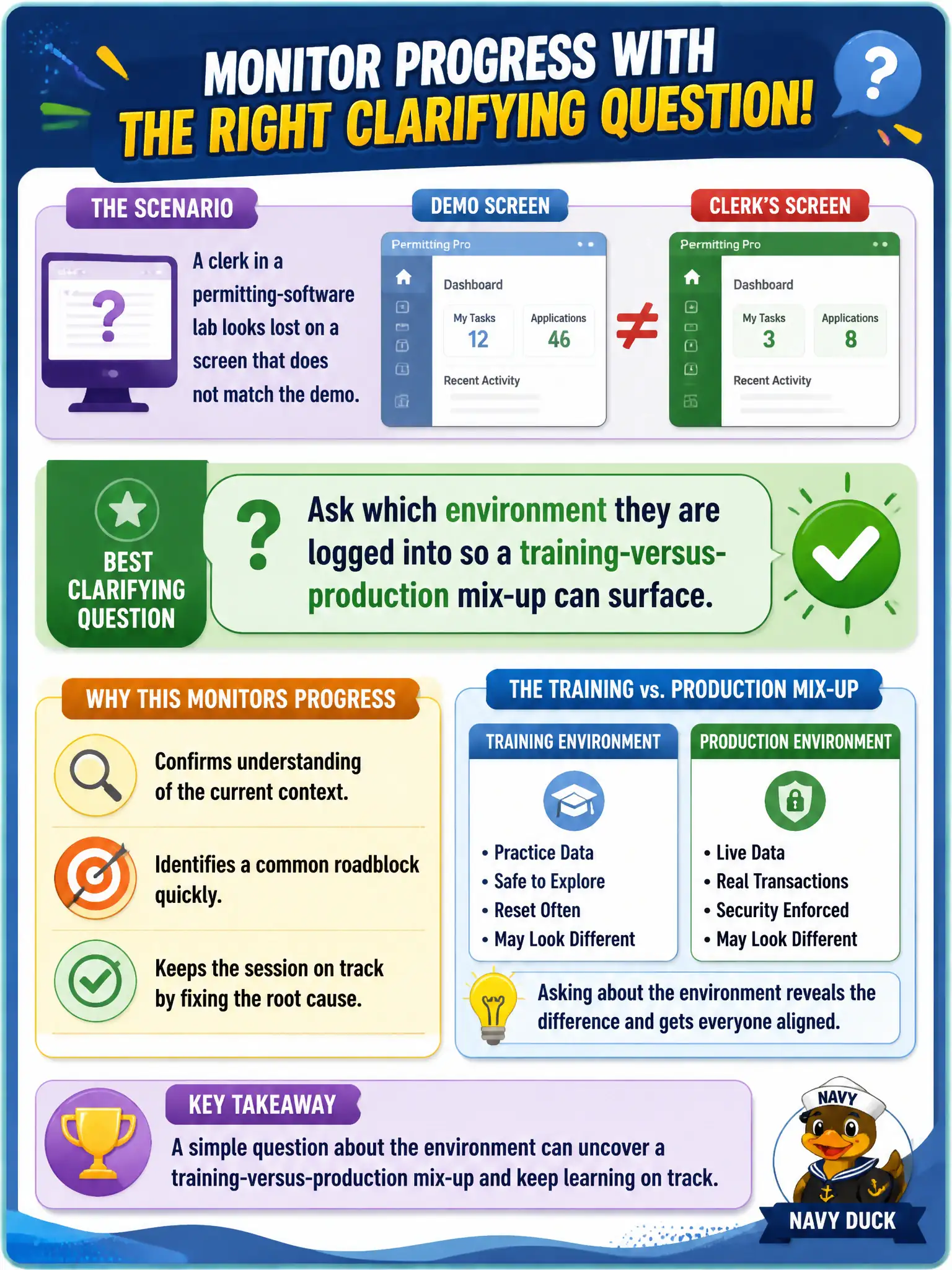
A clerk in a permitting-software lab looks lost on a screen that does not match the demo. Which clarifying question best monitors progress?
Select an answer to reveal the explanation.
Short Explanation
Wrong building, right map. A clerk on production while the demo is on the training system will look lost no matter how you shout the clicks. Ask which environment they are in before reteaching the whole path.
Full Explanation
Permitting-software labs must occur in the correct environment so clerks do not practice—or worse, act—in production. Asking which environment they are logged into clarifies a likely training-versus-production mix-up and monitors progress when screens do not match the demo. Clarifying questions diagnose hidden constraints before more instruction.
Asking them to rate the course one to five fails by concept: satisfaction ratings do not identify the environment mismatch causing the lost look. Assuming the environment is correct and restarting the entire demo wastes time and may still leave them on the wrong system. Telling them to keep clicking until screens match risks live-data harm if they are in production.
Exam caveat: when visuals diverge from the demo, check environment, role, and record state before reteaching clicks. Environment confusion is a classic lab facilitator check.
Operational check: ask environment (training vs production), verify the URL or banner together, switch them to training if needed, then resume the demo step on a matching screen. Training-versus-production mix-ups can create real records in live permitting systems—an unacceptable civic risk. Clarifying environment is therefore a safety and integrity check, not pedantry. Verify banners, URLs, or database labels together, force a switch to the training tenant if needed, and only then continue clicks that could alter application data.