
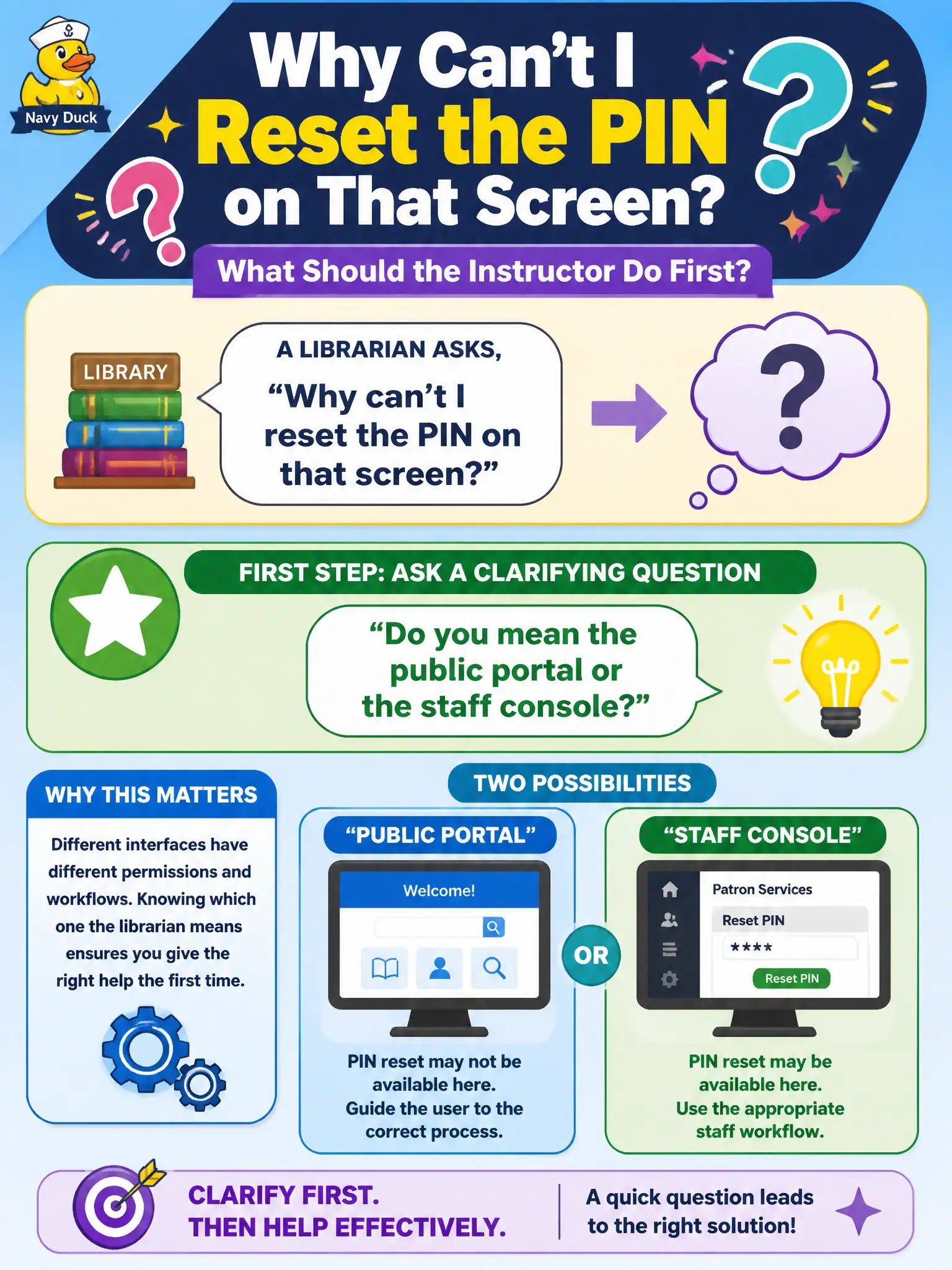
A librarian asks "Why can't I reset the PIN on that screen?" without saying which interface. What should the instructor do first?
Select an answer to reveal the explanation.
Short Explanation
Help-desk rule one: confirm which window before you start clicking. Naming public portal versus staff console stops you from fixing the wrong PIN screen. Dual answers, ignoring the ask, or kicking it to IT all skip that clarify step.
Full Explanation
Library PIN resets touch patron privacy and access to public digital services; wrong-interface answers create security and service failures. When a librarian asks why they cannot reset the PIN without naming the interface, the instructor should first ask a clarifying question—public portal or staff console. Clarifying resolves ambiguity about the question before instruction begins.
Answering for both interfaces at once fails by concept: it wastes time and may teach the wrong path for the screen the librarian actually means. Ignoring the question because it was poorly worded punishes unclear phrasing instead of facilitating clarity. Telling them to email IT after class abandons a teachable moment that belongs in the lab.
Exam caveat: clarifying questions confirm meaning; probing questions deepen an already-understood answer. On the exam, 'what do you mean by X?' patterns usually signal clarifying.
Operational check: ask which interface, wait for the answer, then teach only that PIN path while noting how the other differs in one sentence. Have the librarian attempt the reset on the confirmed screen before moving on. Public portal versus staff console PIN paths often differ for security reasons that protect patrons. Clarifying which interface is in play prevents teaching a privileged staff action as if it were a self-service portal step, or vice versa. After clarification, have the librarian complete the reset on the confirmed system while narrating each click, and note one privacy or audit implication of that path for the public.