
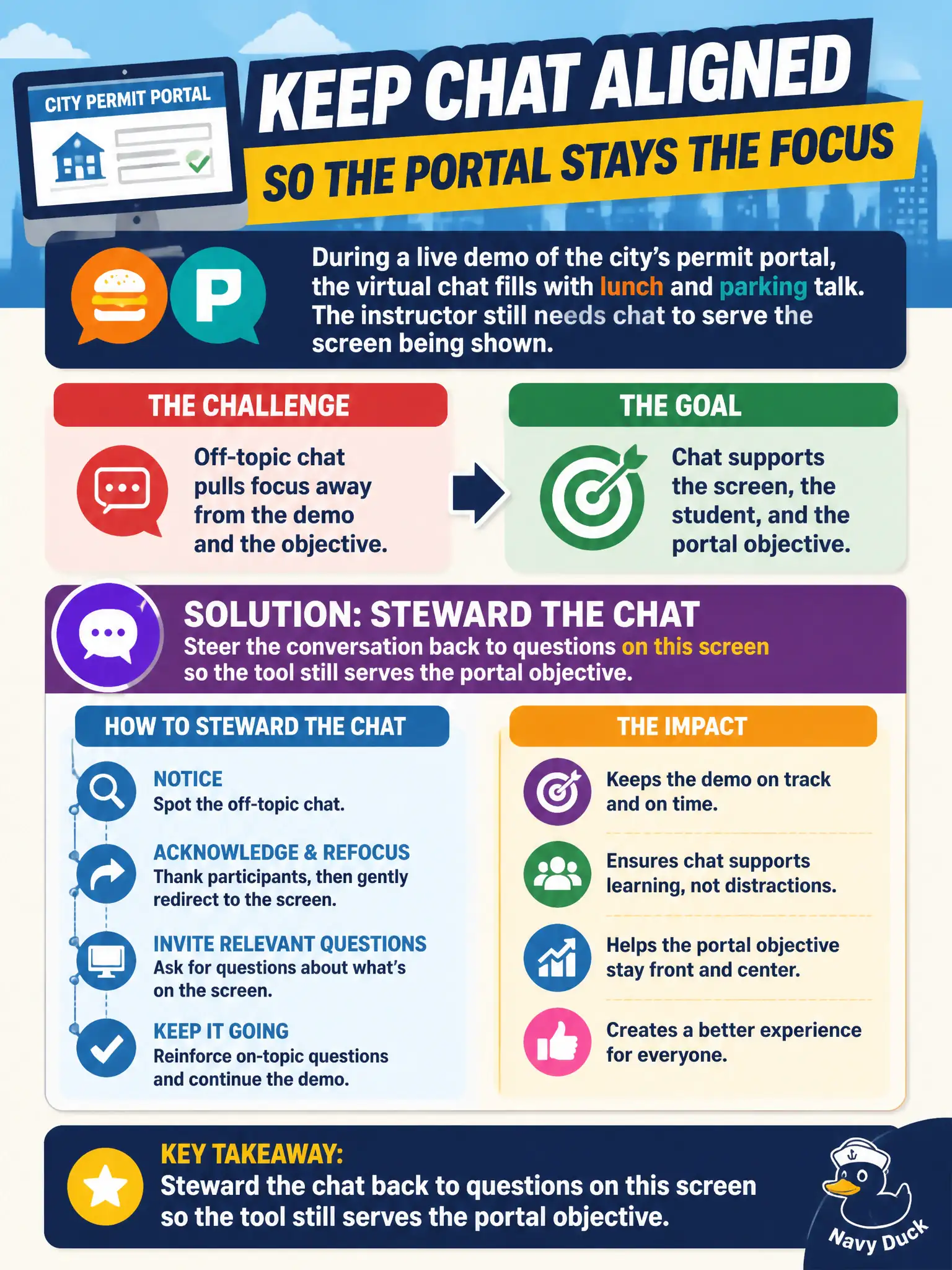
During a live demo of the city’s permit portal, the virtual chat fills with lunch and parking talk. The instructor still needs chat to serve the screen being shown. What should the instructor do?
Select an answer to reveal the explanation.
Short Explanation
Chat is a work channel during a live demo, not the break-room fridge. Steer it: “Questions on this screen here.” Killing chat, joining the lunch thread, or pretending the sidebar is invisible all waste a tool that should be pulling eyes to the permit portal.
Full Explanation
Virtual chat must be stewarded so it serves the instructional screen being shown. During a live demo of the city’s permit portal, when chat fills with lunch and parking talk, the instructor steers chat back to questions on this screen so the tool still supports the portal objective. Stewardship keeps a useful channel from becoming a water cooler that competes with the demo.
Disabling chat for the rest of the day fails by concept: removing the channel eliminates legitimate content questions along with off-topic talk. Joining the lunch thread so the instructor feels like “one of the group” fails by modeling digression instead of focus. Ignoring chat entirely fails when off-topic threads keep growing and content questions are buried.
Exam caveat: CTT+ virtual-tool items favor active facilitation of chat toward the objective—not kill-switch or join-the-noise responses.
Operational check: post a quick redirect (“parking/lunch to after; questions on this permit screen now”); answer one on-topic chat item aloud; pin an objective prompt; resume the demo with chat monitored. In civic public-training settings, that judgment protects both learner dignity and the municipality’s duty to leave staff actually able to perform the job after class—not merely to finish slides or keep a schedule looking tidy.