
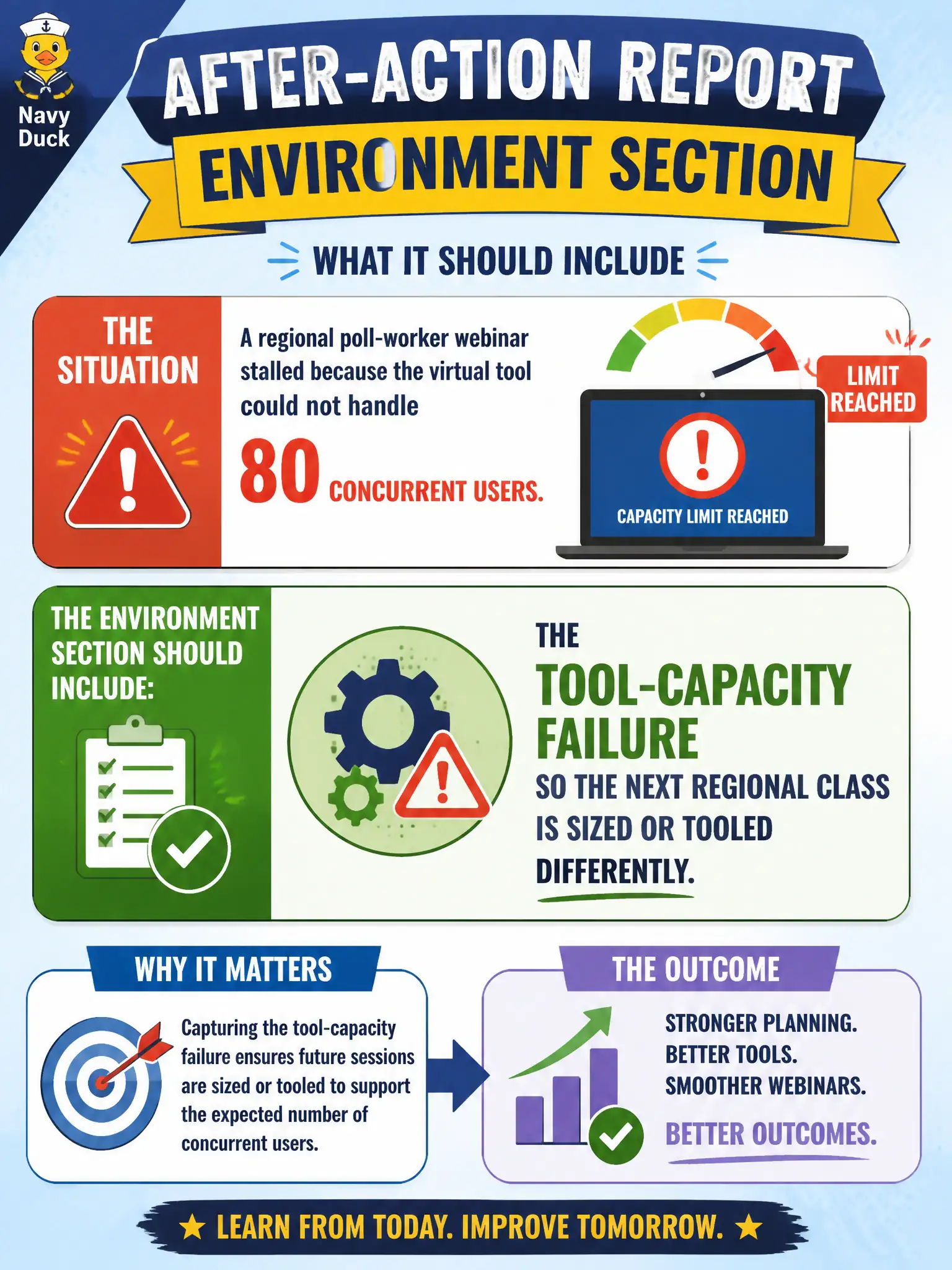
A regional poll-worker webinar stalled because the virtual tool could not handle 80 concurrent users. What should the environment section of the after-action report include?
Select an answer to reveal the explanation.
Short Explanation
Eighty poll workers melted the webinar — that is a capacity fact, not a secret. Write it so the next regional session is split or moved to a tool that can hold them. Smile sheets will not fix the freeze.
Full Explanation
When a regional poll-worker webinar stalled because the virtual tool could not handle 80 concurrent users, the environment section of the after-action report should include the tool-capacity failure so the next regional class is sized or tooled differently. Capacity limits are learning-environment facts election trainers must capture. Reporting only smile-sheet scores because capacity is a "vendor secret" omits the actionable environment cause. Claiming 80 users is always fine on any platform falsifies the incident. Blaming poll workers for joining from library computers scapegoats learners for a platform limit. Exam caveat: put tool-capacity failures in the environment evaluation. Operational check: record peak concurrent users, error messages, and downtime; recommend a higher-capacity tool or split sessions; test the new configuration before the next regional webinar; and attach that plan to the after-action file. Keep the published objective visible on every rubric and report so raters do not drift into convenience metrics. Confirm with a second reviewer when stakes are high that the evidence matches the objective rather than a proxy such as speed, smiles, or familiarity. Retain scored artifacts with the course file per city retention rules and brief only stakeholders with a need to know.