
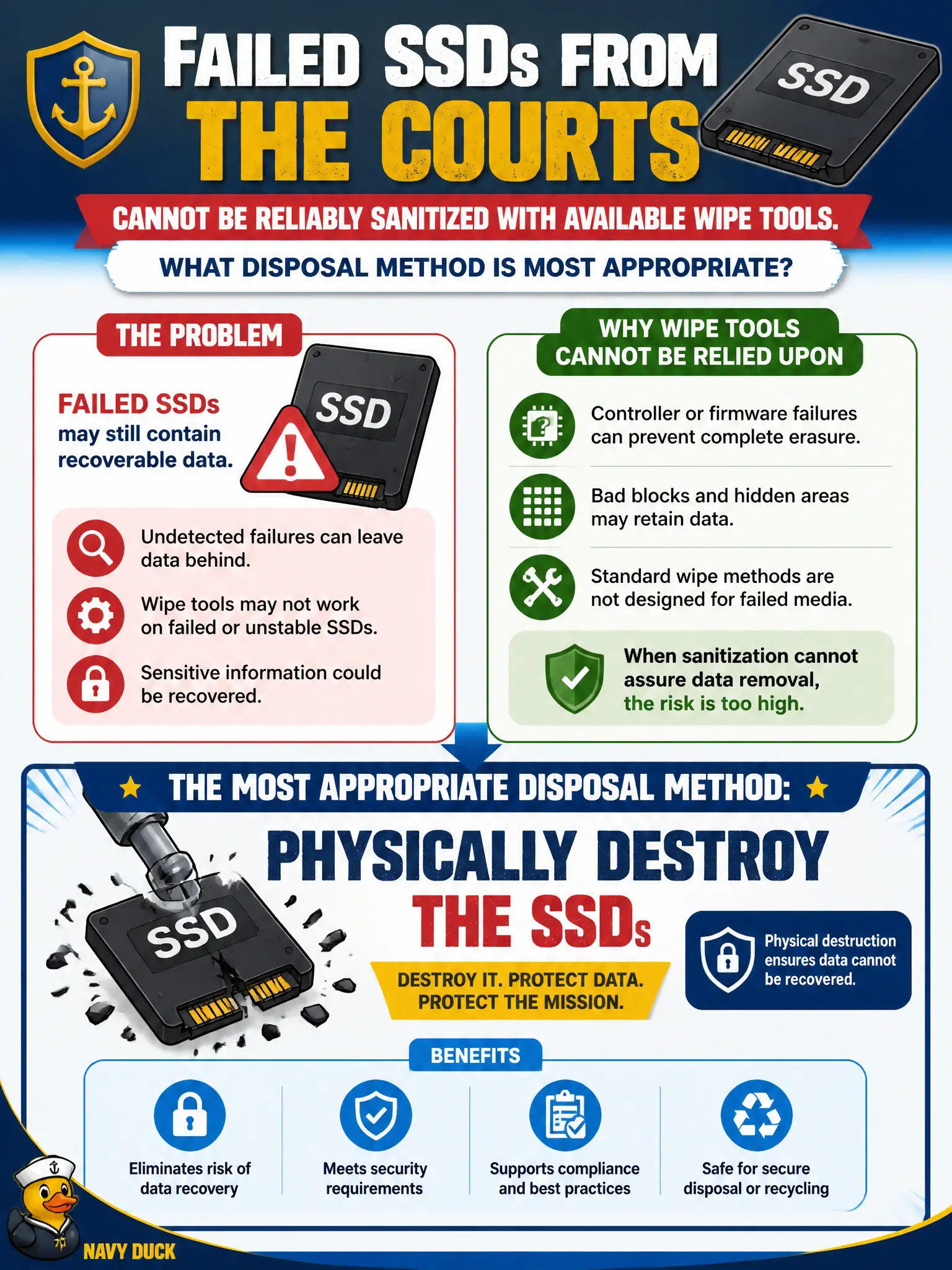
Failed SSDs from the courts cannot be reliably sanitized with available wipe tools. What disposal method is most appropriate?
Select an answer to reveal the explanation.
Short Explanation
When the wipe tools cannot promise a clean SSD, stop pretending and destroy the drive. Thrift resale, a hopeful OS reinstall, or an unlocked lobby shelf are not disposal plans for court data.
Full Explanation
Failed solid-state drives often cannot provide the assurance that cryptographic erase or overwrite sanitization completed correctly—controllers may be unresponsive, media may be partially inaccessible, or tools may report inconclusive results. When sanitization cannot assure data removal, physical destruction is the appropriate control so citizen data on retired SSDs cannot resurface through thrift channels or scavenged controllers. Destruction must follow policy and produce evidence, not improvisation. Shipping failed SSDs to a thrift reseller without further action transfers unknown residual data to the public. Reinstalling an OS on failed media and assuming prior data is gone confuses bootability with sanitization; unallocated regions and wear-leveled cells may still hold recoverable content when the device partially works. Storing failed drives unmarked in an unlocked lobby cabinet indefinitely leaves media neither sanitized nor controlled. Exam caveat: physical destruction is the fallback when sanitization assurance fails—especially called out for some SSD/failure scenarios. Operational check: quarantine failed SSDs, attempt approved sanitization only if diagnostics support assurance, otherwise destroy via approved methods and retain certificates or witnessed records.