
Regulated employee data lives on an HR file share. How should access be constrained?
Select an answer to reveal the explanation.
Short Explanation
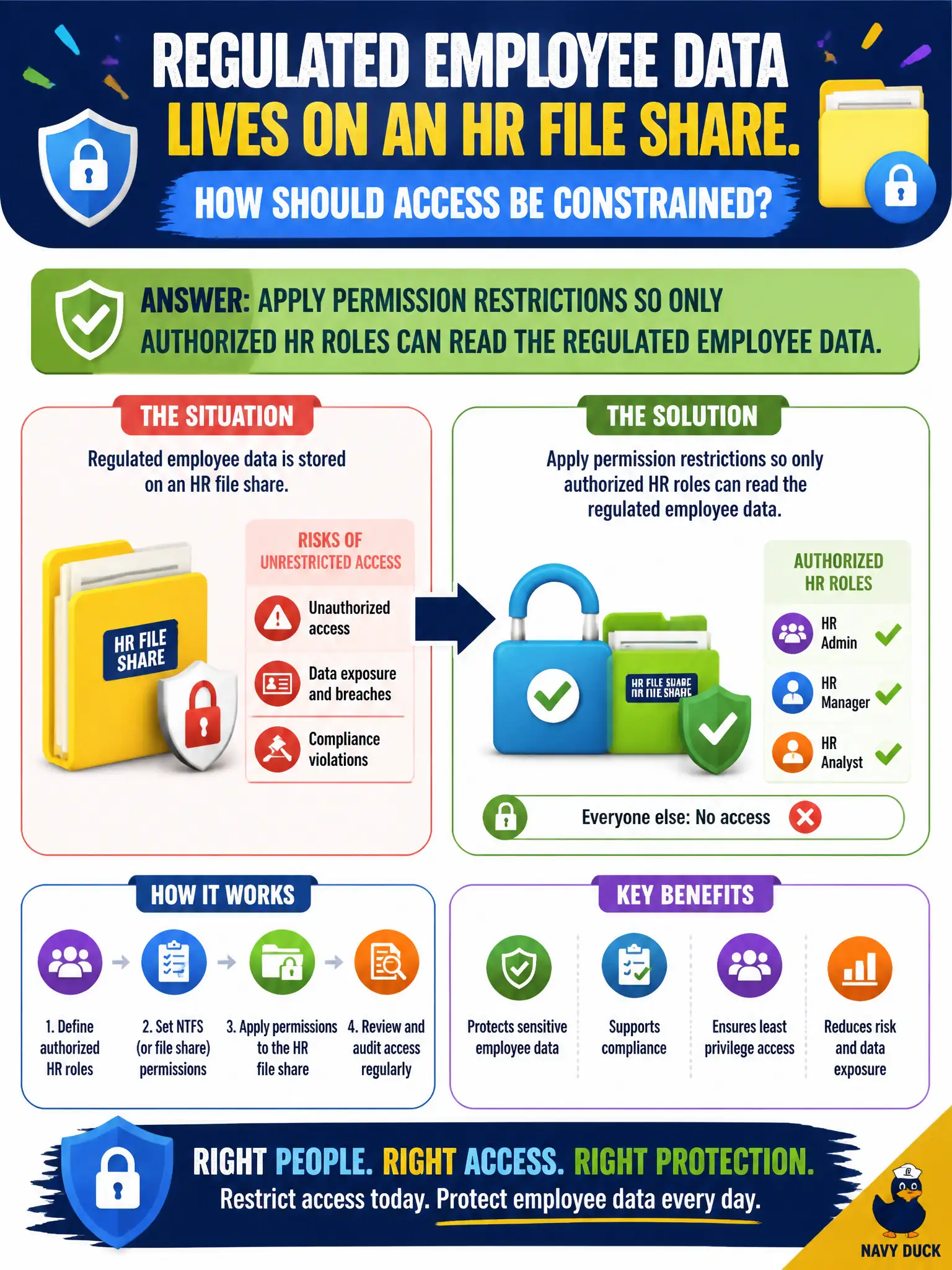
HR folders aren’t a community bulletin board. Permissions carve the share so only HR roles get in—least privilege with a file-server accent. Opening it to every login or the hallway kiosk is how regulated data leaks.
Full Explanation
Permission restrictions on file shares implement least privilege for regulated human-resources data. Only authorized HR roles should read employee records containing personal, medical, or payroll details. ACLs, group nesting, and share versus NTFS (or equivalent) permissions carve access so convenience for the broader municipal workforce does not become a privacy incident.
Granting read access to every authenticated municipal user maximizes blast radius for insider snooping and credential theft. Making the share world-writable invites accidental overwrite, ransomware encryption, and contractor sprawl. Removing ACLs and relying on an unlocked conference-room kiosk places regulated files on an anonymous physical endpoint anyone walking by can open.
Exam caveat: authentication (“logged into the domain”) is not authorization (“member of HR-Payroll-Read”). Role-based access and periodic access reviews matter as much as the initial ACL set when staff change departments.
Operational check: map HR shares to security groups tied to job roles, disable inheritance where oversharing occurs, audit effective permissions for sample employee files, monitor for mass enumeration, and remove contractor accounts promptly when engagements end.