
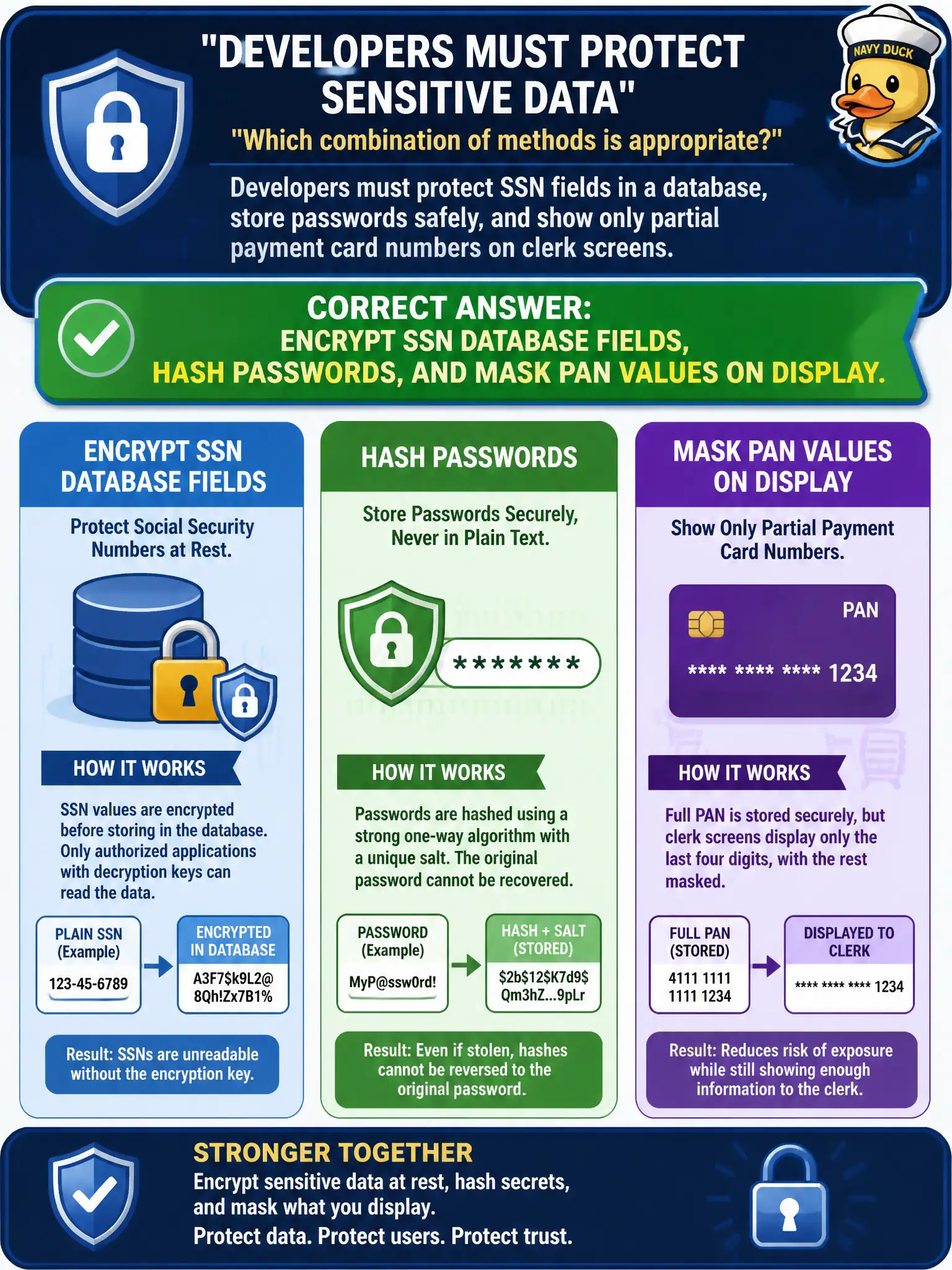
Developers must protect SSN fields in a database, store passwords safely, and show only partial payment card numbers on clerk screens. Which combination of methods is appropriate?
Select an answer to reveal the explanation.
Short Explanation
Different locks for different jobs: encrypt SSNs you may need again, hash passwords you should never need in cleartext, and mask the PAN so clerks see only a peek. Using the wrong tool—like hashing something you must reverse—breaks the workflow or the security.
Full Explanation
Different sensitive fields need different cryptographic treatments. Encrypt Social Security Number fields so authorized city applications can decrypt when a lawful business process requires the clear value. Hash passwords with a modern one-way algorithm and salt/pepper so authentication can verify secrets without ever storing reversible passwords. Mask primary account numbers on displays so clerks and screenshots reveal only a truncated view while the back end holds protected payment data.
Hashing SSNs for “reversible display” misunderstands hashing—one-way digests cannot be decoded for legitimate retrieval. Encrypting passwords with a shared key embedded in source code makes passwords recoverable by anyone who reads the repo and fails password-storage guidance. Storing full PANs in cleartext on screen maximizes shoulder-surfing and malware scraping risk. Masking passwords so they can be reversed for help-desk resets recreates reversible password storage; hashing SSNs that must later appear in cleartext breaks required workflows.
Exam caveat: encrypt for confidentiality with later authorized use; hash for verification without recovery; mask for presentation-layer minimization. Tokenization is related but distinct—substituting surrogates in storage ecosystems.
Operational check: review the municipal app’s field-level controls, ensure password hashes use current algorithms, confirm SSN encryption keys sit in an HSM or vault—not in code—and verify UI masking of PANs in cashier and help-desk tools.