
A county analyst wants a playbook to run for one parks notable without changing the correlation search. What Enterprise Security trigger path should they use?
Select an answer to reveal the explanation.
Short Explanation
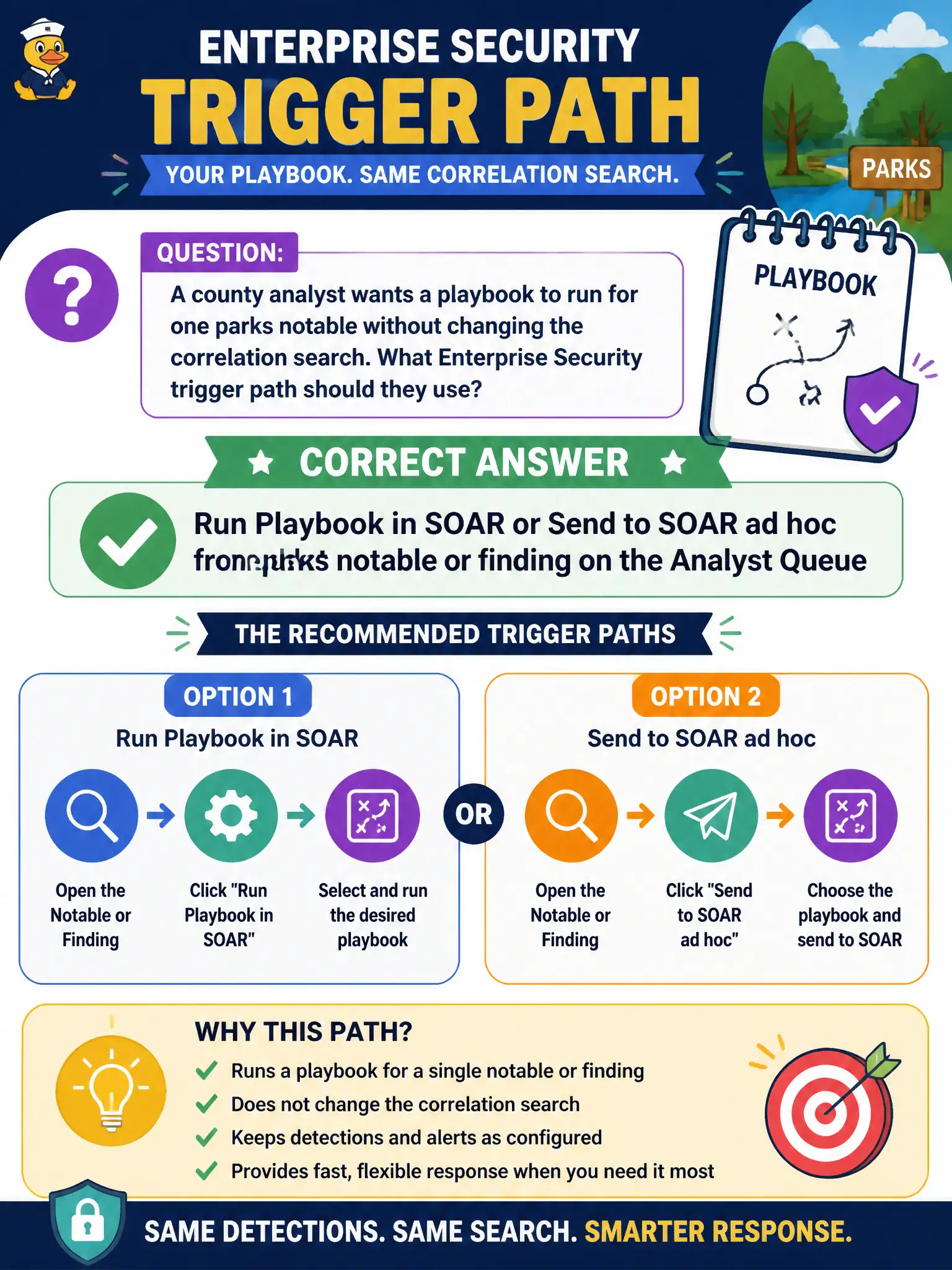
One parks notable, one playbook, no search rewrite: that is the ad-hoc Send to SOAR or Run Playbook click on the Analyst Queue. Standing orders live on the correlation search. This one is a human choosing this case.
Full Explanation
A second basic ES-to-SOAR trigger path is analyst-driven: Run Playbook in SOAR or Send to SOAR ad hoc from a notable or finding on the Analyst Queue so a playbook runs for one parks notable without changing the correlation search. That path is for human-chosen, one-off automation while standing automatic triggers remain configured on the detection when always-on behavior is required for every match. County parks cases often need that selective trigger so one investigation gets enrichment or containment without rewriting detection content for all matches.
Rebuilding Asset and Identity lookups from the notable refreshes enrichment data used by ES; it does not trigger SOAR playbooks or create SOAR events. Disabling data-model acceleration so SOAR receives raw events breaks tstats performance, misstates how SOAR intake works, and is not a supported SOAR trigger mechanism. Changing the notable title until SOAR scrapes Incident Review is not a supported integration path and invents fragile, unsupported coupling between display text and automation.
Exam caveat: distinguish scheduled Adaptive Response on the correlation search from ad-hoc Run Playbook or Send to SOAR on the Analyst Queue—both are valid, but only the ad-hoc path avoids editing the search for a one-off parks case. Operational check: open the parks notable on the Analyst Queue, use Run Playbook in SOAR or Send to SOAR ad hoc for the chosen enrichment or containment playbook, confirm the playbook run for that notable only, and leave the correlation search unchanged.