
How can a scheduled detection automatically start SOAR work from Enterprise Security?
Select an answer to reveal the explanation.
Short Explanation
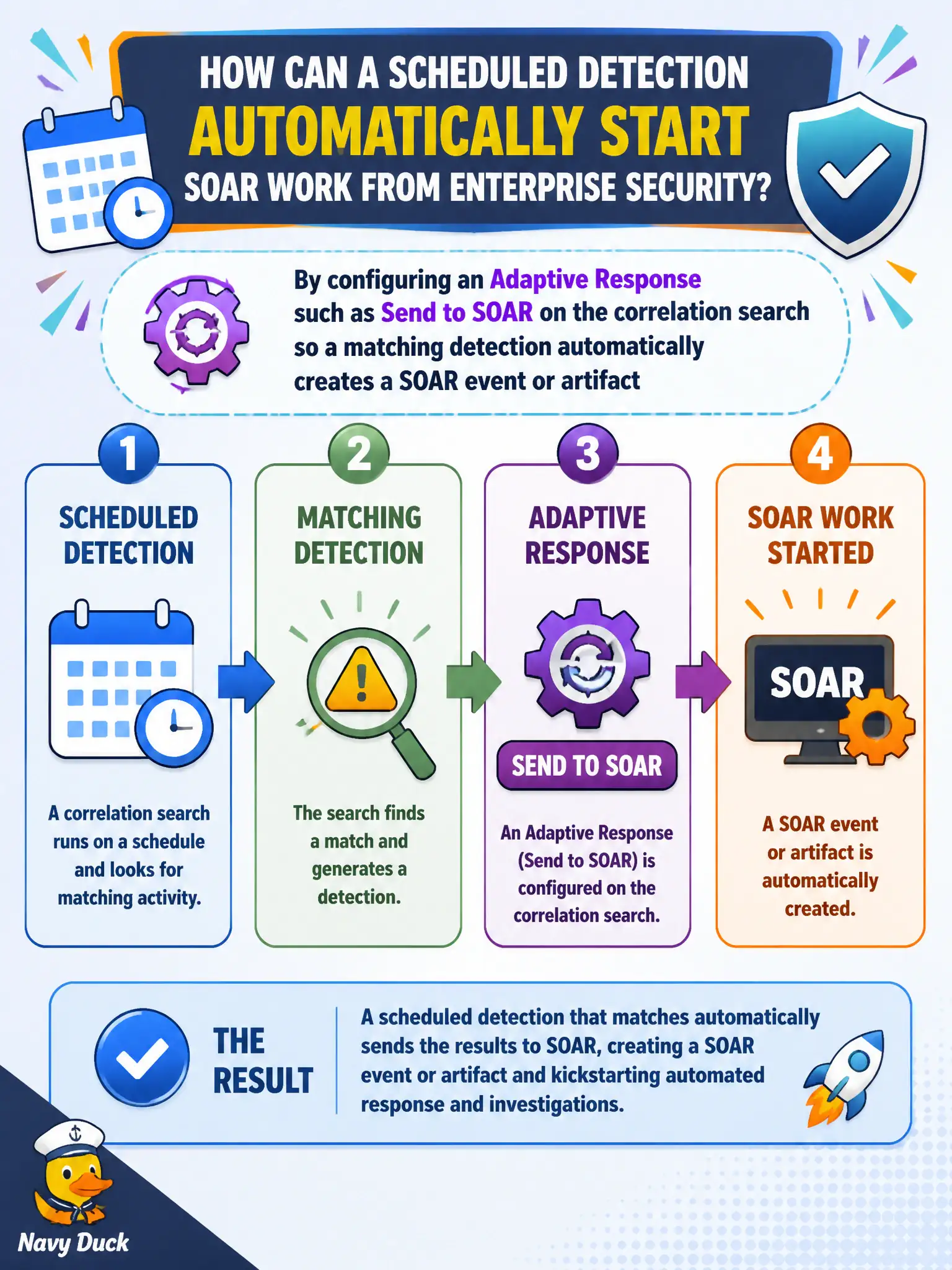
Want SOAR to wake up when the detection fires? Hang Send to SOAR on the correlation search Adaptive Response so the event is created without an analyst clicking. Dashboards and dispositions do not ship the notable.
Full Explanation
One basic Enterprise Security-to-SOAR trigger path is configuring an Adaptive Response such as Send to SOAR on the correlation search or scheduled detection so a matching detection automatically creates a SOAR event or artifact without waiting for an analyst click. That is how a scheduled detection starts SOAR work from ES for continuous civic monitoring and keeps enrichment or containment playbooks aligned with detection fire times. Municipal SOCs rely on that automatic handoff when overnight detections must enqueue automation before day-shift triage begins.
Editing the Python playbook on the search head is not how ES schedules SOAR intake, places playbook code in the wrong product boundary, and is outside the analyst's basic trigger-configuration skill on SPLK-5001. Accelerating the Web data model improves tstats performance for Web CIM searches; it does not create SOAR events or invoke playbooks. Changing the notable disposition to Closed records analyst judgment in Incident Review and does not ship work to SOAR.
Exam caveat: know the scheduled Adaptive Response (Send to SOAR) path as an automatic ES-to-SOAR trigger—separate from playbook authoring, data-model acceleration, and disposition changes. Operational check: on a civic correlation search, attach Send to SOAR (or equivalent) Adaptive Response with a sensible trigger threshold, fire a test match, and confirm a SOAR event or artifact appears with expected notable fields before relying on the path in production.