
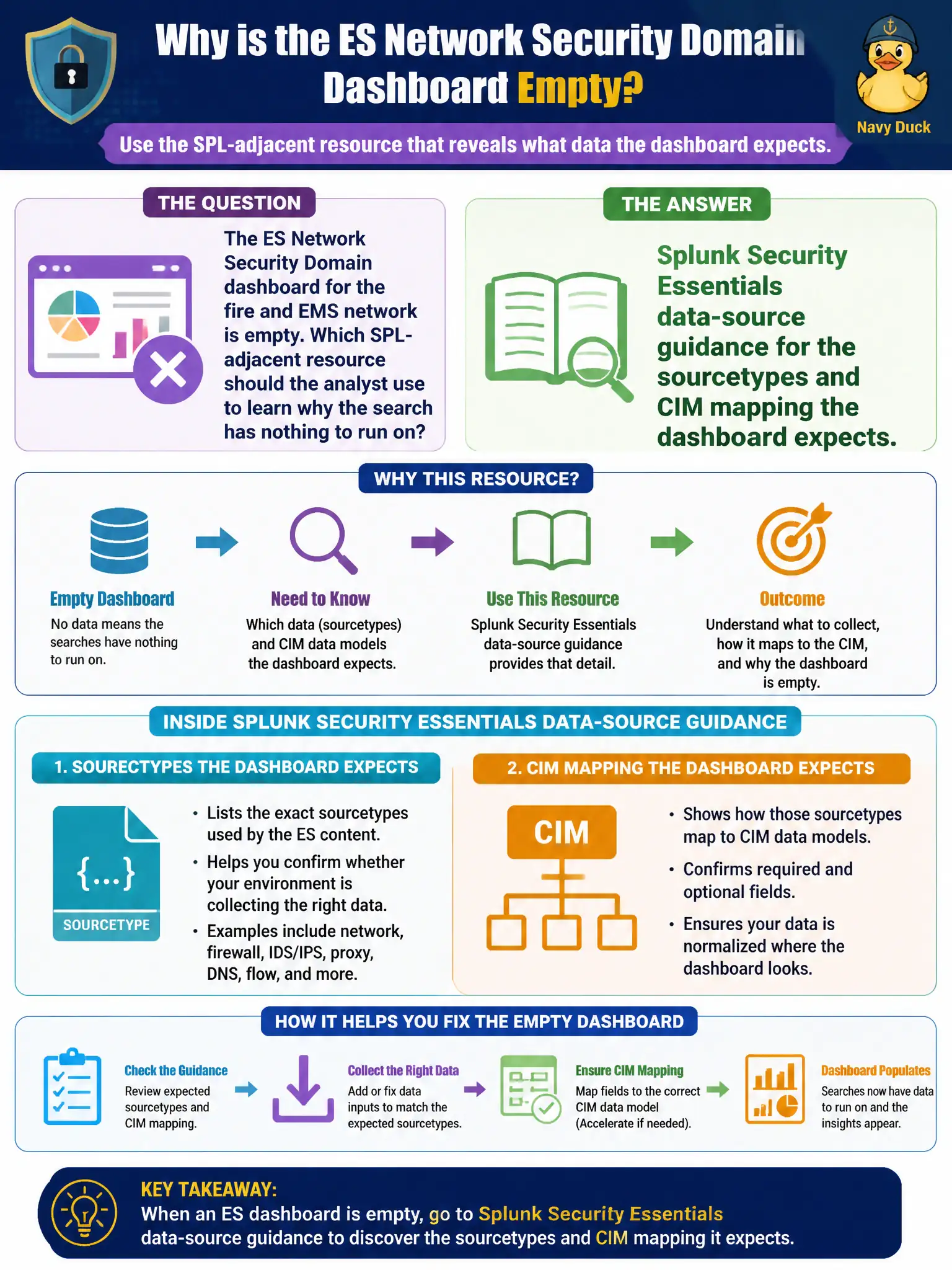
The ES Network Security Domain dashboard for the fire and EMS network is empty. Which SPL-adjacent resource should the analyst use to learn why the search has nothing to run on?
Select an answer to reveal the explanation.
Short Explanation
An empty Security Domain panel is often a data problem, not a broken dashboard skin. SSE tells you which sourcetypes and CIM maps that search needs. If fire and EMS never sent Network_Traffic-shaped events, the search has nothing to chew.
Full Explanation
An empty ES Network Security Domain dashboard for fire and EMS is often a data-onboarding problem, not a broken visualization. Splunk Security Essentials data-source guidance tells the analyst which sourcetypes and CIM mappings that dashboard's searches expect—commonly Network_Traffic-shaped events—so empty panels point to missing or unmapped fire/EMS telemetry. The SOAR playbook debugger does not explain empty ES domain dashboards. Hiding empty panels with CSS conceals the coverage gap instead of fixing CIM or sourcetype feed issues. KV Store repair is not the first troubleshooting step for a panel that simply has no qualifying events. Exam caveat: the dashboard can be healthy while data is absent—verify both search SPL and whether fire/EMS devices are sending the expected sourcetypes before opening admin repair wizards. Operational check: in SSE, list the sourcetypes and CIM models the Network Security Domain content needs, compare to fire/EMS onboarding, and track a data gap ticket until the dashboard populates on known traffic. Document the revised approach in the civic SOC runbook so the next on-call analyst inherits the correct pattern rather than the anti-pattern. Retain Job Inspector evidence with the change ticket for municipal audit readiness.