
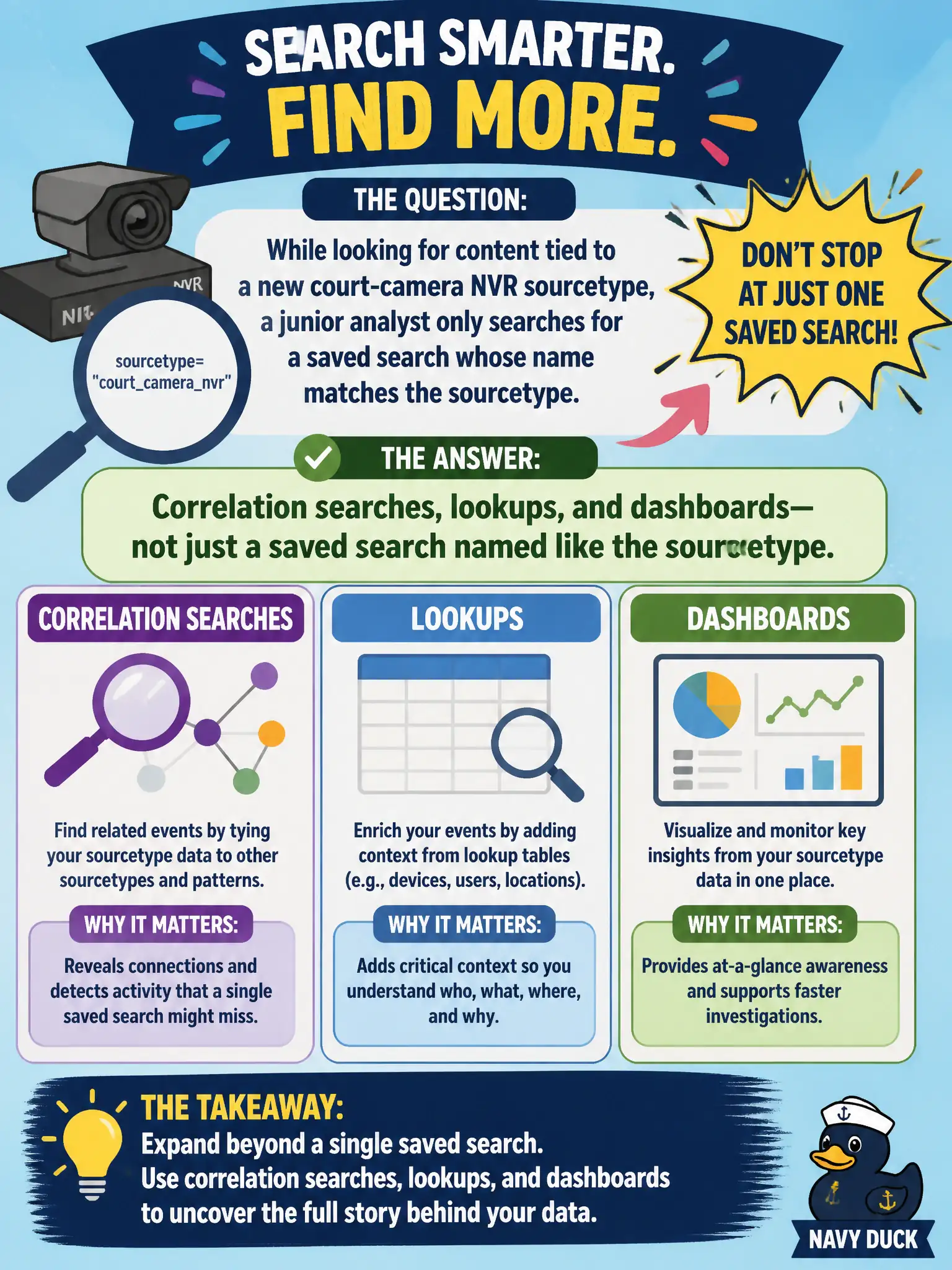
While looking for content tied to a new court-camera NVR sourcetype, a junior analyst only searches for a saved search whose name matches the sourcetype. What else should they include?
Select an answer to reveal the explanation.
Short Explanation
Content in ES is a whole toolkit: detections, lookups, and dashboards, not just a saved search that happens to share the NVR's name. Grep only for the sourcetype string and half the kit gets walked past. Open the whole drawer.
Full Explanation
While looking for content tied to a new court-camera NVR sourcetype, a junior analyst should include correlation searches, lookups, and dashboards—not just a saved search whose name matches the sourcetype. Enterprise Security and Security Essentials content packs distribute multiple object types; name matching alone under-discovers what the municipal deployment already owns for that video or NVR source.
Looking only at indexer-cluster peer lists fails because peer names are infrastructure inventory, not Enterprise Security content objects. Looking only at the _internal license log fails because license logs do not enumerate civic detections as a content catalog for court cameras. Looking only at notable dispositions fails because dispositions are investigation outcomes such as resolved or false positive, not the content pack itself.
Exam caveat: content discovery spans correlations, lookups, and dashboards—not merely identically named saved searches.
Operational check: search Enterprise Security and Security Essentials for the NVR sourcetype and related CIM models, inventory matching correlations, lookups, and dashboards, enable what fits court-camera monitoring, and document residual custom-content needs for facilities security.