
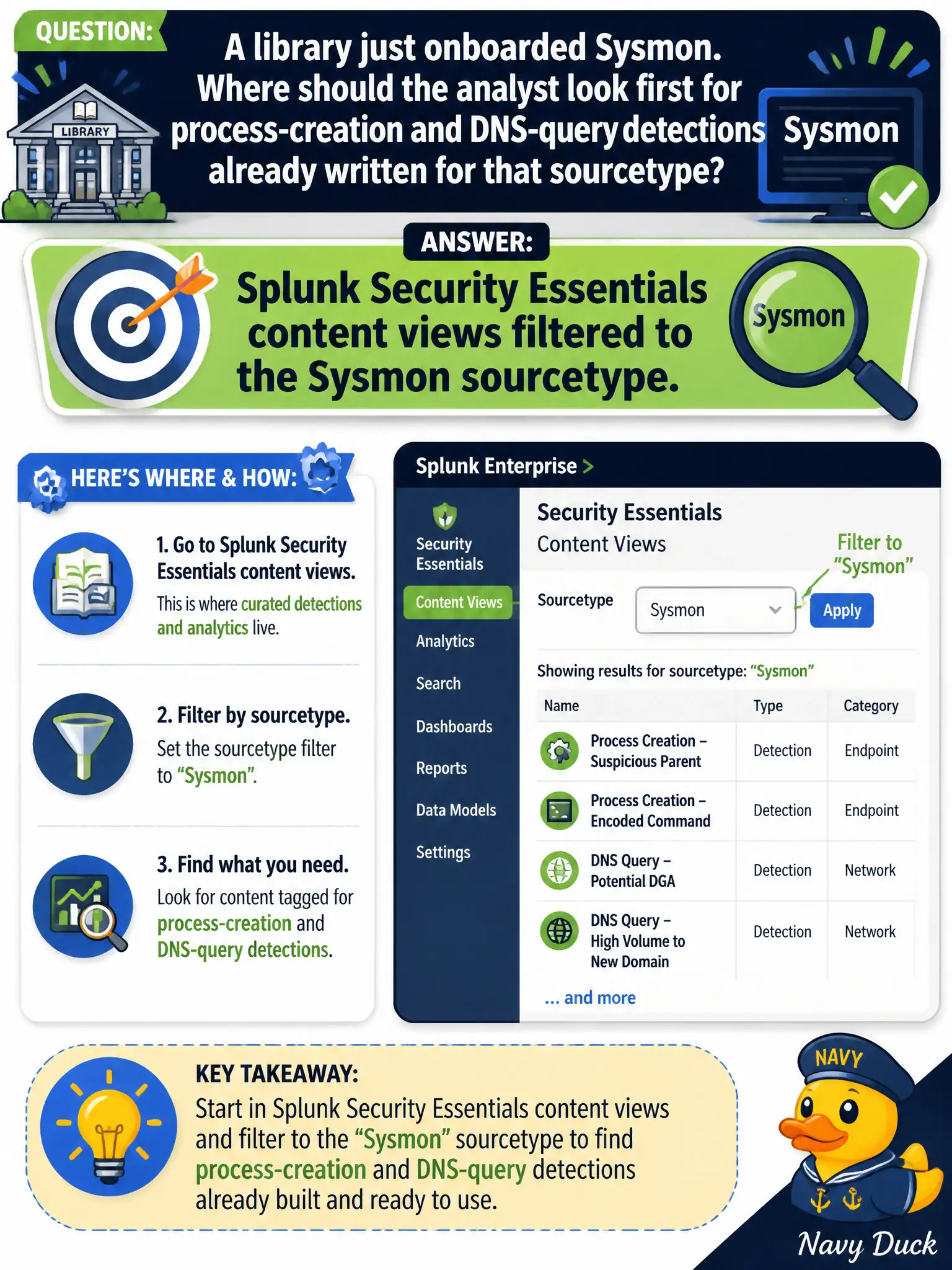
A library just onboarded Sysmon. Where should the analyst look first for process-creation and DNS-query detections already written for that sourcetype?
Select an answer to reveal the explanation.
Short Explanation
New Sysmon is like a new camera model—check the catalog before writing new film. SSE already has process-create and DNS-query content tagged for that sourcetype. Start there, not in the indexer-cluster panel.
Full Explanation
After a library onboards Sysmon, the analyst should look first in Splunk Security Essentials content views filtered to the Sysmon sourcetype for process-creation and DNS-query detections already written for that source. Security Essentials catalogs what the new endpoint telemetry unlocks so the library SOC enables proven content instead of starting from a blank search bar or inventing SOAR-only homes for detections.
The indexer clustering dashboard lists cluster health and peer status, not Sysmon correlation searches available for the library. A blank search bar with index=* sysmon and no Security Essentials review skips existing curated detections and wastes engineering time. The SOAR playbook editor is not the only place Sysmon detections can live—most process-creation detections belong in Enterprise Security correlation content, not solely in SOAR.
Exam caveat: new Sysmon onboarding should start with Security Essentials content filtered by sourcetype before free-form searching.
Operational check: filter Security Essentials to Sysmon, enable process-creation and DNS-query detections that match library use cases, confirm CIM or sourcetype prerequisites, and validate with a controlled lab process event on a kiosk image.