
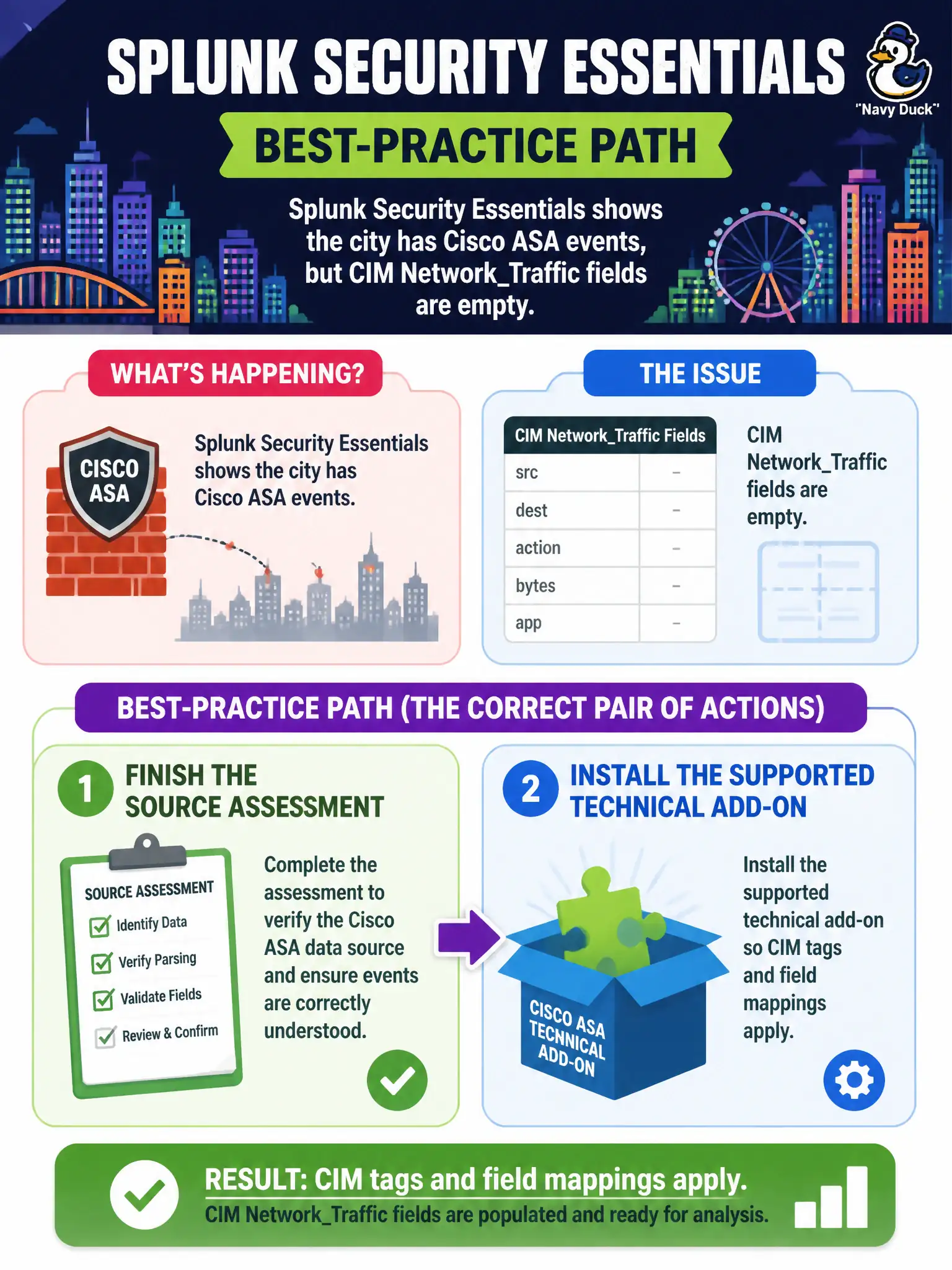
Splunk Security Essentials shows the city has Cisco ASA events, but CIM Network_Traffic fields are empty. What pair of actions is the best-practice path?
Select an answer to reveal the explanation.
Short Explanation
Seeing the packets is step one; teaching Splunk their names is step two. The supported ASA add-on is the bridge from we have syslog to CIM Network_Traffic. Assessment without the TA leaves the dashboards blank.
Full Explanation
When Splunk Security Essentials shows the city has Cisco ASA events but CIM Network_Traffic fields are empty, the best-practice path is to finish the source assessment and install the supported technical add-on so CIM tags and field mappings apply. Having events is step one; normalizing them is step two for Enterprise Security network content. Without the technical add-on, Security Essentials may see a source while ES network dashboards and correlations remain blind to src, dest, and action.
Leaving events unmapped and writing a new CIM model named after the city fragments standards and breaks shared content portability. Raising a notable for a missing add-on and closing it as a false positive treats an engineering gap as a disposable alert instead of fixing mapping. Converting ASA syslog to Windows XML so the WinEventLog add-on can parse it is the wrong parser for firewall syslog and will not produce correct Network_Traffic fields.
Exam caveat: source present with empty CIM fields means install and configure the supported technical add-on and complete mapping.
Operational check: install the Cisco ASA technical add-on, verify Network_Traffic tags and fields on sample events, re-check Security Essentials and Enterprise Security network dashboards, then enable ASA-dependent correlations for the city perimeter.