
The county wants CIS Critical Security Controls coverage. How do Splunk Security Essentials and Enterprise Security content browsers help the team?
Select an answer to reveal the explanation.
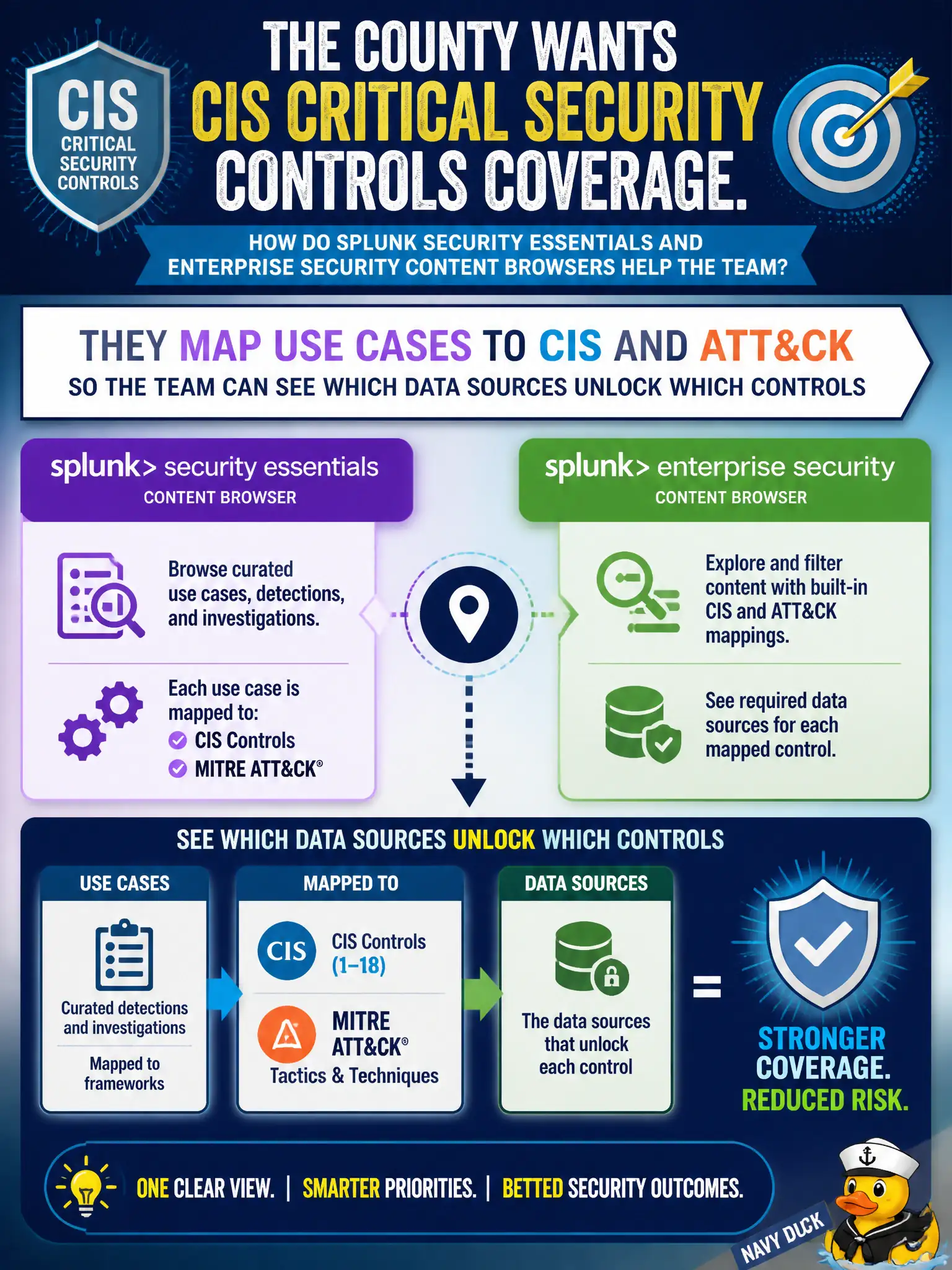
Short Explanation
SSE and ES content browsers are a menu that shows which dishes you can cook with the groceries you have. Map the use case to CIS or ATT&CK, then see which sourcetypes unlock that control. They do not certify the county or invent a CIS sourcetype.
Full Explanation
Splunk Security Essentials and Enterprise Security content browsers help a county chasing CIS Critical Security Controls by mapping use cases to CIS and ATT&CK so the team can see which data sources unlock which controls. That civic coverage view is a planning menu: pick the control outcome, see required telemetry, then onboard and enable content. The browsers do not invent a Splunk-only certification catalog.
Claiming they replace CIS with a Splunk-only control catalog that auditors accept as certification fails by concept: content browsers are guidance and mapping aids, not auditor certification. Claiming they install CIS as a sourcetype on the indexer fails by concept: CIS is a control framework, not a log sourcetype. Claiming they disable detections that are not CIS-labeled so the queue stays empty fails by concept: coverage tools expand understanding; they do not empty the queue by policy of silence.
Exam caveat: SSE/ES content browsers = map use cases to frameworks and required data—not certify, not create a CIS sourcetype, not auto-disable detections.
Operational check: Walk the CIS-priority controls for the county, use the content browser to list missing sourcetypes, open Engineer onboarding tickets for those sources, then enable the matching use cases and re-check the coverage map.