
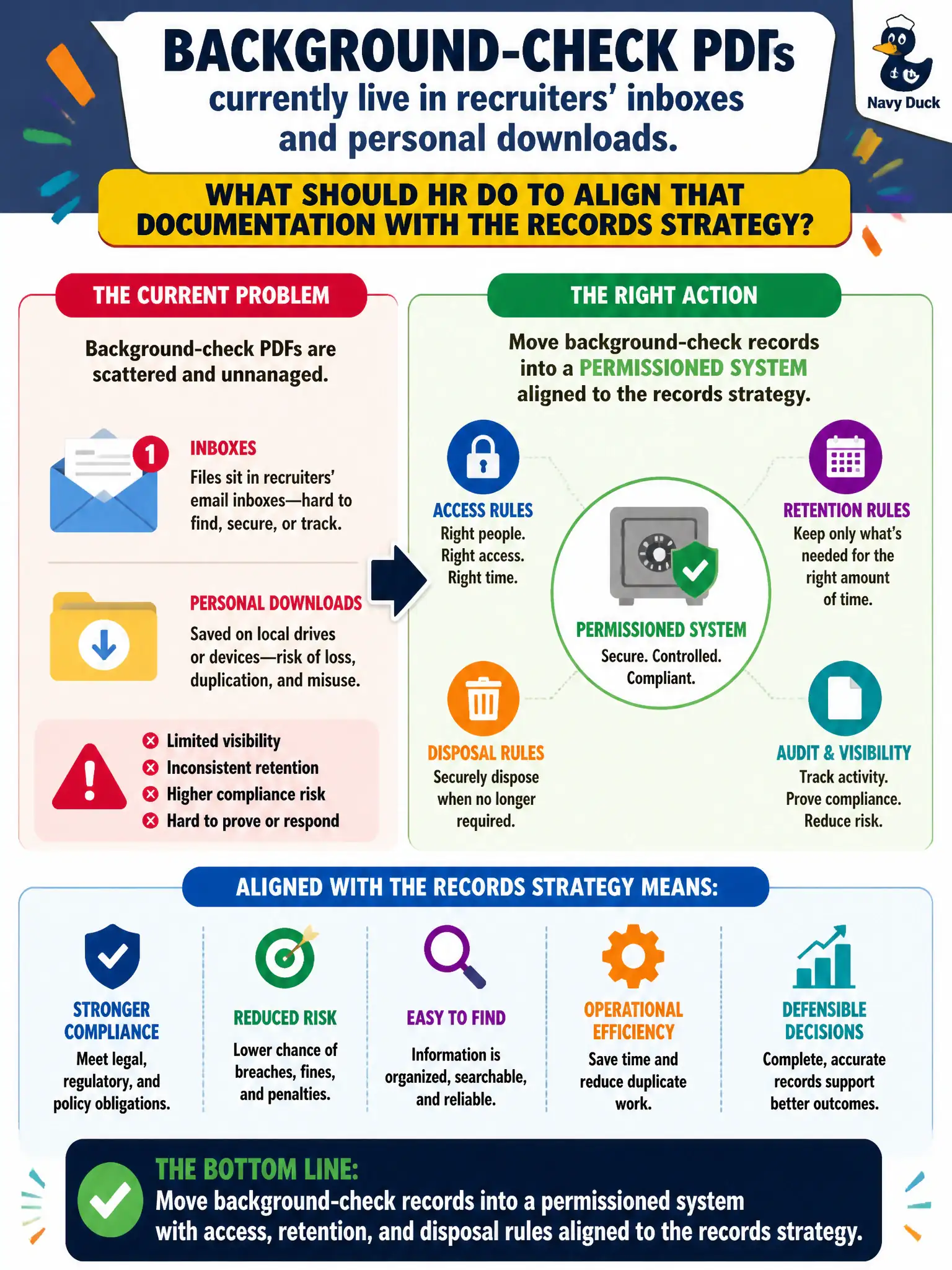
Background-check PDFs currently live in recruiters' inboxes and personal downloads. What should HR do to align that documentation with the records strategy?
Select an answer to reveal the explanation.
Short Explanation
Sensitive PDFs in the junk drawer of email are still personnel records—they just have worse locks. Intake channels are a privacy surface. Put the file in a system with permissions and a destruction date, not in someone's downloads folder.
Full Explanation
Background-check documentation contains criminal-history and identity data that must follow the same records, access, and disposal rules as other protected personnel files. Moving those PDFs out of recruiter inboxes and personal downloads into a permissioned system with access, retention, and disposal rules aligns intake to the city's records and data-protection strategy. Uncontrolled copies are not a repository.
Telling recruiters to print PDFs into unlocked desk trays trades digital sprawl for physical sprawl. Forwarding every background PDF to the hiring manager's personal email multiplies exposure and removes HR custody. Posting redacted summaries on a recruiting intranet for whole-department browsing invites curiosity access beyond need-to-know and still may over-disclose.
Exam caveat: the permissioned system must support legal holds and FCRA-related retention clocks; deleting on a whim is as bad as eternal inbox storage. Operational check: migrate active background files into the controlled repository, revoke local download rights where feasible, set retention/disposal jobs, and spot-check that new requisitions no longer leave PDFs in mailboxes. Document ownership so auditors can see who maintains the control.