
A SAS developer builds a macro %LOAD_DATA that accepts a table name and caslib. The macro should execute different code paths depending on whether the CAS table already exists. Which macro function checks for CAS table existence before loading?
Select an answer to reveal the explanation.
Short Explanation
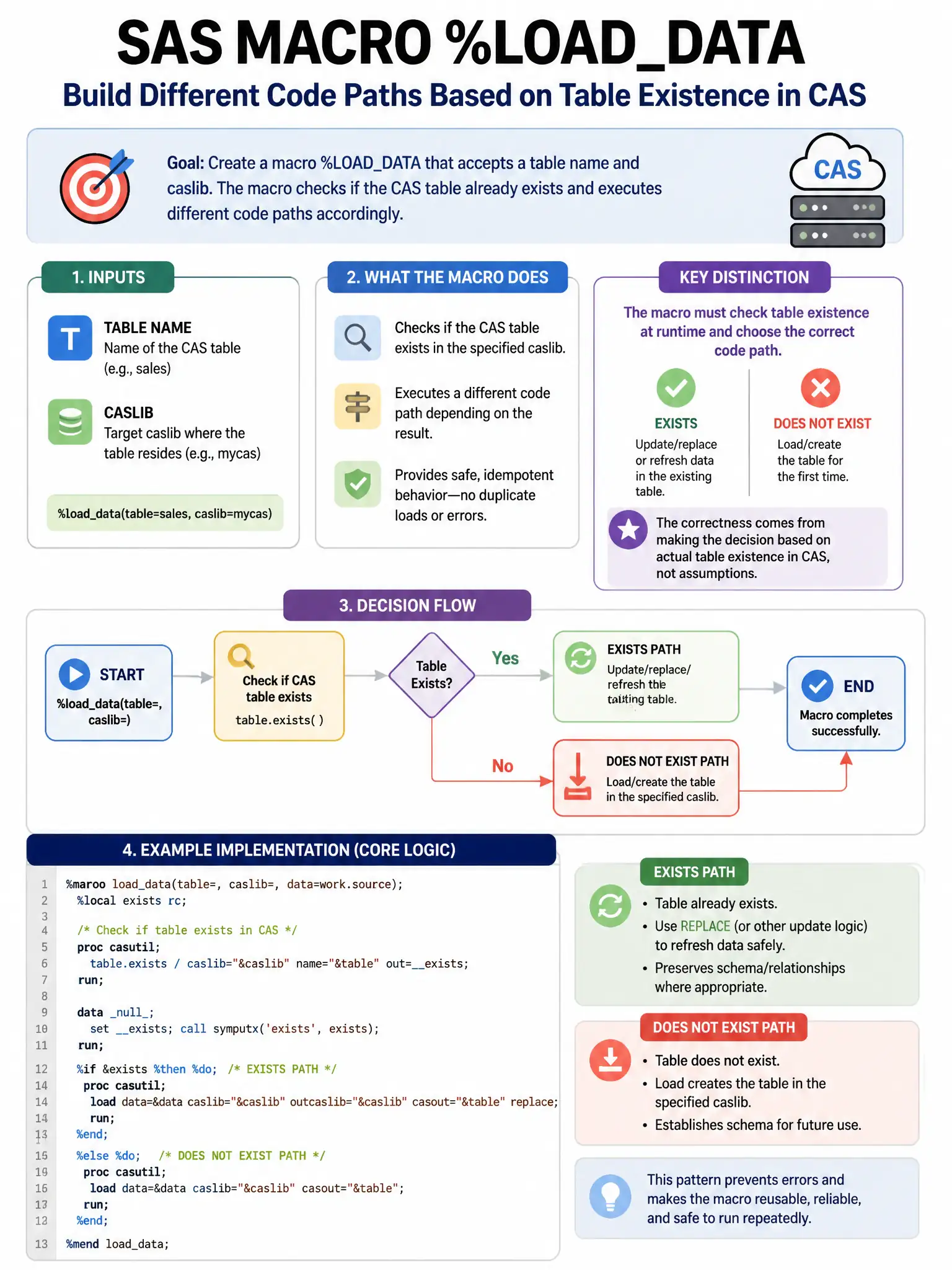
You check for a CAS table by calling the table.tableExists action through PROC CAS, then capture the return code into a macro variable with SYMPUTX and branch on it. That works because CAS tables live in CAS memory, not in a traditional SAS library.
Full Explanation
The correct approach is to use the CAS table.tableExists action via PROC CAS and capture the return code in a macro variable using SYMPUTX to conditionally branch. This is the supported pattern for checking CAS table existence in a SAS macro because the action queries the CAS server directly, and the result code can be stored for later %IF logic (1=exists, 0=does not exist). The %IF %SYSFUNC(EXIST(caslib.tablename)) %THEN approach is wrong because EXIST() checks SAS library tables, not CAS in-memory tables. The %IF %SYMEXIST(tablename) %THEN approach is wrong because %SYMEXIST checks whether a macro variable exists in the macro symbol table, not whether a data table exists. The PROC CASUTIL LIST approach is wrong because PROC CASUTIL LIST does not automatically populate macro variables with table names that can be checked with %IF.