
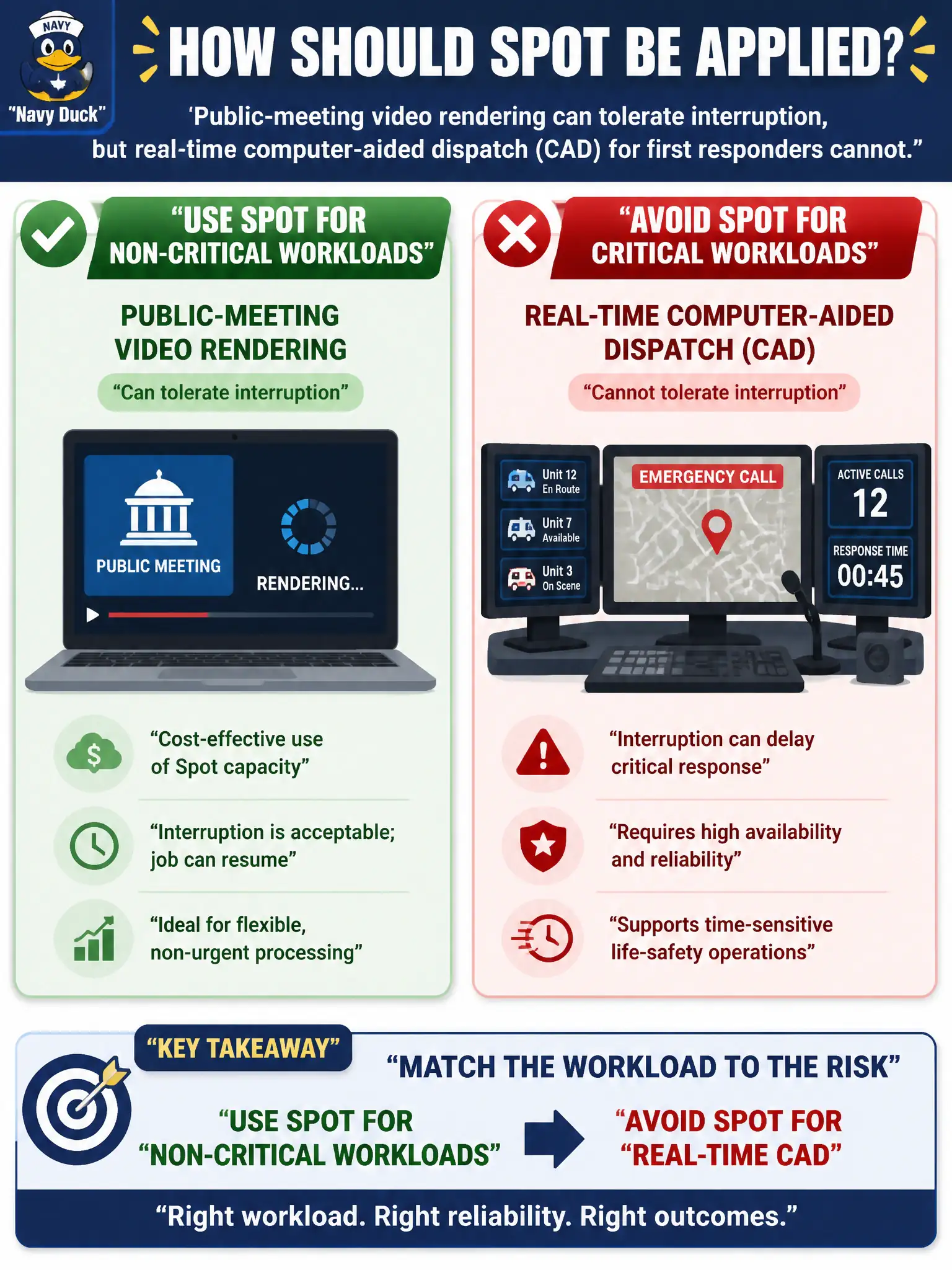
Public-meeting video rendering can tolerate interruption, but real-time computer-aided dispatch (CAD) for first responders cannot. How should Spot be applied?
Select an answer to reveal the explanation.
Short Explanation
Editing last night's council video can pause; a 911 CAD screen cannot. Spot is fine for interruptible rendering and the wrong bet for real-time dispatch.
Full Explanation
Public-meeting video rendering can tolerate interruption and checkpointing, while real-time computer-aided dispatch for first responders cannot. Apply Spot to the non-critical rendering farm to harvest discount capacity for civic transparency workloads, and keep CAD on On-Demand, Savings Plans, or Reserved capacity so dispatch screens do not disappear when Spot reclaim happens. Separating capacity types by criticality is the purchasing and reliability pattern SAP-C02 expects for mixed municipal estates.
Running CAD exclusively on Spot with no On-Demand or reserved backup exposes life-safety systems to interruption risk and fails public-safety SLOs. Forbidding Spot for all batch rendering even when jobs are restartable forgoes legitimate savings on interruptible media work. Placing both CAD and rendering on Spot in one mixed Auto Scaling group without capacity-type separation lets a Spot interruption or scaling event threaten the critical path alongside the batch path.
Exam caveat: Spot is appropriate only when the workload can handle interruption or has an explicit On-Demand fallback; never put sole CAD capacity on Spot. Operational check: run meeting-video workers on a Spot ASG or Spot Fleet with retry, pin CAD to On-Demand or SP/RI-backed groups, inject a Spot interruption in non-prod rendering, and verify CAD health checks never share that Spot pool.