
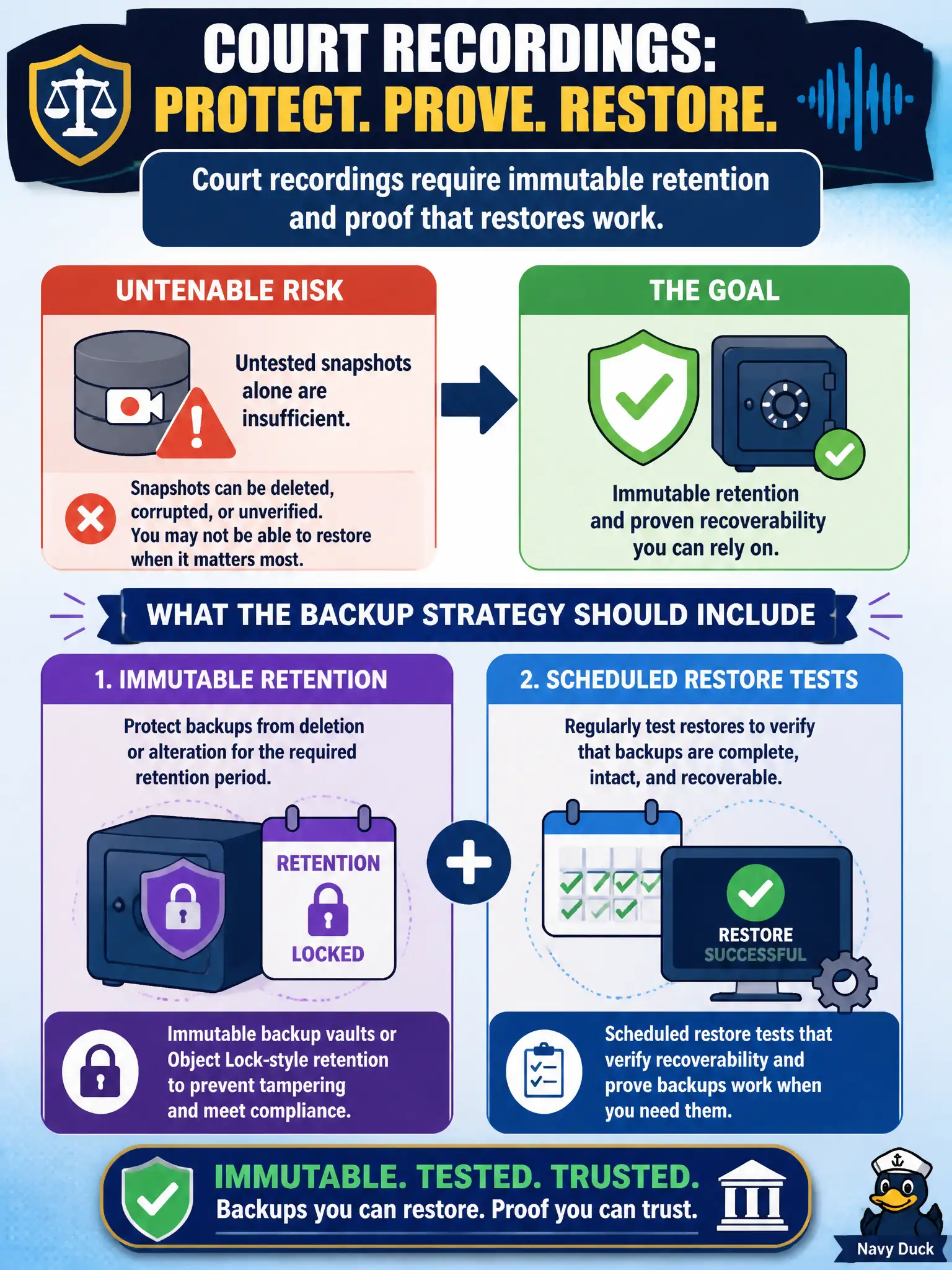
Court recordings require immutable retention and proof that restores work. Untested snapshots alone are insufficient. What should the backup strategy include?
Select an answer to reveal the explanation.
Short Explanation
A fireproof filing cabinet still fails if nobody ever opens a drawer to see if the tapes play. Immutability keeps court recordings from being quietly overwritten; restore tests prove you can get them back. One lonely mutable snapshot, 24-hour deletes, or laptop copies don’t cut it.
Full Explanation
Court recordings that require immutable retention and proof that restores work need more than untested snapshots in the application account. The backup strategy should use immutable backup vaults or Object Lock-style retention so recordings cannot be prematurely altered or deleted, plus scheduled restore tests that verify recoverability before an incident. Immutability protects evidence; restore drills prove the bits still matter operationally.
A single mutable snapshot left in the application account with no restore drills fails both immutability and recoverability proof. Deleting backups after 24 hours to minimize storage, assuming Multi-AZ equals backup, confuses high availability with backup retention and evidence holds. Storing only unencrypted copies on an engineer laptop for “air-gapped” recovery creates custody, encryption, and availability failures for court evidence.
Exam caveat: Multi-AZ is not a backup; immutability (AWS Backup Vault Lock / S3 Object Lock) and tested restores are distinct requirements often examined together for regulated data. Operational check: place court-recording backups in a locked vault or Object Locked bucket, set retention to policy, run a quarterly restore into an isolated account, and record success metrics for auditors.