
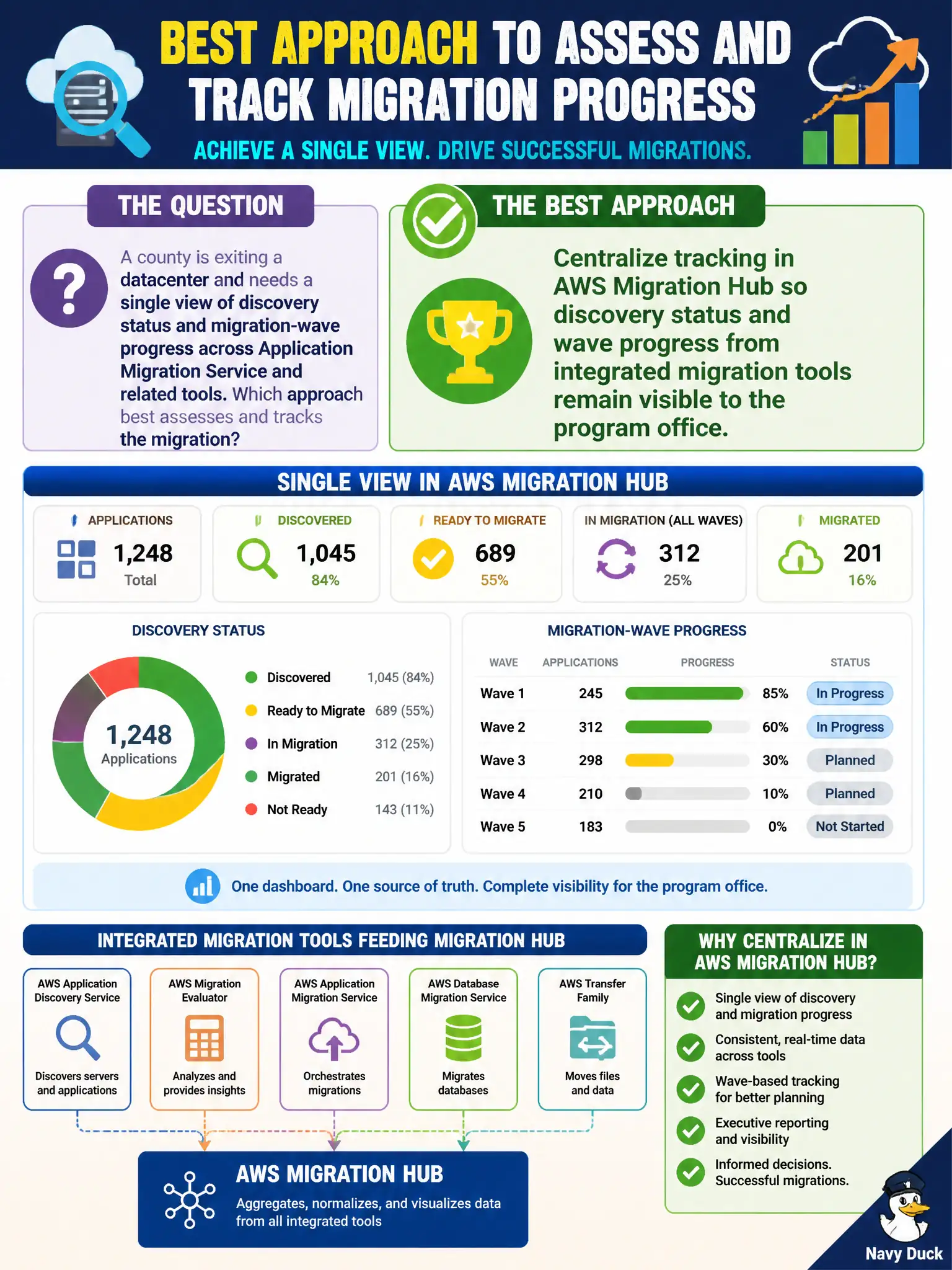
A county is exiting a datacenter and needs a single view of discovery status and migration-wave progress across Application Migration Service and related tools. Which approach best assesses and tracks the migration?
Select an answer to reveal the explanation.
Short Explanation
Migration Hub is the program office’s scoreboard—discovery done, wave moving, tools plugged in. Whiteboards and Savings Plans recommendations don’t tell you which server still hasn’t been discovered.
Full Explanation
A county exiting a datacenter needs a single program view of discovery status and migration-wave progress across Application Migration Service and related tools. Centralize tracking in AWS Migration Hub so discovery status and wave progress from integrated migration tools remain visible to the program office. That gives municipal leadership one pane for status rather than fragmented tool silos. Tracking progress only on a hallway whiteboard without linking to AWS migration services fails because whiteboards do not integrate replication health, discovery inventory, or wave status from the tooling the teams actually use. Using Amazon Macie alone as the system of record for server discovery and wave status fails on concept: Macie finds sensitive data in S3, it is not a migration portfolio tracker. Relying on Cost Explorer Savings Plans recommendations as the migration status dashboard fails because commitment recommendations are FinOps artifacts, not discovery or wave progress. Exam caveat: Migration Hub is the AWS-centric answer for centralized migration tracking; do not substitute Macie or Cost Explorer. Operational check: enable Migration Hub, connect Application Discovery and MGN (and related tools), map applications to waves, review hub dashboards in PMO standups, and export status for county steering committee packs.