
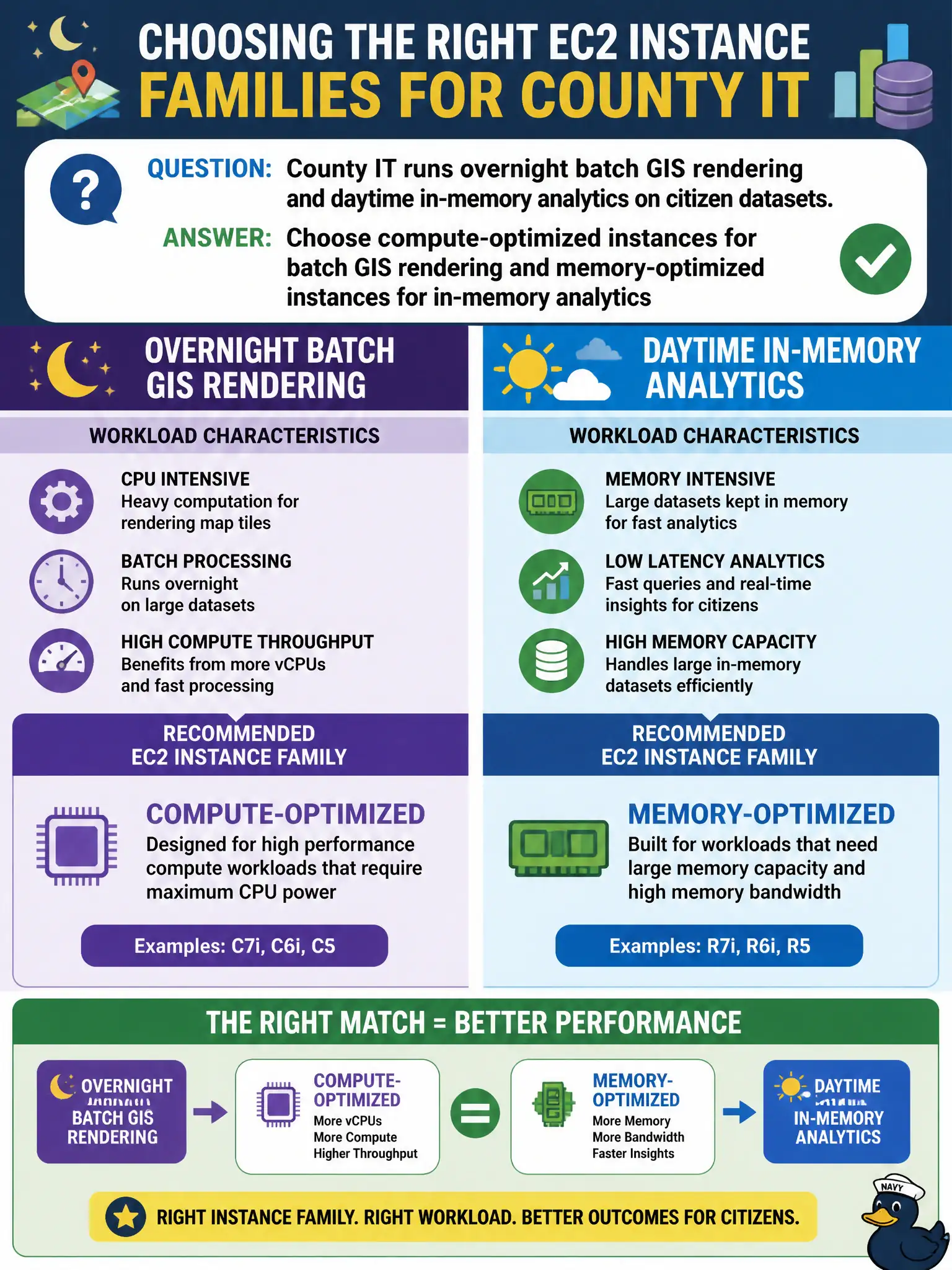
County IT runs overnight batch GIS rendering and daytime in-memory analytics on citizen datasets. How should EC2 instance families be chosen for performance?
Select an answer to reveal the explanation.
Short Explanation
Match the engine to the race: compute-optimized for heavy GIS number-crunching, memory-optimized when the whole dataset wants to live in RAM.
Full Explanation
County overnight batch GIS rendering is CPU-bound while daytime citizen analytics may be memory-bound; instance families should match those profiles. Choose compute-optimized instances for batch GIS rendering and memory-optimized instances for in-memory analytics rather than one-size-fits-all. Using the same burstable general-purpose size for both ignores CPU credits and memory footprints. Using only storage-optimized HDD instances for in-memory analytics because disks are large fails RAM requirements. Using GPU instances for every workload when neither needs accelerators wastes budget. Exam caveat: right-sizing still needs CloudWatch validation after family selection—wrong sizes inside the right family still miss SLAs. Operational check: run a GIS batch on a compute-optimized pilot and analytics on a memory-optimized pilot, compare runtime and cost to the old general-purpose baseline, and codify family choices in launch templates. In municipal cloud governance, record the owners, success metrics, and rollback or restore contacts beside this technical choice so the next incident, budget review, or audit does not rediscover the decision from scratch under time pressure. In municipal cloud governance, record the owners, success metrics, and rollback or restore contacts beside this technical choice so the next incident, budget review, or audit does not rediscover the decision from scratch under time pressure.