
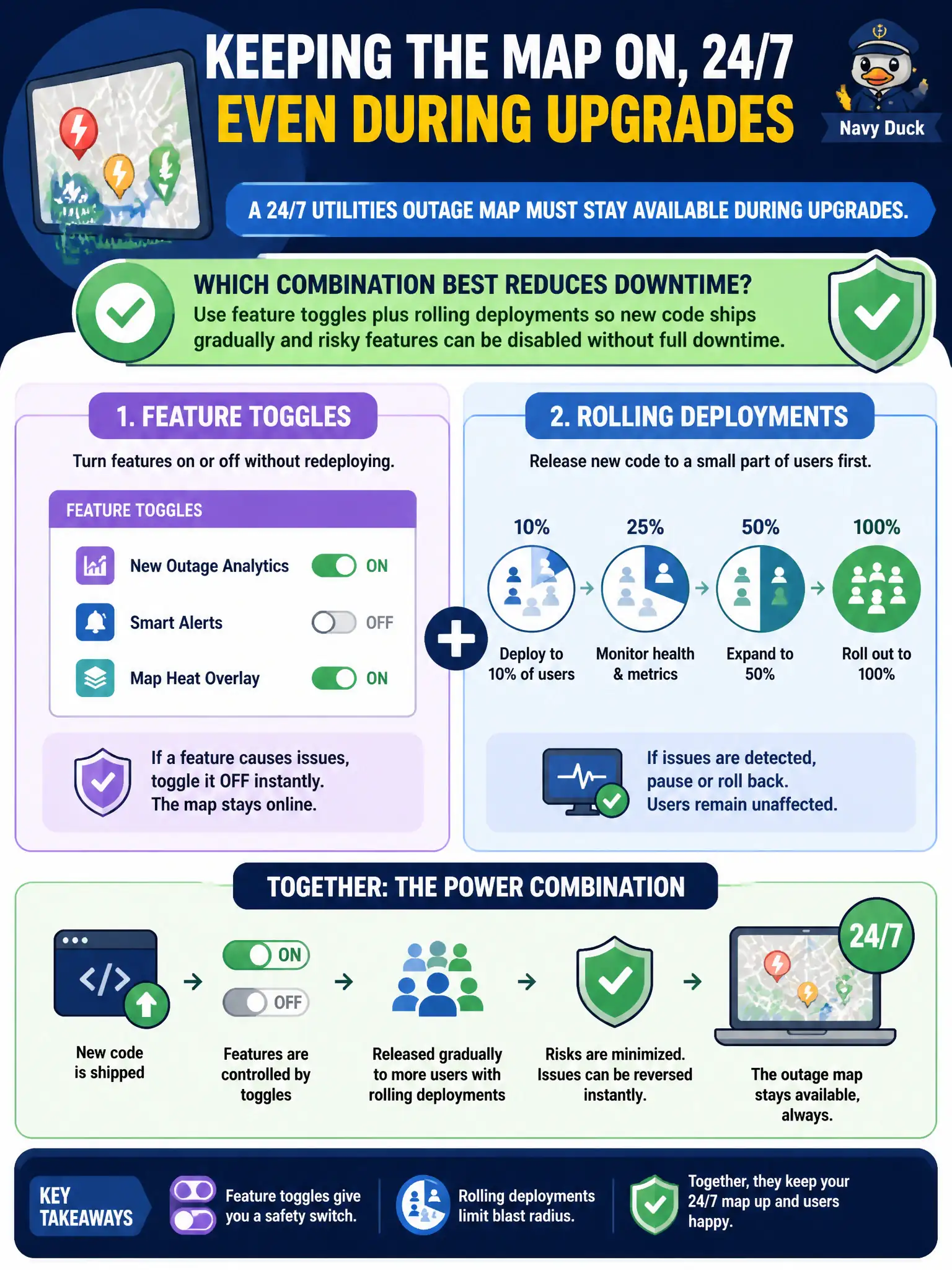
A 24/7 utilities outage map must stay available during upgrades. Which combination best reduces downtime?
Select an answer to reveal the explanation.
Short Explanation
Keep the outage map online while you renovate. Rolling deploys swap nodes a few at a time, and feature toggles let you hide a bad feature without yanking the whole site.
Full Explanation
A 24/7 utilities outage map must remain available while code changes, so releases need progressive delivery plus a kill switch for risky behavior. Feature toggles combined with rolling deployments ship new code gradually across the fleet and allow risky features to be disabled without a full rollback of the binary when behavior misbehaves in production. Stopping the entire fleet for a weekend window on every release guarantees downtime incompatible with continuous situational awareness for utilities operators and the public. Shipping untested binaries to all nodes simultaneously with no toggles maximizes blast radius across the map service. Removing load balancers so each release takes every node offline together eliminates the mechanism that keeps a subset healthy during rolling change. Exam caveat: toggles must default safely and be centrally controllable—orphaned flags that stay half-enabled create confusing states during incidents. Operational check: run a rolling deploy with a new feature off by default, enable it for a small percentage of requests, disable the toggle under simulated failure, and confirm the outage map remains reachable with acceptable latency throughout the change.