
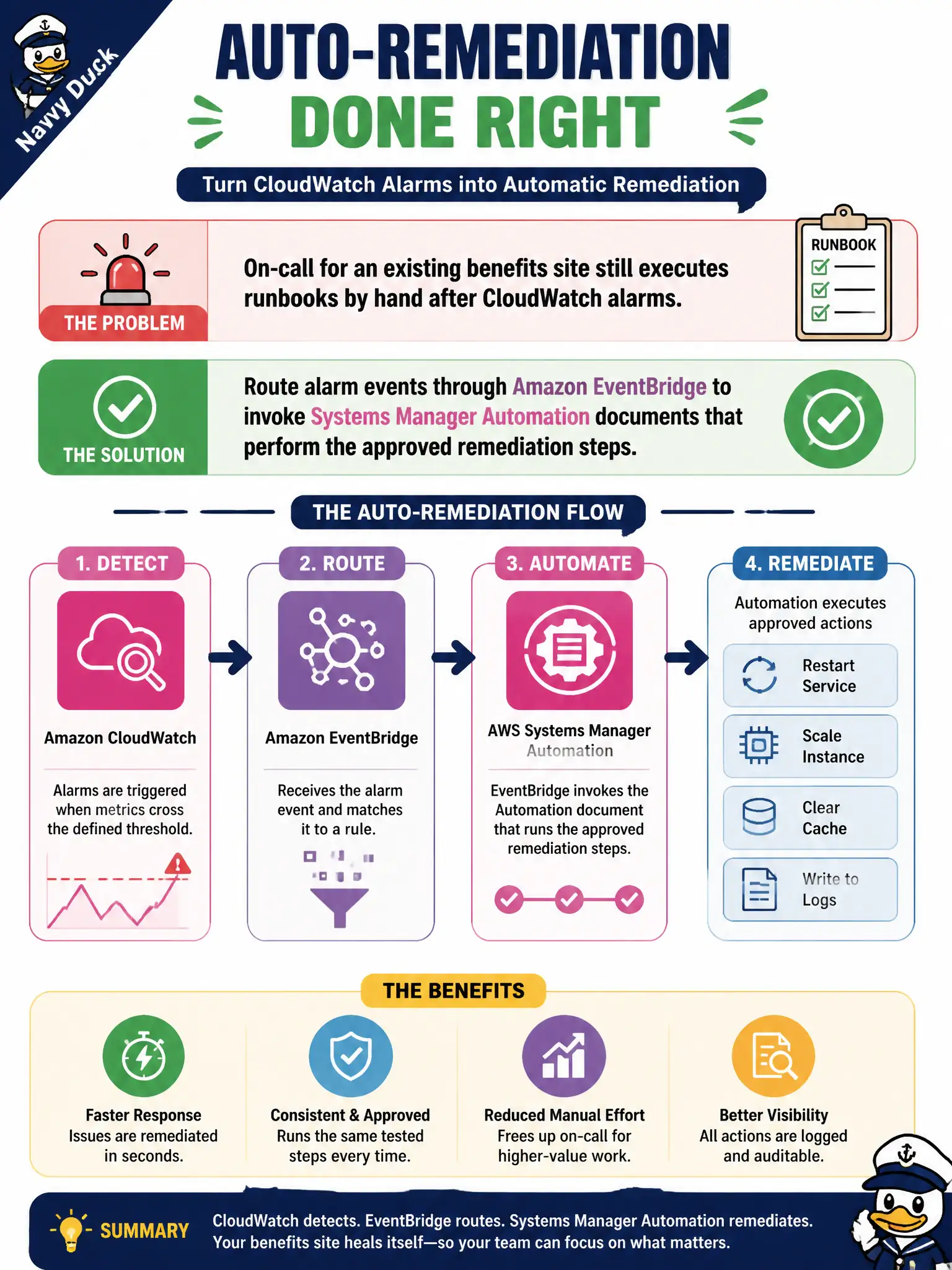
On-call for an existing benefits site still executes runbooks by hand after CloudWatch alarms. How should auto-remediation be wired?
Select an answer to reveal the explanation.
Short Explanation
When the alarm already knows the fix, EventBridge should wake SSM Automation—not just a sleepy human or a public tweet. Turning alarms off is how disks stay full.
Full Explanation
On-call that only executes runbooks by hand after CloudWatch alarms leaves remediable failures slower than they need to be on an existing benefits site. Routing alarm events through Amazon EventBridge to invoke Systems Manager Automation documents performs approved remediation steps consistently and reduces MTTR for well-understood conditions such as disk-full. That wiring works because event-driven automation turns detection into action without waiting for a human to finish reading a wiki at 2 a.m. Paging humans only and forbidding any automated response even for well-understood failures fails by maximizing toil on known fixes. Disabling the alarms that previously identified remediable conditions fails conceptually—removing detection does not remove the failure mode. Posting alarm text to a public social media account as the sole notification and remediation channel fails on confidentiality and is not an operations control plane. Exam caveat: EventBridge-to-Automation paths need IAM least privilege, approval for destructive steps, and rate limits so flapping alarms cannot thrash systems. Operational check: map one high-volume remediable alarm to an EventBridge rule and SSM document in nonprod, inject the failure, confirm automation clears it, log the execution, and then enable production with a paging fallback on automation failure.