
A prompt template author wants to make a meaningful change to an already-activated appointment-reminder template's instructions, without disrupting the version currently running for live users mid-rollout. What is the best-practice approach?
Select an answer to reveal the explanation.
Short Explanation
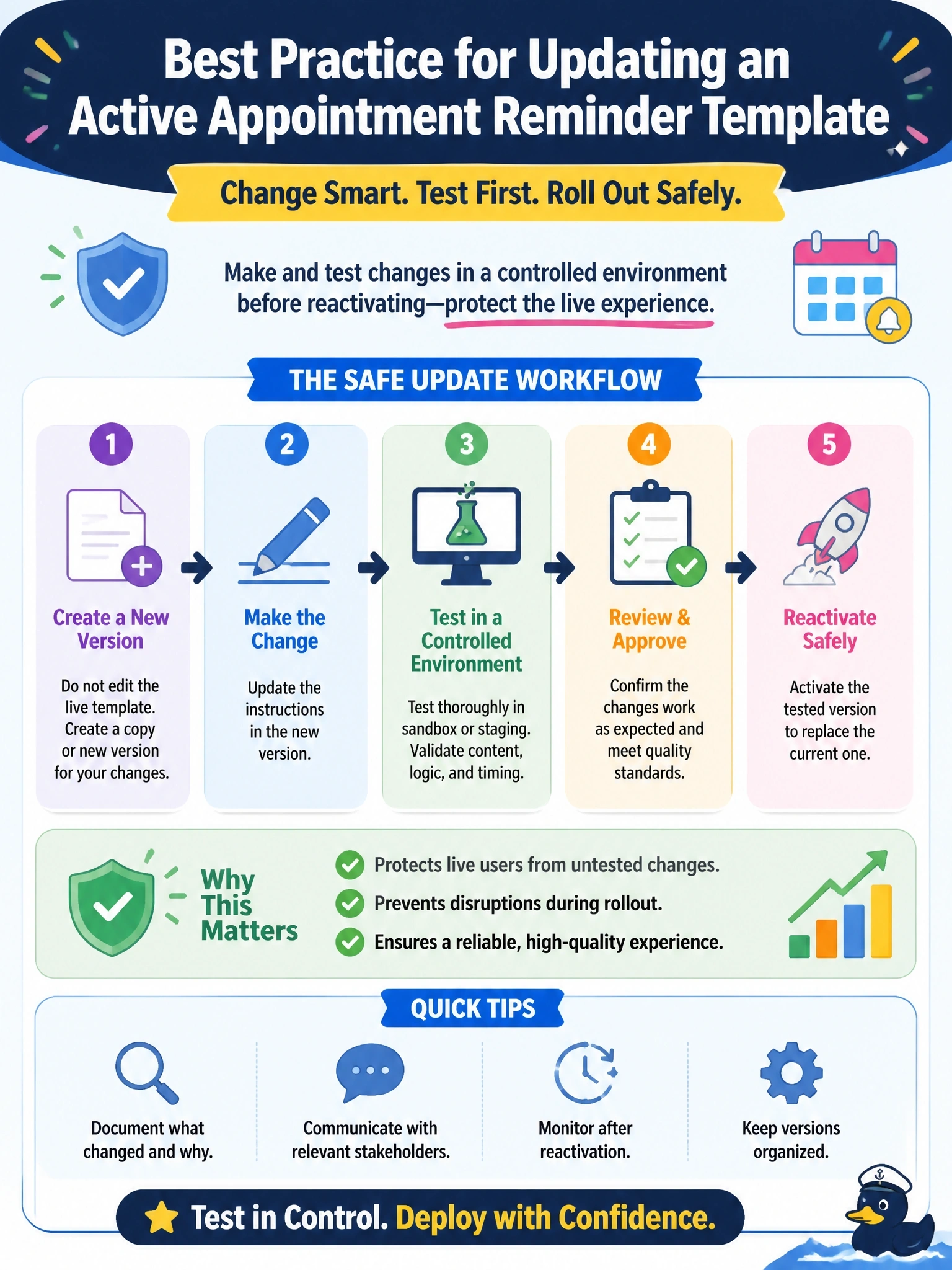
Treat a live template change like any other production change: make and test it in a controlled way, then reactivate deliberately. You’ll avoid relying on a rollback to undo messages that may already have gone out.
Full Explanation
Make and validate a meaningful change in a controlled setting—such as a sandbox or a managed update-and-retest cycle—before reactivating the reminder template. This follows the same create, test, and activate discipline used for an initial rollout, instead of exposing live users to an untested instruction change. Editing the active template during rollout and relying on version history is not a safe substitute: restoring an earlier version cannot undo messages already generated with faulty instructions, and live changes should not be assumed to be isolated from messages in progress. It is also inaccurate to say an activated template can never be changed or must always be rebuilt from scratch; updating an existing template is a normal activity, provided the change is managed and tested. Asking pet owners to ignore inconsistencies shifts the burden of a preventable error onto them and does not mitigate the risk when controlled testing is available. Exam caveat: the key is not that live templates are immutable, but that meaningful changes deserve testing before they affect live users. Practical check: confirm the updated instructions behave as intended in a sandbox or through a managed retest before reactivating the template.