
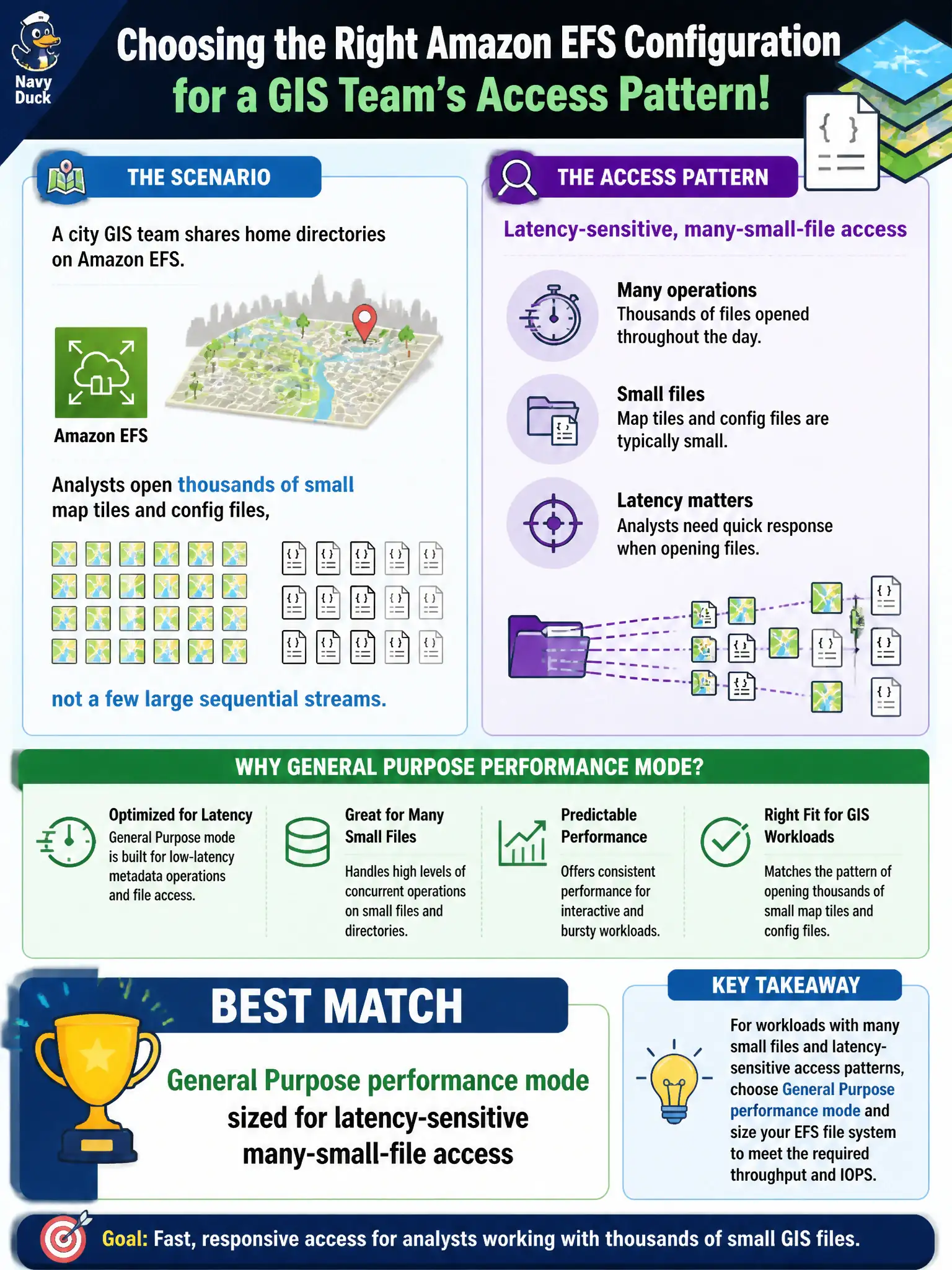
A city GIS team shares home directories on Amazon EFS. Analysts open thousands of small map tiles and config files, not a few large sequential streams. Which EFS configuration choice best matches that access pattern?
Select an answer to reveal the explanation.
Short Explanation
Lots of little GIS files feel like opening a thousand sticky notes, not streaming one movie. General Purpose performance mode is the EFS default for latency-sensitive, many-small-file workloads. Max I/O trades higher latency for aggregate scale; One Zone plus a single client, or prematurely aging hot scratch to IA, misses the pattern.
Full Explanation
City GIS home directories that open thousands of small map tiles and config files are latency-sensitive, many-small-file workloads. Amazon EFS General Purpose performance mode is the recommended default for that pattern because it prioritizes lower per-operation latency over the extreme aggregate throughput focus of Max I/O. Sizing General Purpose for interactive analyst access matches how municipal GIS users actually work—lots of small opens rather than a few huge sequential media streams—and aligns with Task 3.1 high-performing file storage selection. Max I/O performance mode tuned only for huge sequential media files fails because Max I/O trades higher latency for scale and is aimed at highly parallelized workloads that can tolerate that latency; it is the wrong first choice for chatty small-file GIS home directories. One Zone storage with bursting throughput locked to a single client fails conceptually because One Zone is an availability and cost placement decision, and artificially locking to one client plus constrained bursting does not solve many-small-file latency for a shared analyst fleet. Applying Infrequent Access lifecycle to every open scratch file before first read fails because IA is for colder data; aging hot interactive scratch immediately increases retrieval friction and fights the access pattern rather than improving performance. Exam caveat: performance mode is separate from throughput mode (bursting vs provisioned) and from storage class (Regional vs One Zone); picking General Purpose does not remove the need to size throughput for concurrent GIS users. Operational check: measure metadata-heavy open latency with representative tile and config workloads, confirm General Purpose is selected, and only move truly cold GIS archives to IA after access metrics justify lifecycle rules.