
A city permitting portal stores short-lived citizen session keys with simple key-value lookups and wants lower operations cost than an always-on relational database. Which design fits best?
Select an answer to reveal the explanation.
Short Explanation
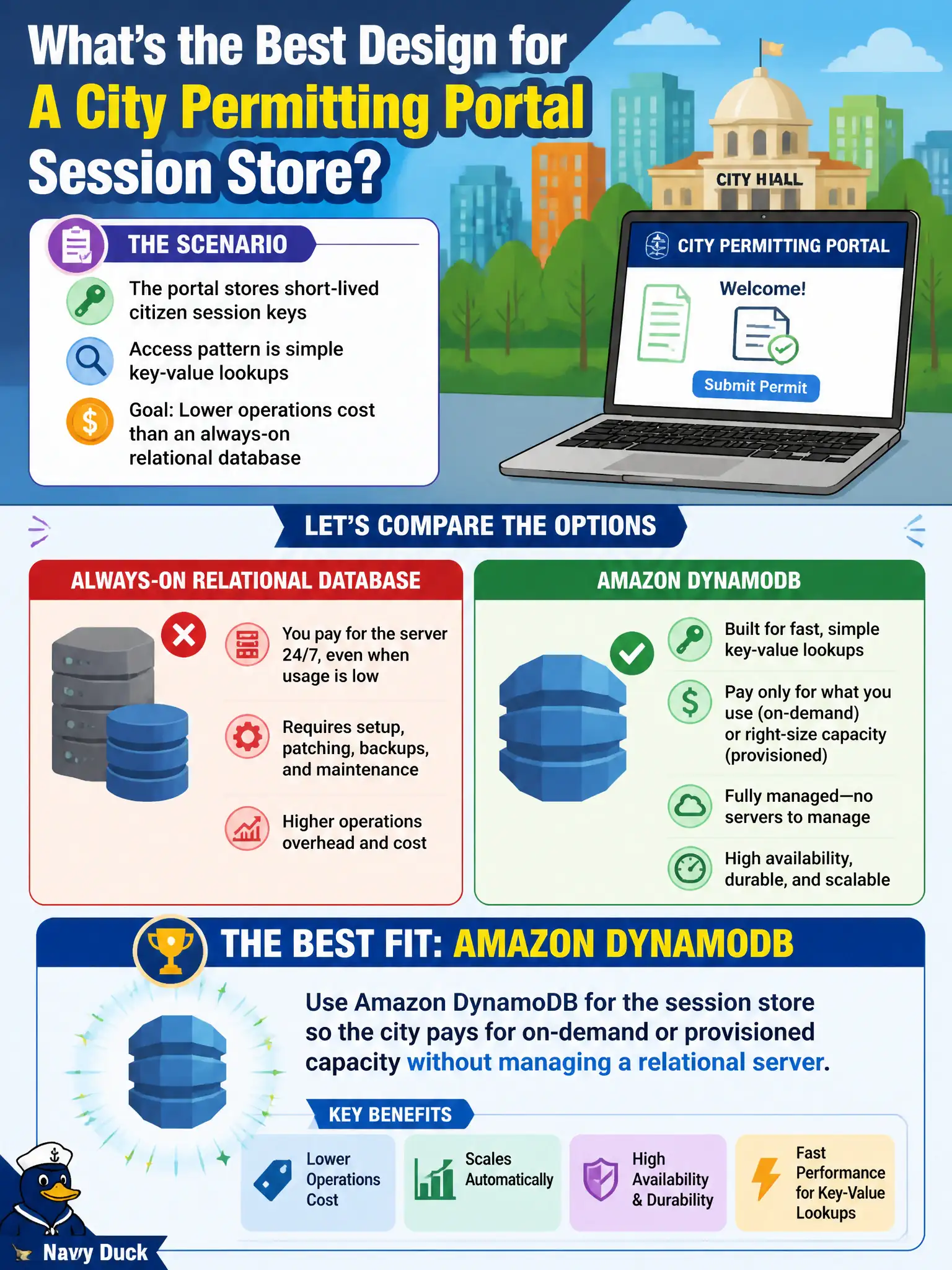
Session keys are sticky notes, not tax ledgers. DynamoDB handles simple key-value lookups without babysitting an always-on RDS box. Redshift and Glacier are the wrong shelves for hot session data.
Full Explanation
A city permitting portal's short-lived citizen session keys are classic ephemeral key-value data: small items, simple get/put by session id, and short retention. Amazon DynamoDB fits that access pattern with on-demand or provisioned capacity so the city pays for what it uses without operating an always-on relational server, Multi-AZ standby, storage autoscaling for unused relational capacity, or patch windows for a database that only holds sticky session tokens. TTL can further expire sessions automatically, keeping the table lean for seasonal permitting spikes without a cleanup fleet.
Keeping an always-on Multi-AZ RDS MySQL instance solely for ephemeral session keys fails by concept: you pay relational HA and instance hours for a workload that does not need SQL joins, transactions across normalized tables, or durable multi-year retention. Amazon Redshift Reserved Nodes are a columnar analytics warehouse priced for reporting, not millisecond session lookups—wrong engine class and wrong pricing model. Amazon S3 Glacier Deep Archive optimizes for rarely retrieved cold objects with hours-scale restore expectations; it cannot serve interactive session validation for citizens mid-application.
Exam caveat: DynamoDB is not automatically cheaper than RDS for every municipal workload—heavy relational reporting, complex joins, or strong multi-item transactional logic may still belong in Aurora/RDS. The discriminator here is simple key-value sessions with lower ops cost than always-on relational HA.
Operational check: define a partition key on session id, enable TTL on an expiry attribute aligned to portal timeout policy, choose on-demand for spiky citizen traffic or provisioned with autoscaling for steadier load, watch ConsumedReadCapacityUnits/ConsumedWriteCapacityUnits and storage metrics in CloudWatch, and confirm permitting login latency stays within SLA without an RDS session host.